Visualping in Your MCP Stack: 5 Composability Recipes
Updated June 30, 2026
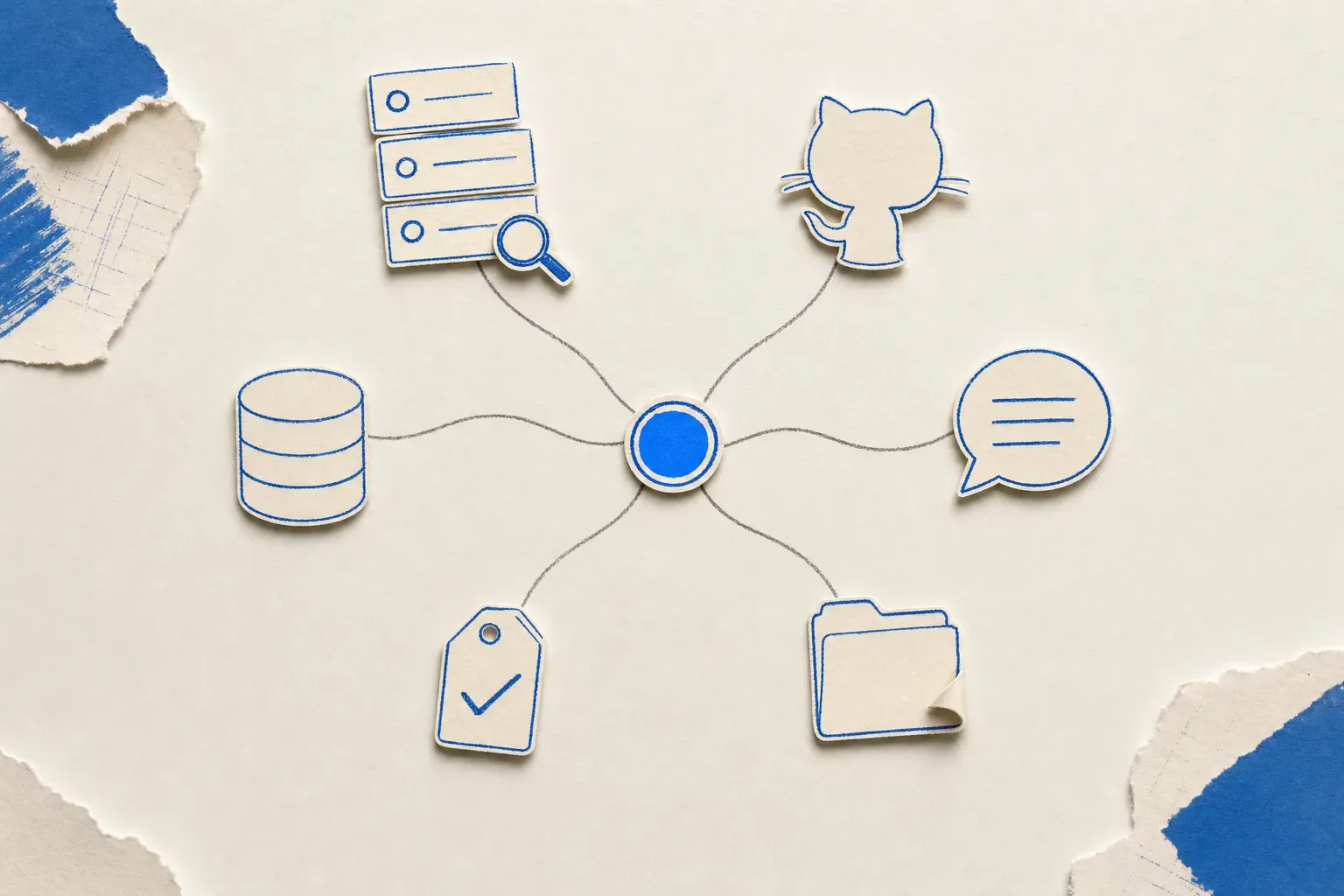
The interesting AI agent stacks in mid-2026 are constellations of Model Context Protocol servers: ten or twelve MCPs configured in a single agent, each one a small, well-scoped tool the agent stitches together at runtime. GitHub for repo state. Slack for human-in-the-loop. Filesystem for local writes. Linear for tasks. Postgres for the warehouse. Brave Search for fact-checks. Sequential Thinking for structured planning. And one missing primitive that many monitoring use cases need.
The missing primitive is page monitoring.
Visualping is a page monitoring agent and the page-monitoring primitive that makes the rest of the stack useful when web state changes. The pattern that compounds is to wire Visualping next to the other MCPs you already have. Below are five concrete recipes worth building this week.
These recipes map to what people already do with Visualping. Among the roughly 494,000 users who named a primary reason for monitoring at signup, competitor tracking (17,000+), regulatory and compliance pages (12,000+), and software release notes (6,500+) all rank as common answers: the exact jobs Recipes 1, 3, and 4 automate.
An MCP-rich agent has ten or twelve named servers. Each one is a small surface; the agent stitches them together at runtime.
The pattern
An MCP-rich agent can have a tool list with multiple named servers. The agent decides at runtime which tools to call and in what order. The architectural job of each tool is to be a small, stable surface: one purpose, well-documented inputs, predictable outputs.
Visualping fits this pattern as the monitoring primitive. The agent-friendly surface includes operations for creating monitors, listing existing monitors, reading recent change events, and removing monitors (check the live schema at https://visualping.io/mcp/sse for the exact tool names and signatures in the public beta). Much of the monitoring work, such as visual diffing, AI importance classification, screenshot storage, retry logic, and access handling, happens inside Visualping rather than in the agent's tool call.
What the agent calls is small. What the primitive does is large. That is what makes composability work.
Recipe 1: Visualping + GitHub MCP
Use case. Watch a competitor's API changelog page. When the page changes, open an issue in your own repo summarizing what changed so the engineering team can react.
The MCPs. Visualping MCP and a GitHub MCP server.
The agent flow
- The agent calls
create_monitorwith the competitor changelog URL, a fifteen-minute interval, and a name like "Competitor changelog watch." - When Visualping detects a change, a configured webhook can fire, or the agent can poll
get_timelineon its next session. - The agent reads the change summary and the diff.
- The agent calls GitHub MCP's
create_issueon yourcompetitive-intelligencerepo with a title like "Competitor changelog updated [date]" and the diff summary in the body.
Why it works. The two tools are doing what each does best. Visualping watches and verifies. GitHub stores and routes. The agent stitches them together with one line of reasoning ("did anything change, and if so, write it down where engineering will see it"). Neither tool tries to do the other's job.
Recipe 2: Visualping + Slack MCP
Use case. Watch your five most critical SaaS vendor status pages. When any of them degrades, post to #oncall before the vendor's other notification channels propagate the alert.
The MCPs. Visualping MCP, Slack MCP.
The agent flow
- The agent calls
create_monitorfive times, one per vendor status page, each with the shortest interval available on the relevant plan and an AI importance prompt: "Flag this change as important only if the status indicator changes from green to anything else." - Visualping fires a change event when the page state degrades, with the importance prompt filtering out most cosmetic changes.
- The webhook posts to a small server you control, which calls the Slack MCP's post-message tool (
slack_post_messageon the reference server;conversations_add_message, off by default, on korotovsky's maintained server) on#oncallwith the vendor name, the timestamp, and a link to the Visualping change record.
Why it works. Visualping's AI importance classification does the noise-suppression work. Slack MCP does the routing. The agent's only job is to wire the webhook to the right channel; it does not reason over the change content. That is a clean separation of concerns.
Recipe 3: Visualping + Filesystem MCP
Use case. Maintain a local, append-only audit log of every change Visualping detects across a set of regulatory pages. The log can be part of the compliance record.
The MCPs. Visualping MCP and a filesystem MCP server.
The agent flow
- The agent calls
create_monitoron each regulatory page (FDA enforcement actions, SEC EDGAR filings, state agency rulemaking) at a one-hour interval. - Each time Visualping fires a change event, the agent calls
get_timeline, then writes the change to~/compliance/audit-log.jsonlas one JSON line (URL, timestamp, diff summary, screenshot URL). The official Filesystem MCP has no atomic append, so the agent does read-modify-write:read_file, add the line, thenwrite_file(oredit_fileto insert). - The audit log accumulates locally and gets pushed to long-term storage via your normal backup process.
Why it works. Visualping provides timestamped change evidence that can support compliance review. Filesystem MCP gives the agent a stable write surface. The audit log is grep-able, diffable, and lives in storage you control. For teams with real compliance obligations, that local-write pattern can complement the evidence retained in the monitoring platform.
All three recipes above run on Visualping's free plan. Paste https://visualping.io/mcp/sse into your agent's connector settings and the first one takes about ten minutes to wire up. The two recipes below bolt on ticketing and analytics.
Recipe 4: Visualping + Linear MCP
Use case. When a competitor's pricing page changes in a way that affects your battlecards, automatically create a Linear ticket assigned to the product-marketing lead.
The MCPs. Visualping MCP, Linear MCP.
The agent flow
- The agent calls
create_monitoron the competitor pricing URL at a five-minute interval with an AI importance prompt: "Flag changes that affect tier pricing, plan limits, or feature availability. Ignore typos, layout changes, and customer-quote rotations." - When Visualping fires an important change event, the agent reads the diff.
- The agent calls Linear MCP's
create_issueon theCompetitive Intelligenceproject with a title like "Battlecard refresh: [Competitor] changed [tier]", the diff in the description, and an assignment to your PMM lead.
Why it works. This recipe replaces the kind of Zapier workflow CI and PMM teams often run today. A simple Zapier version can be brittle if it relies on string-match triggers, lacks AI classification, or depends on page layout assumptions. The MCP version uses Visualping's AI importance prompt to filter, and an LLM-driven agent to write the ticket. This can be more flexible than a simple rule-based equivalent.
Recipe 5: Visualping + Postgres MCP
Use case. Track all detected changes across a portfolio of fifty monitored URLs in a queryable Postgres table for long-term analysis.
The MCPs. Visualping MCP, a write-capable Postgres MCP server (e.g. Postgres MCP Pro; the archived reference server is read-only).
The agent flow
- The agent runs
get_monitorsto enumerate the portfolio. - For each monitor, the agent runs
get_timelineand pipes the events into Postgres MCP'sexecute_sqlwith anINSERTagainst a table likemonitored_changes(monitor_id, url, detected_at, diff_summary, important). (The reference server'squerytool runs read-only, so the inserts need a write-capable server like Postgres MCP Pro.) - Once the table exists, analytical questions become SQL: "Which URLs change most often? Which days of the week see the most activity? What is the ratio of important to total changes per page?"
Why it works. Visualping is the source of truth for change events. Postgres is the source of truth for everything you query later. The agent is the glue between them. The pattern scales with the monitor portfolio, subject to check frequency, API limits, and orchestration design.
The skill constellation pattern
A theme runs through the five recipes above. Each tool stays small. Each tool stays well-scoped. The agent decides which tool to call and when. Adding a new tool to the constellation costs almost nothing because the existing ones do not need to change.
This is the lesson the Unix world learned in the 1970s: small primitives that compose beat large monoliths that do not. The MCP registry and catalog layer is finally giving AI agents the same property.
Visualping sits in this constellation as the layer underneath the information-agent category: the one tool that knows web state has changed. In a typical MCP stack, the adjacent tools know their own domains: GitHub knows about code. Slack knows about messages. Filesystem knows about files. Postgres knows about rows. Linear knows about tasks. None of those tools knows when a page on the internet was different five minutes ago. That is the slot Visualping fills.
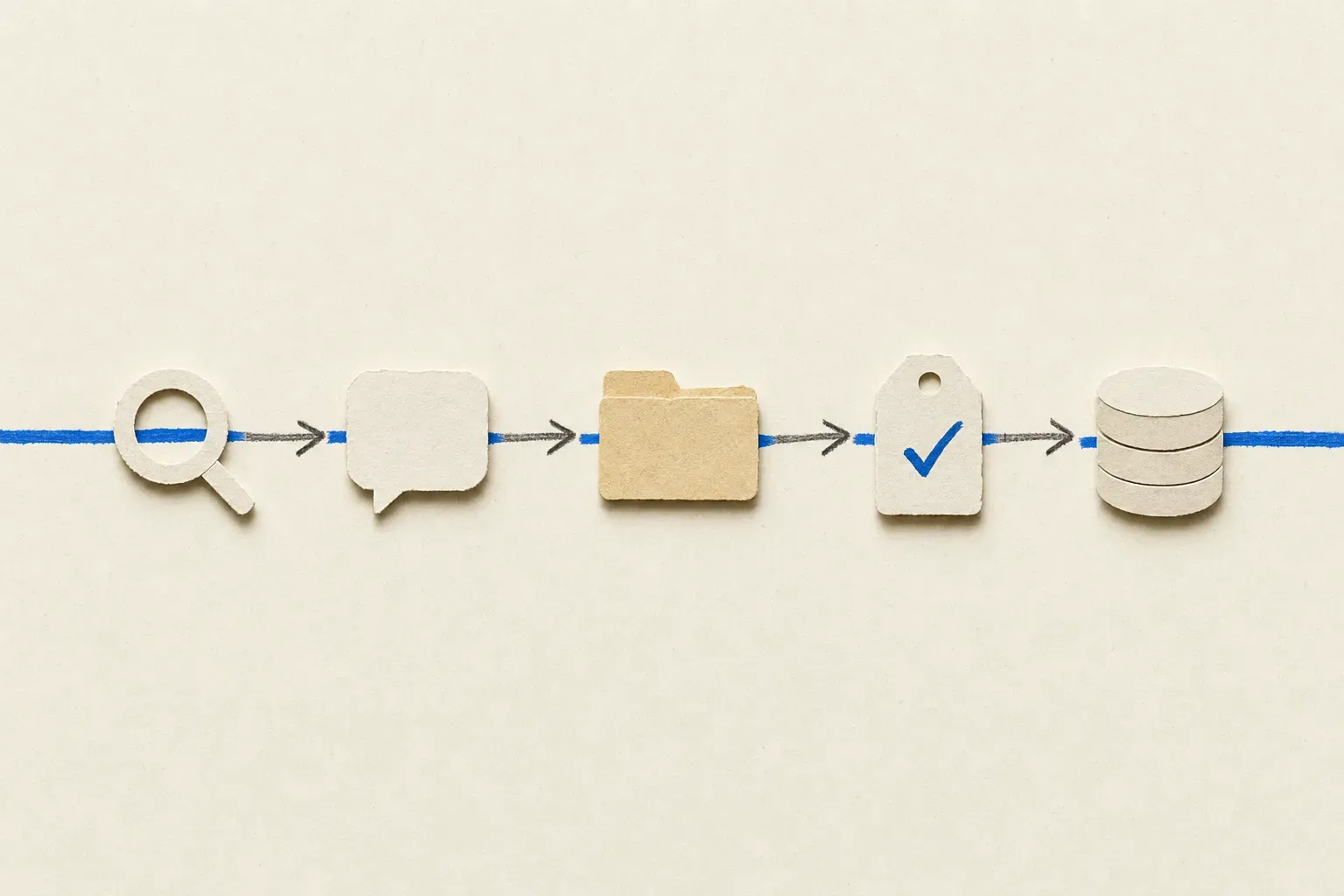 Small primitives that compose beat large monoliths that do not.
What each tool brings, side by side
| MCP | What it knows | What it cannot do |
|---|---|---|
| Visualping | Web state changes on specific URLs | Discover new URLs you have not configured |
| GitHub | Repo state, issues, PRs, code | Watch external web pages |
| Slack | Channel messages, threads, user identity | Provide an independent long-term system of record without retention/export configuration |
| Filesystem | Local files, append/read/write | Anything remote or transactional |
| Linear | Tasks, projects, assignments, workflows | Detect events outside its own product surface |
| Postgres | Relational queries, joins, aggregations | Watch unstructured external data |
The columns make the composition pattern visible. Every MCP's "cannot do" is another MCP's "can do." An agent stitches them together by knowing which tool to reach for at which step.
A note on the MCP catalog
The official MCP Registry tracked close to 10,000 servers by mid-2026, up from a few thousand a year earlier. It is now the best place to understand server discovery. It is a centralized metadata registry for publicly accessible MCP servers, currently in preview, browsable at registry.modelcontextprotocol.io. Older GitHub lists are reference material, not a complete catalog. Community directories still matter for exploration, but production installs should start with vendor documentation and the official registry where available.
For a developer wiring up an agent stack today, start with three or four MCPs that match your most common workflows. Add Visualping next to them when any workflow involves "wait for something on the web to change." Both halves stay small. The intelligence stays in the agent. If you have a cleaner MCP stack pattern, that is worth arguing in public.
Frequently asked
What is the Visualping MCP server URL?
The Visualping MCP runs as a Server-Sent Events endpoint at https://visualping.io/mcp/sse. Add it through your agent client's custom-connector flow; check your Claude or ChatGPT workspace documentation for the current connector path. The full setup walkthrough is in the developer cornerstone.
How many MCPs is too many in a single agent?
There is no hard cap, but very large tool lists can make tool selection less reliable. The cleaner approach is to group tools by workflow (a competitive-intelligence agent, a deploys agent, a compliance agent) and give each agent only the MCPs that match its job.
Do I need to write code to compose these tools?
For interactive prototypes, often not: the agent does the stitching at runtime through natural-language instructions. You write code when the workflow needs to run unattended (a scheduled job, a webhook handler, a database write), and even then the MCP servers do the heavy lifting while your code is roughly an orchestration shell.
Which MCP catalog is canonical?
The official MCP Registry is the canonical metadata registry for publicly accessible MCP servers. The older modelcontextprotocol/servers repository is still useful as reference material, and community-maintained directories (smithery.ai, mcp.so, others) are useful for prototyping, but production work should favor the official registry and vendor docs.
Where does Visualping appear in those catalogs?
The Visualping MCP is in public beta as of May 2026. For now, the install path is to add it as a custom connector with the SSE URL https://visualping.io/mcp/sse.
What is the difference between MCP and the Visualping REST API?
The MCP is the agent-friendly surface (small tool set, natural-language invocation). The REST API is the full surface (every configuration option, batch operations, webhook management, screenshot retrieval). Use the MCP for agent-driven workflows. Use the REST API for code-first or infrastructure-as-code patterns.
Eric Do Couto is Head of Marketing at Visualping. He writes about the architecture of monitoring, AI agents, and the slow business of category formation.
Want to monitor web changes that impact your business?
Sign up with Visualping to get alerted of important updates from anywhere online.
Eric Do Couto
Eric Do Couto is the Head of Marketing at Visualping. He leads content strategy, growth operations, and brand positioning for website change detection.
More articles by Eric Do Couto