How to Get Job Alerts on Any Company's Careers Page
By Emily Fenton
Updated May 1, 2026

TL;DR: Most job boards don't alert you for every company you're watching. Visualping fills that gap: paste a careers page URL, set a check frequency, and get an email the moment a new role appears. Works for individual job seekers and job board operators alike. Free plan covers five pages, checked once a day.
Want to know the moment a company you're targeting posts a new job, before most other people have even seen it? Or looking to power a job board service that automatically tracks hundreds of company career pages?
Visualping monitors any web page for changes and sends you an alert when something new appears. For job hunting, that means pasting a company's careers page URL and getting an email the moment a new role shows up, complete with a screenshot showing exactly what changed.
Here's how to set it up.
How to set up job alerts with Visualping
Setup takes about two minutes. No account required for the free plan.
Step 1: Go to Visualping and paste the careers page URL
Open Visualping and paste the URL of the careers page you want to monitor, for example stripe.com/jobs or notion.so/careers. Any publicly accessible web page works.
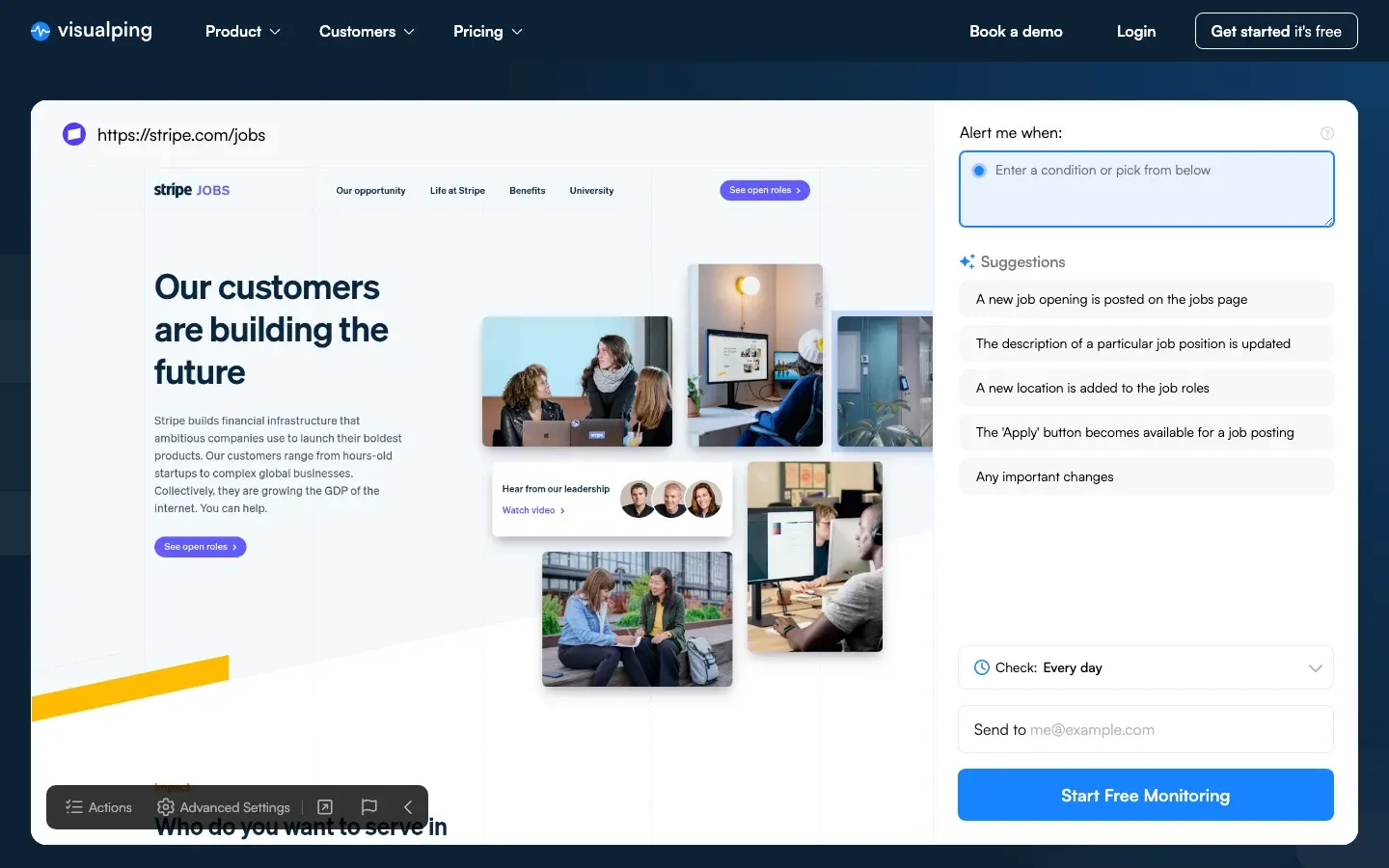 Paste any careers page URL into Visualping to start monitoring in under a minute
Step 2: Add an AI criteria Add a specific condition for your alert based on the type of jobs you're looking for. For example, you can add a criteria like "Alert me when a new marketing job is posted."
Step 3: Choose your check frequency
The free plan checks once per day. Paid plans check as often as every 5 minutes, useful if you're watching competitive roles that fill fast.
Step 4: Enter your email and start monitoring
Visualping sends alerts to your email. Each alert includes a screenshot of the page with the changes highlighted, plus a direct link back to the page so you can act on it immediately.
From here, Visualping runs in the background. You get an email when something changes. No manual checking needed.
Why monitor job pages directly
Get there before other applicants
Most job board platforms send email digests hours after a role goes live. Monitoring the company's careers page directly means your alert arrives the moment Visualping detects the change, before most candidates have seen the posting.
Cut the manual checking
Checking ten careers pages every morning by hand takes time and it's easy to miss things. Setting up Visualping once replaces all of that. You check your inbox instead of ten separate pages.
Scale a job board service to hundreds of pages
For job boards that pull listings directly from company websites, manual checking doesn't scale past a few dozen pages. Visualping handles the volume: paid plans cover hundreds of pages, with changes feeding directly to your inbox or webhook.
Pricing: free to start, paid for faster checks
The free plan covers up to five pages, checked once per day. That's enough for a focused job hunt targeting specific companies. Paid plans start at $10/month billed annually and check as often as every 15 minutes. The $25/month plan goes to every 5 minutes, which is useful for competitive roles and high-volume job board operators.
Real-world example: AI Startup Jobs
AI Startup Jobs uses Visualping to track over 500 company career pages daily. When Visualping detects a change, the update goes straight to owner Dan's Gmail. Every Monday and Thursday, he publishes a newsletter with the latest roles and industry trends.
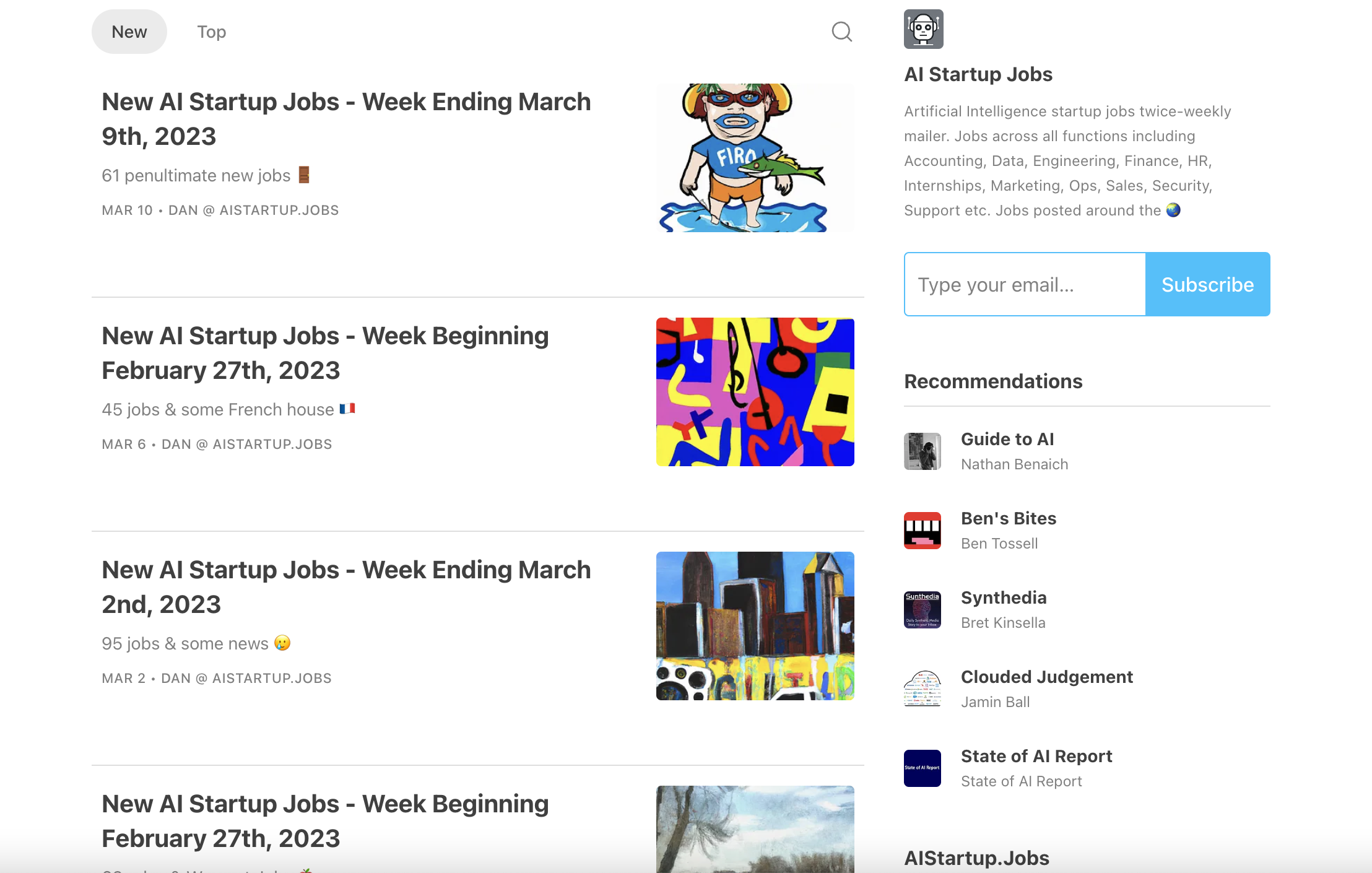
"If I scanned all these job boards and clicked them hundreds of times a day, this would be very inefficient."
Dan also noted the value for individual job seekers: "I feel it's a great use case for people looking for jobs at specific companies. Especially right now, with how the tech industry's been."
Frequently asked questions
Can I set up job alerts for any company, even ones without a built-in alert feature? Yes. Visualping monitors any publicly accessible web page, so it works for companies whose careers pages don't have a native alert option. Paste the URL, pick a check frequency, enter your email.
How quickly will I get notified of a new job posting? On the free plan, checks run once per day. The $10/month plan checks every 15 minutes. The $25/month plan checks every 5 minutes. Most job seekers find daily checks sufficient. If you're targeting fast-filling roles at high-demand companies, the 15-minute plan is worth it.
Does Visualping work for monitoring multiple companies at once? Yes. The free plan covers five pages. Paid plans cover 10, 20, or more. Job board operators tracking hundreds of pages have higher-volume options. See the pricing page for the full breakdown.
What does the job alert email look like? You get an email with a screenshot of the page highlighting the specific change, plus a direct link to the monitored page. The highlighted diff makes it easy to see at a glance whether it's a new role or something else on the page that changed.
Is Visualping free for job alerts? The free plan monitors five pages once per day at no cost. That covers a focused job hunt targeting specific companies. Paid plans unlock higher check frequencies and more pages.
Related reading
Want to monitor web pages for changes?
Sign up with Visualping to get notified of alerts from anywhere online, so you can save time, while staying in the know.
Emily Fenton
Emily was the Product Marketing Manager at Visualping. She has a degree in English Literature and a Masters in Management.
More articles by Emily Fenton