Surveillez n’importe quelle page web depuis votre navigateur
Choisissez ce que vous voulez surveiller et la méthode de vérification, puis recevez une notification dès qu’un changement est détecté. Plus besoin d’actualiser l’onglet.
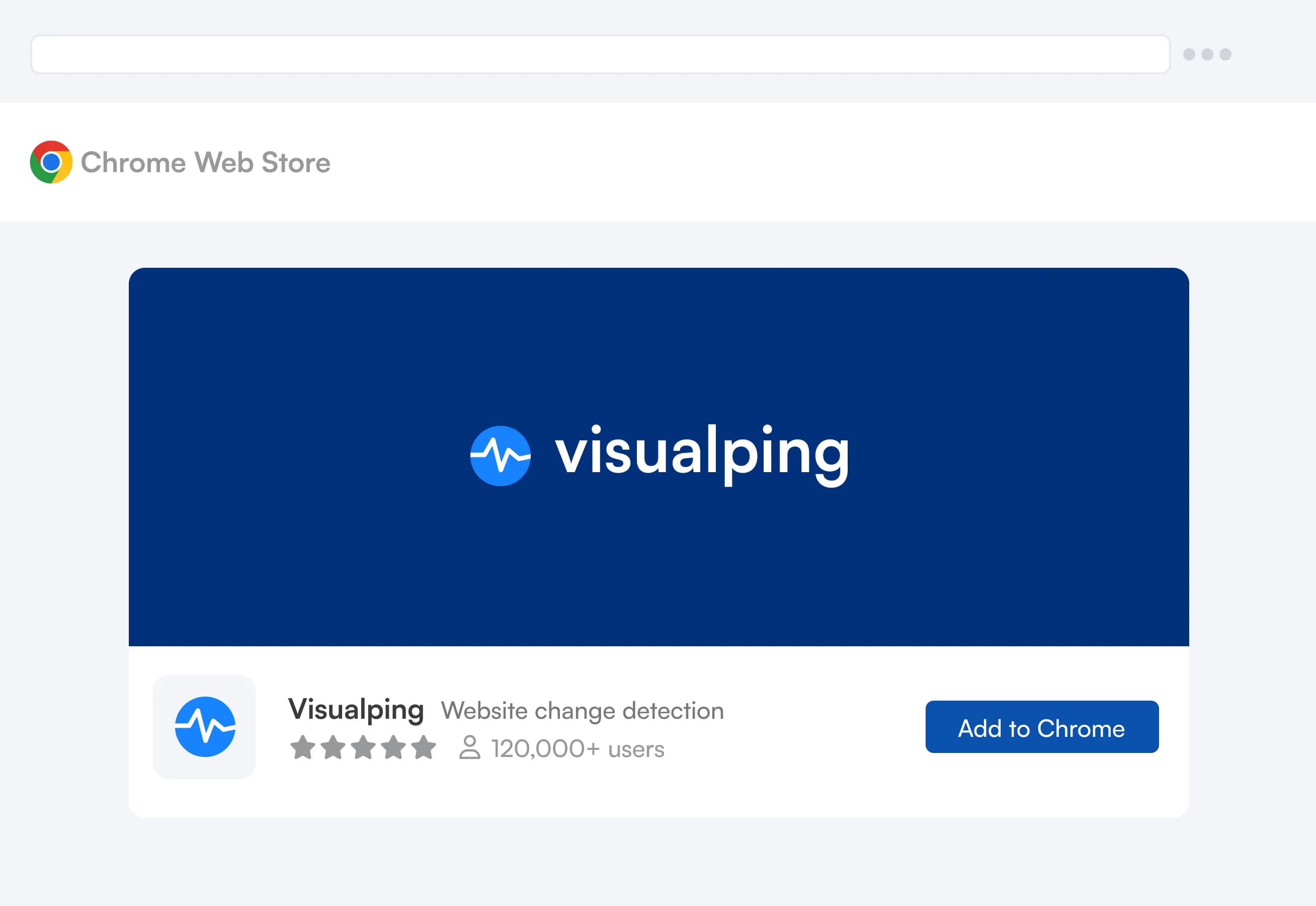
 Ajouter à Chrome (c’est gratuit)

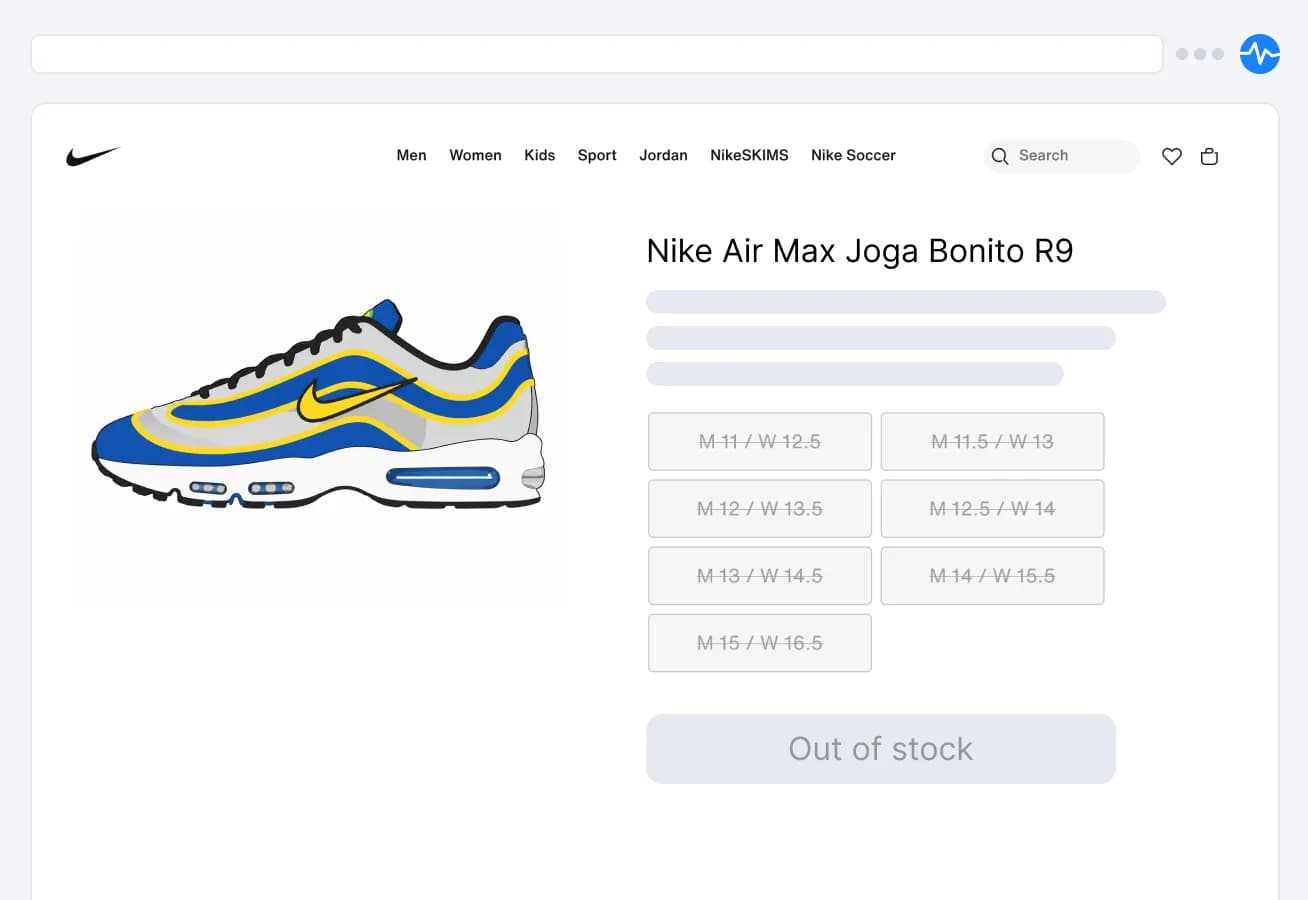
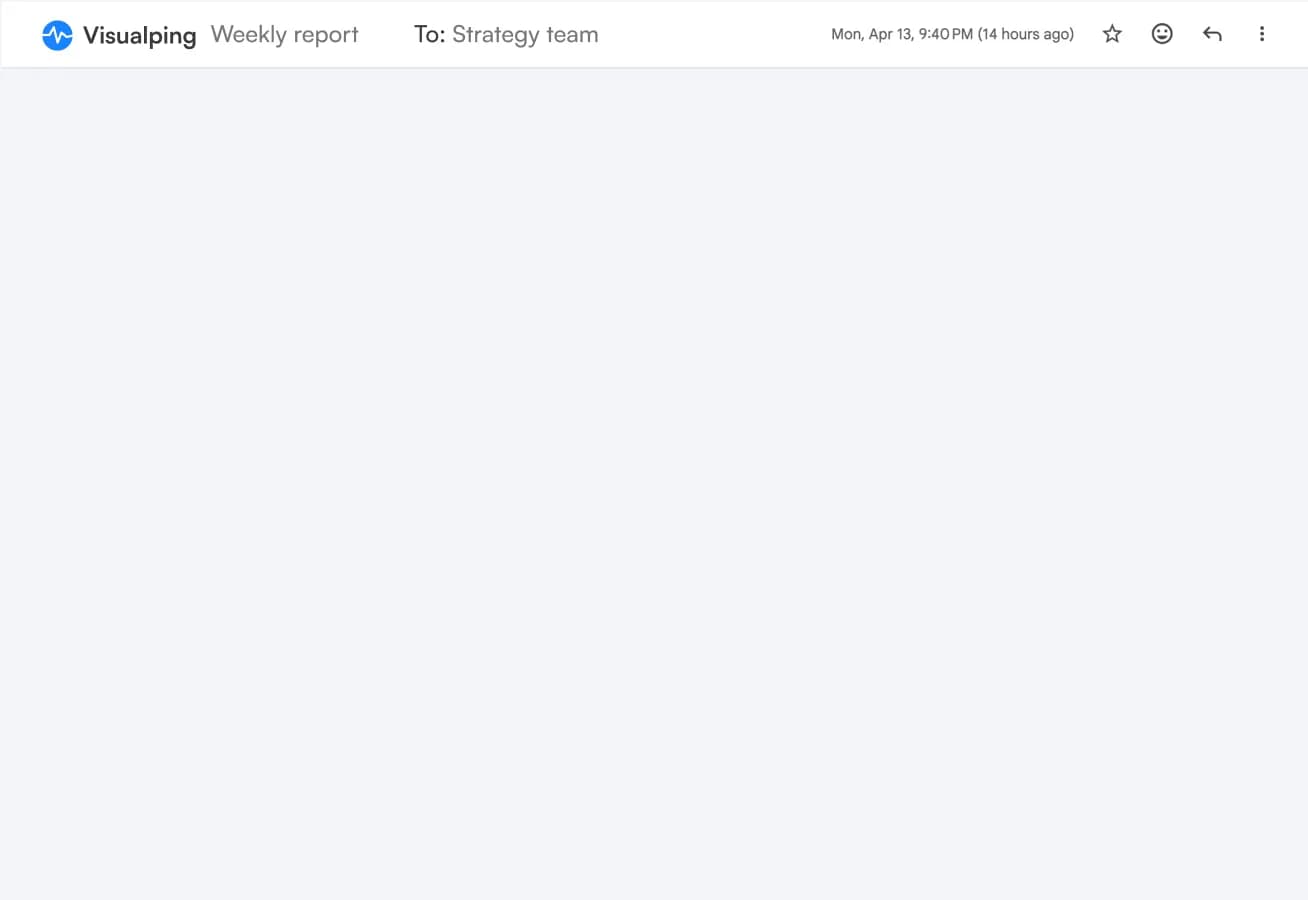
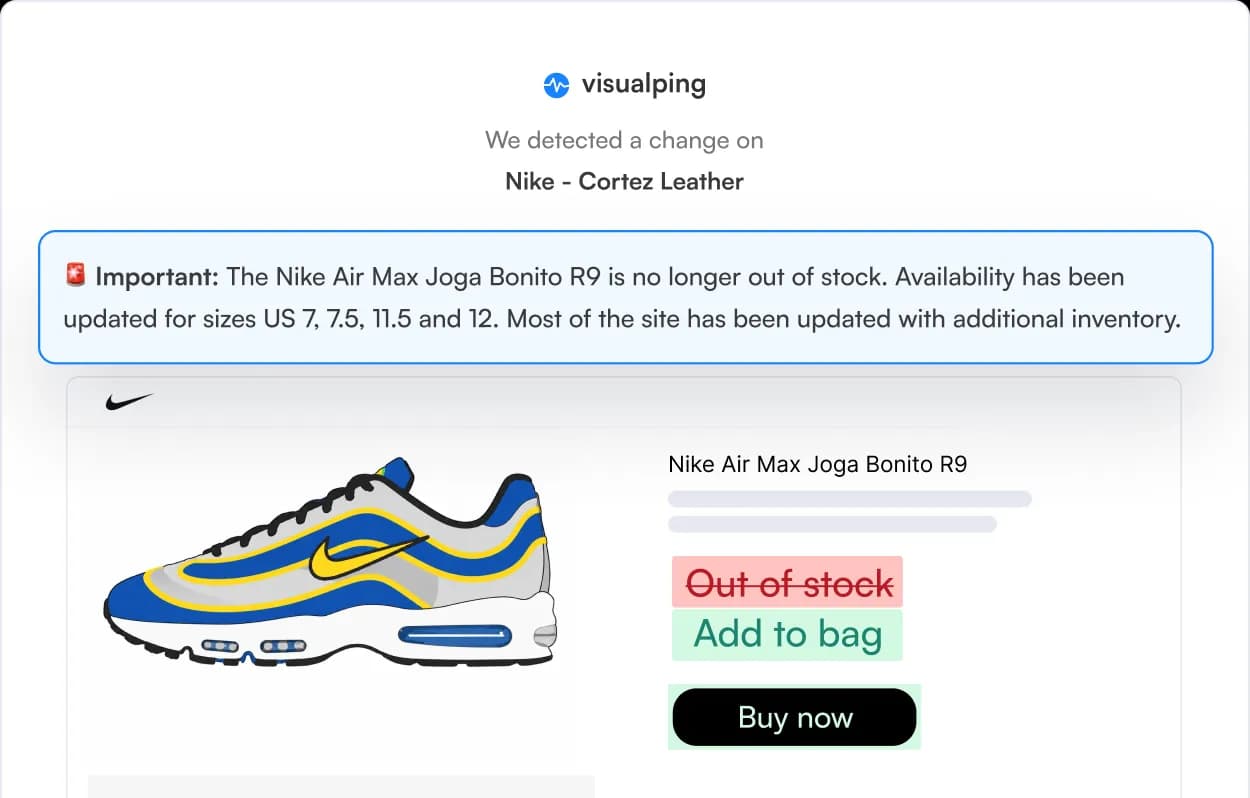

Vous vérifiez encore cette page à la main
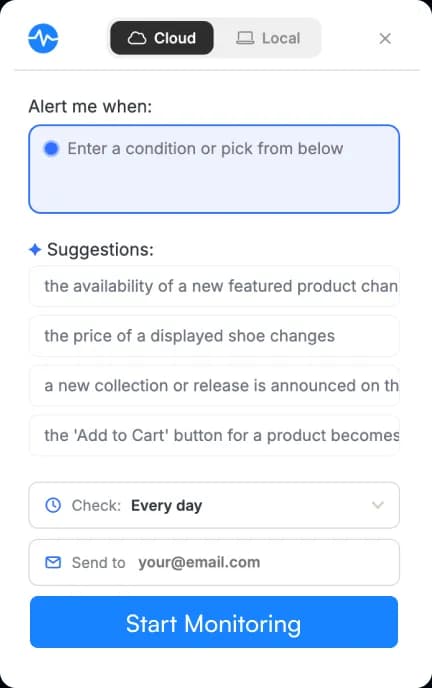
Passez de la surveillance locale à la surveillance dans le cloud en un clic.
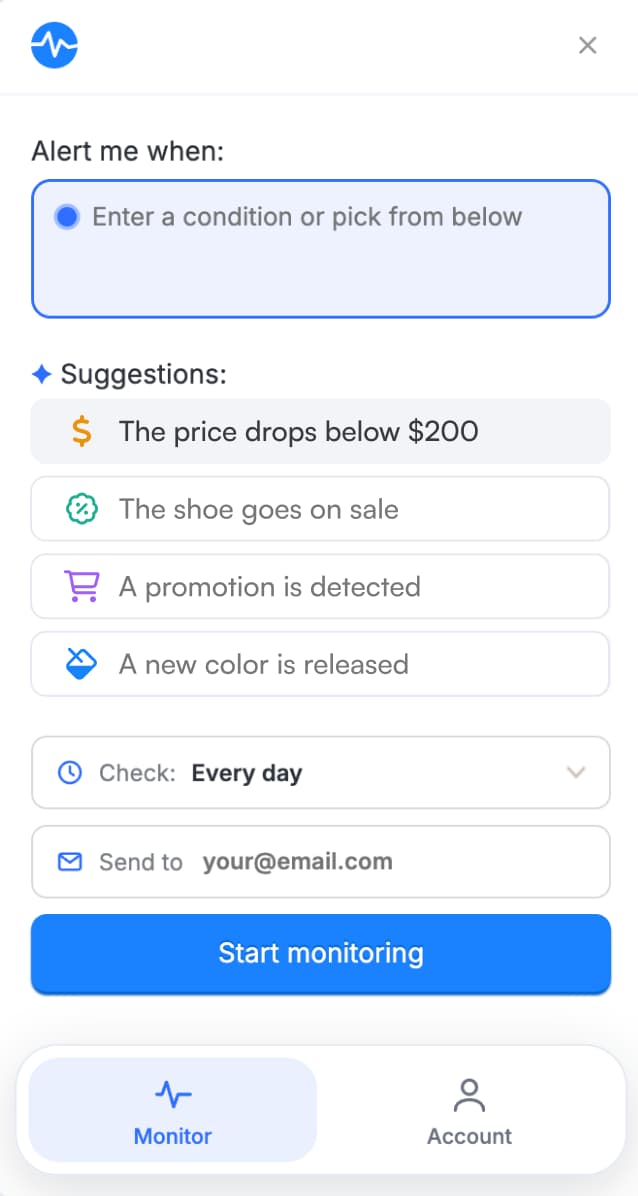
Cloud
La surveillance continue, même quand vous êtes absent
- Crée une surveillance sur nos serveurs, indépendamment de votre navigateur
- Continue de suivre la page même lorsque votre ordinateur est éteint
- Les derniers modèles d’IA du cloud (pas dans l’application)
- Alertes par e-mail, SMS, Slack et Teams
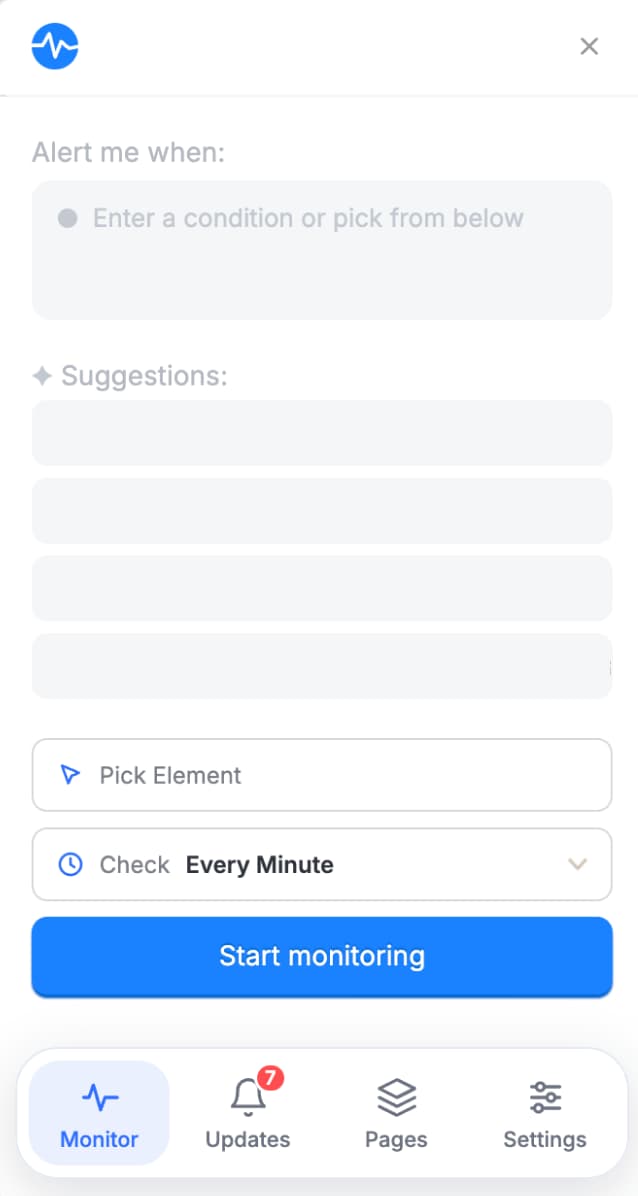
Local
Fonctionne sur votre ordinateur
- Utilise les ressources de votre ordinateur pour surveiller la page
- Notifications limitées aux alertes dans le navigateur
- Utilise des modèles d’IA limités dans le navigateur (développement en cours)
Local pour des vérifications rapides et privées. Cloud pour ce que vous ne pouvez pas vous permettre de manquer. Changez de mode sans quitter la page.
“J’utilise une combinaison du suivi sur serveur et dans le navigateur, selon la fréquence à laquelle je veux suivre ou tester.”
Ce que le cloud apporte
Questions fréquentes
L’extension Chrome de Visualping est-elle gratuite ?
Oui. La surveillance dans le cloud est disponible avec un compte Visualping, quel que soit le forfait, y compris Free. La surveillance locale ne nécessite pas de compte.
Quelle est la différence entre la surveillance locale et la surveillance dans le cloud ?
Les vérifications locales s’exécutent dans votre navigateur et utilisent les ressources de votre ordinateur. Elles fonctionnent donc uniquement lorsque votre navigateur est ouvert. Les surveillances dans le cloud s’exécutent sur les serveurs de Visualping et continuent même après la fermeture de votre ordinateur portable ou l’arrêt de votre ordinateur.
Comment serai-je averti lorsqu’une page change ?
La surveillance locale envoie des notifications sur votre bureau par l’intermédiaire du navigateur. La surveillance dans le cloud vous avertit par e-mail, webhooks et Zapier avec tous les forfaits. Les forfaits payants ajoutent les SMS, Slack, Microsoft Teams et Google Sheets. Les alertes dans le cloud vous parviennent même lorsque votre navigateur est fermé.
Dois-je savoir programmer ou utiliser des sélecteurs CSS ?
Non. Décrivez ce que vous souhaitez suivre en langage courant, par exemple « lorsque la pointure 9 est disponible », ou choisissez parmi les conditions proposées par l’IA pour cette page.
Puis-je surveiller une partie d’une page web ou uniquement la page entière ?
Vous pouvez surveiller des éléments précis, comme un prix, un bouton ou une section de texte, ou la page entière. Utilisez le sélecteur d’éléments pour choisir exactement ce qui vous intéresse.
À quelle fréquence Visualping recherche-t-il des changements ?
Vous définissez la fréquence pour chaque surveillance. Les surveillances locales peuvent vérifier les pages jusqu’à une fois par minute, avec tous les forfaits, tant que votre navigateur est ouvert. Les surveillances dans le cloud suivent la fréquence que vous choisissez, de toutes les 2 minutes à une fois par mois. Les intervalles les plus courts dépendent de votre forfait.
Visualping est-il utilisé par des entreprises ou uniquement par des particuliers ?
Les deux. 85 % des entreprises du Fortune 500 utilisent Visualping pour suivre leurs concurrents et les évolutions réglementaires. Les particuliers l’utilisent pour suivre les réapprovisionnements, les baisses de prix et les offres d’emploi.

Commencez à surveiller en quelques secondes
Installation gratuite. La surveillance locale fonctionne sans compte.
100 000+ utilisateurs
“Je n’aurais pas pu obtenir ma 3080 sans ça.”