Stay updated on Logikcull Subprocessors
Sign up to get notified when there's something new on the Logikcull Subprocessors page.

Latest updates to the Logikcull Subprocessors page
- Check6 days agoNo Change Detected
- Check13 days agoNo Change Detected
- Check20 days agoNo Change Detected
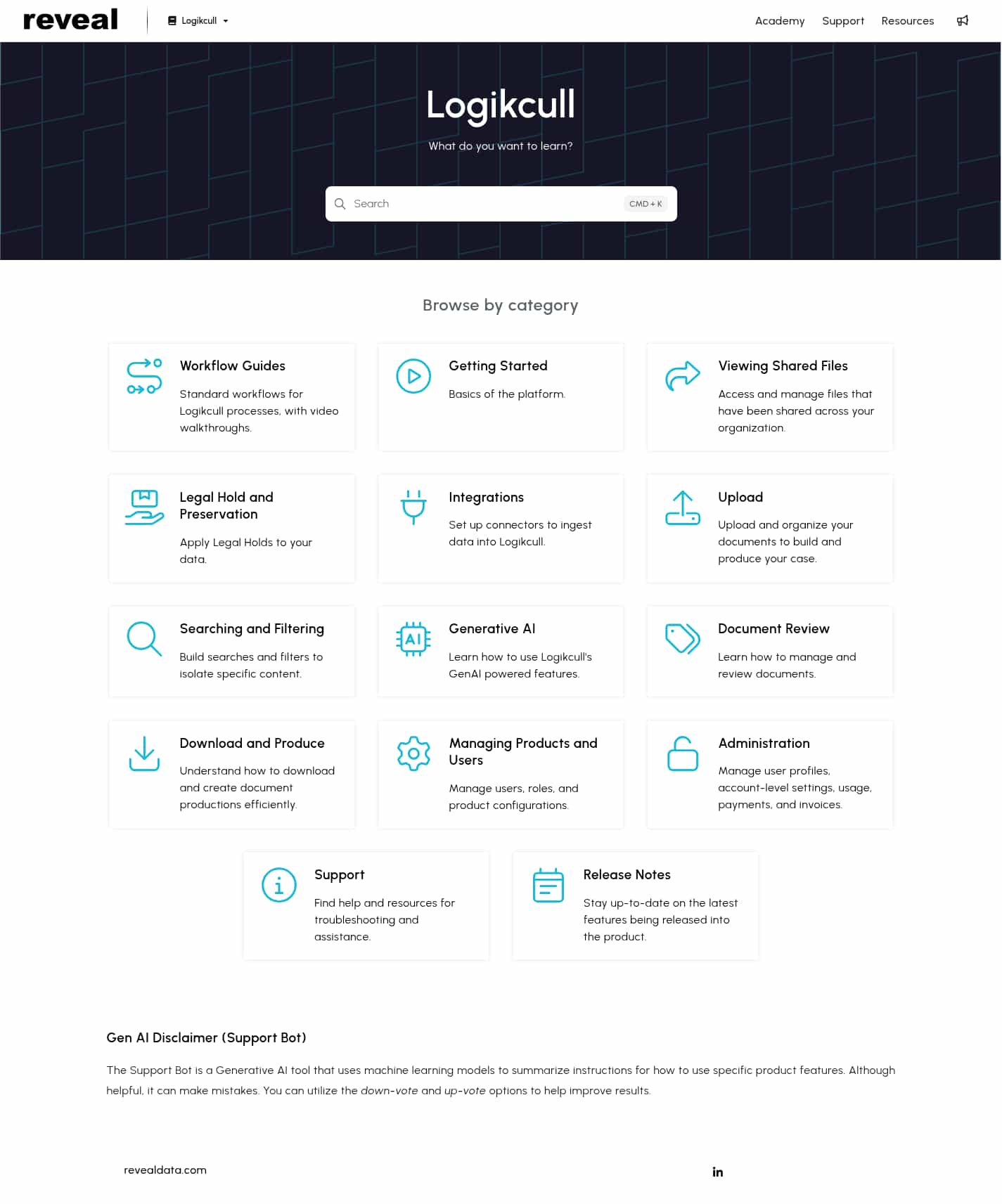
- Check27 days agoChange DetectedThe search shortcut was updated from CTRL + K to CMD + K, aligning the instruction with macOS keyboard conventions. This helps Mac users access the search more quickly.SummaryDifference0.3%

- Check92 days agoChange DetectedThe keyboard shortcut hint on the page was updated from CTRL + K to CMD + K to reflect macOS conventions in the search area.SummaryDifference0.3%

- Check149 days agoChange DetectedA new 'What do you want to learn?' heading was added to the support resources page to guide users in locating topics. The 'Search product help' option was removed, altering the quick-access navigation for help topics.SummaryDifference0.6%

- Check170 days agoChange DetectedThe support page replaces the 'Workflow Sequences' category with a newly named 'Workflow Guides' category. This reflects a reorganization of workflow-related help topics.SummaryDifference0.3%

- Check178 days agoChange DetectedResources and Search product help were added to the navigation, while Marketing and What do you want to learn? were removed, reflecting a shift toward a more resource-focused support hub.SummaryDifference0.9%

- Check228 days agoChange DetectedAdded standard workflows for Logikcull processes with video walkthroughs and new categories (Workflow Sequences, Searching and Filtering, Support); removed the Search and Getting Support categories from the Browse by category grid.SummaryDifference1%

Stay in the know with updates to Logikcull Subprocessors
Enter your email address, and we'll notify you when there's something new on the Logikcull Subprocessors page.