Stay updated on Planview Latest Updates
Sign up to get notified when there's something new on the Planview Latest Updates page.
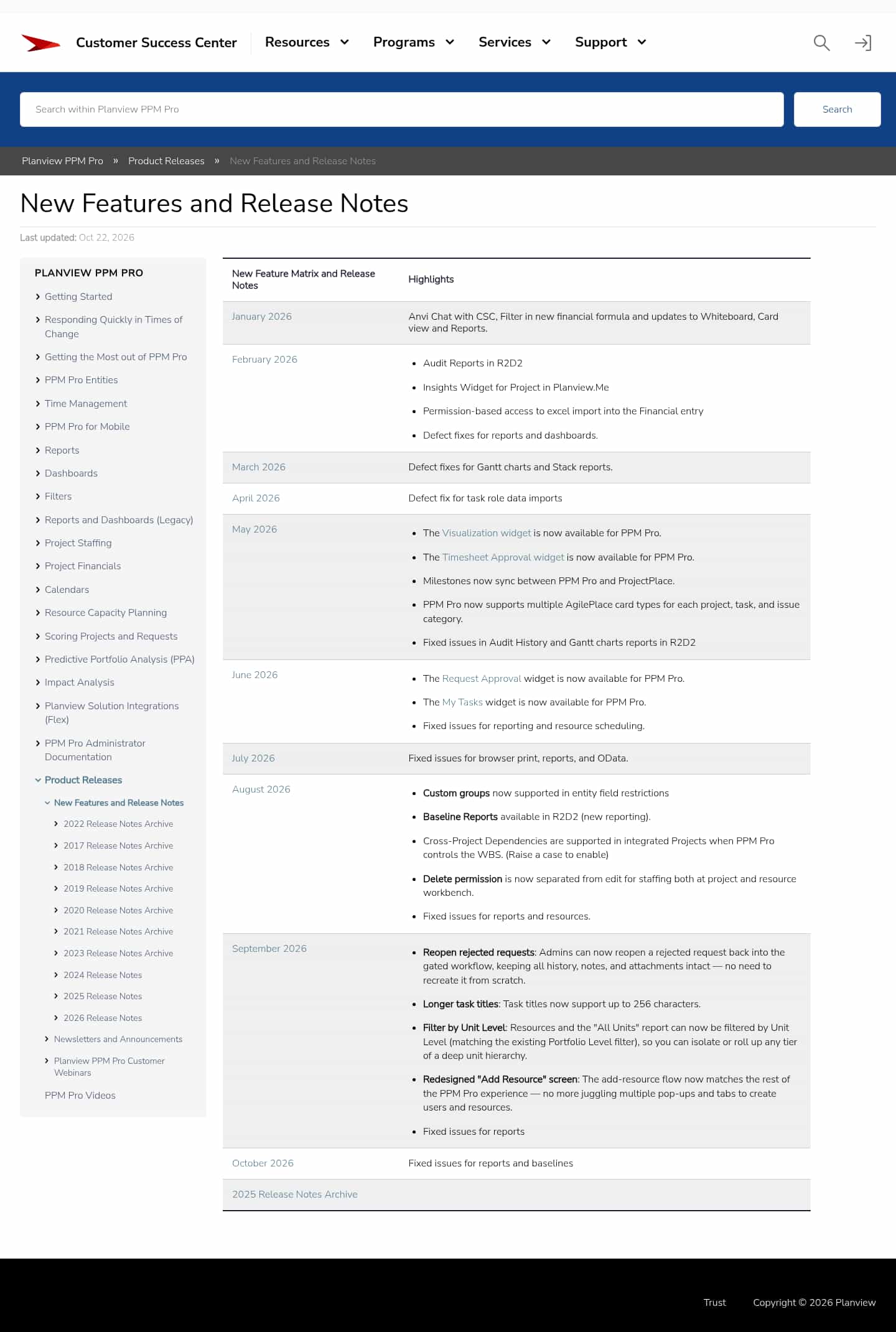

Latest updates to the Planview Latest Updates page
- Check3 days agoChange DetectedThe page’s update date changes from October 8 to October 22, 2026, and three August release-note items are reformatted into feature names and descriptions without changing their meaning.SummaryDifference2%
- Check10 days agoNo Change Detected
- Check17 days agoChange DetectedThe October 2026 release notes now report fixes for reports and baselines. The page’s last-updated date also changed from September 17 to October 8, 2026.SummaryDifference0.8%
- Check38 days agoChange DetectedSeptember 2026 release introduces cross-project dependencies when PPM Pro controls the WBS, along with a redesigned Add Resource flow and screen. It also adds unit-level filtering for Resources and the All Units report, increases task title length to 256 characters, and enables admins to reopen rejected requests with full history.SummaryDifference4%
- Check73 days agoChange DetectedThe August 2026 release adds separation of delete and edit permissions for staffing on project and resource workbenches. It also enables cross-project dependencies when PPM Pro controls the WBS and introduces Baseline Reports in R2D2.SummaryDifference2%
- Check87 days agoChange DetectedJuly 2026 release notes include fixes for browser print, reports, and OData, dated Jul 28, 2026. This reflects ongoing maintenance and improvements to Planview PPM Pro.SummaryDifference0.9%
- Check116 days agoChange DetectedMarketing accolades and the Gartner report download option were removed from the page, eliminating promotional content and a download link related to the Gartner report in the New Features and Release Notes section.SummaryDifference2%
Stay in the know with updates to Planview Latest Updates
Enter your email address, and we'll notify you when there's something new on the Planview Latest Updates page.