Stay updated on Pluralsight Latest Updates
Sign up to get notified when there's something new on the Pluralsight Latest Updates page.
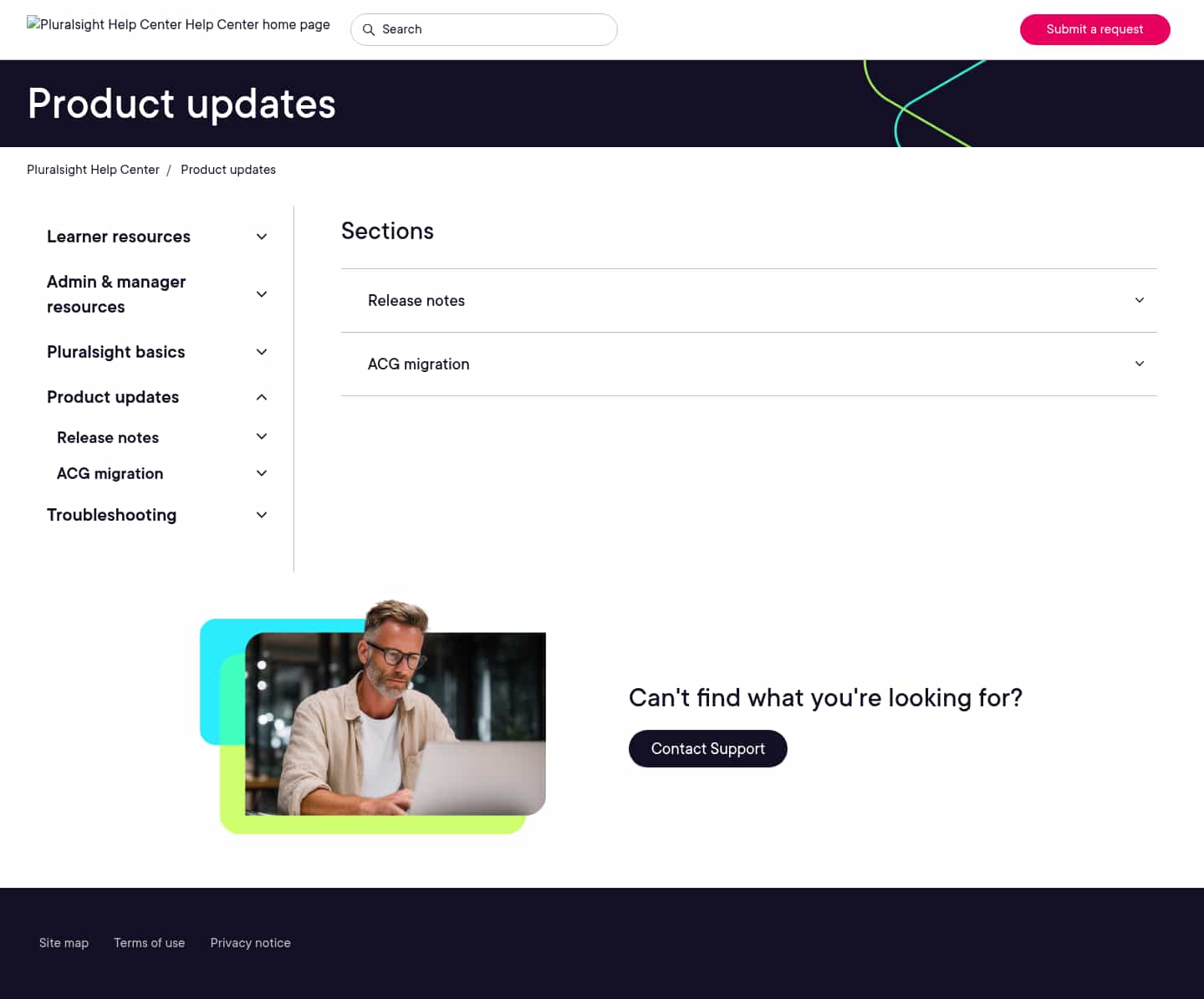

Latest updates to the Pluralsight Latest Updates page
- Check5 days agoChange DetectedA photo illustration now appears beside the “Can’t find what you’re looking for?” contact-support prompt.SummaryDifference0.7%
- Check12 days agoChange DetectedThe page no longer shows the sidebar links to other help-center areas or the “Can’t find what you’re looking for?” support prompt. The Product updates section list remains visible.SummaryDifference8%
- Check139 days agoChange DetectedThe 'How can we help?' prompt in the bottom-right help widget was removed, simplifying the UI while keeping access to support via 'Contact Support'.SummaryDifference0.6%

- Check168 days agoChange DetectedNew navigation sections were added under Product updates, including Product updates, Pluralsight basics, Admin & manager resources, Learner resources, and Troubleshooting, while the link to the Help Center home page was removed. This reshapes the help center’s navigation to surface the main topic areas and streamline access to related resources.SummaryDifference14%

- Check175 days agoChange DetectedThe Help Center navigation is restructured to add a dedicated home page and remove multiple sections (Product updates, Pluralsight basics, Admin & manager resources, Learner resources, Troubleshooting). This consolidates access to resources under the new home page.SummaryDifference10%

- Check204 days agoChange DetectedTwo new subsections, Release notes and ACG migration, were added to the Product updates page, expanding the Sections area to surface release information and migration details for users. These additions help users quickly access relevant updates within the Product updates hub.SummaryDifference1%

Stay in the know with updates to Pluralsight Latest Updates
Enter your email address, and we'll notify you when there's something new on the Pluralsight Latest Updates page.