Competitor Tracking: How to Monitor Competitors in Real Time
Updated April 24, 2026
TL;DR. Pick the signal, then pick the tool:
Signal to catch Best tool to use Where to start Pricing, product, homepage, and positioning changes Visualping Free plan, 150 checks/mo Keyword rankings, backlinks, search share Semrush, Ahrefs Free tiers + paid from $129/mo Competitor ad creative and campaign launches Meta Ad Library, Google Ads Transparency Free Battlecards, win/loss, sales enablement Klue, Crayon Quote (~$15K/yr+) Funding rounds, hiring, M&A Crunchbase, Owler Free tier / $39/mo In a Visualping sample of 9,705 monitors watching competitor pricing pages, 42% flagged a change in 30 days. HubSpot's pricing page changed on 96% of monitors. Zoom's on 100%. A quarterly audit misses most of what moves. Skip to the tool comparison or jump to the step-by-step process.
Disclosure
This article is written by Eric Do Couto, Head of Marketing at Visualping. Visualping is the page monitoring agent (also known as a website monitoring tool) featured in the tools section below, so I have a conflict of interest. All claims about third-party tools come from publicly available information, verified customer reviews, and vendor documentation. Visualping works best for teams tracking website and page-level changes; for battlecards, keyword rank tracking, or enterprise repricing, specific competitors on this list are better fits, and I call them out by name.
A competitor changed their pricing page last Tuesday. They removed a free tier, restructured their enterprise bundle, and added a usage-based component. Your sales team found out about it from a prospect who asked why your pricing was higher. That conversation happened eight days after the change went live. Tracking output works best with a destination; a free battlecard template gives every alert a row to update.
That's the gap competitor tracking closes. When you track competitors systematically, you catch the signals that matter (pricing shifts, product launches, messaging pivots, hiring surges) within hours instead of weeks. Faster decisions, sharper positioning, fewer surprises in customer conversations.
Over 15,000 Visualping users chose competitor tracking as their primary reason for monitoring websites. More than 30,000 users actively monitor three or more distinct domains, a pattern that almost always indicates competitive intelligence even when users don't label it that way. Our H1 2026 competitor monitoring report breaks down what those users actually track, and which competitor pages change most.
The behavioral data also shows where to point a tracker. In a sample of 19,499 Visualping monitors owned by users who declared competitor tracking as their primary use case, the 30-day change rate by page type:
| Page type | 30-day change rate |
|---|---|
| Changelog and release notes | 70% |
| Blog and press releases | 63% |
| Pricing pages | 57% |
| Investor relations | 56% |
| Careers and job pages | 54% |
| Product and features pages | 45% |
| Government sites (compliance) | 41% |
| Legal and terms of service | 33% |
Changelog, blog, and pricing pages move the fastest. Legal and terms move the slowest. Cadence should match the page, not a one-size-fits-all default. For the deeper taxonomy on this, see how to monitor competitor websites for the signals that matter. At the per-check level across Visualping's sample, pricing pages fire a change alert on 16.3% of checks, news pages on 11%, investor relations on 7%. Different content types, different signal density.
Key takeaways
- Competitor tracking means monitoring competitors' public digital presence (pricing, product pages, messaging, job postings) for changes that signal strategic moves
- Over 15,000 users track competitors on Visualping, with 30,000+ monitoring 3+ domains
- A competitor's pricing page changes roughly once a week; ecommerce pages change even faster (53% per month vs 39% for SaaS)
- Start with 3-5 competitors, their key pages, and automated monitoring that runs daily
For the full picture on building a competitive intelligence program, start with our resource hub. This guide focuses on the tracking layer: what to watch, how to automate it, and which tools fit different needs.
What falls under "competitor tracking" (and what doesn't)
Competitor tracking means monitoring your competitors' public digital presence for changes that signal strategic moves. That includes websites, search rankings, social activity, pricing, product updates, job postings, and press mentions.
The goal is to surface the 5% of competitor activity that directly affects your business decisions and filter out everything else.
Here's what experienced teams actually watch:
| Signal type | What it tells you | Example |
|---|---|---|
| Pricing page changes | Revenue strategy shifts, new packaging, discounting patterns | Competitor drops mid-tier price by 20% before Q4 |
| Product/feature pages | Roadmap direction, new capabilities, deprecated features | New API documentation section appears |
| Homepage messaging | Positioning shifts, new target audiences, campaign launches | Tagline changes from "for developers" to "for teams" |
| Job postings | Expansion plans, new market entry, technology bets | 15 sales roles posted in APAC region |
| Blog/content updates | Thought leadership direction, keyword targeting, use case focus | Series of posts targeting your primary vertical |
| Press/news pages | Funding rounds, partnerships, leadership changes | New integration partnership announced |
The best tracking programs are selective. Watching everything buries you in noise. Watching the right pages at the right frequency is what produces usable intelligence.
How to track competitors in real time (step by step)
Setting up competitor tracking takes about 15 minutes per competitor. Here's the process using Visualping, which monitors web pages and sends alerts when something changes.
Step 1: Build your competitor list
Start with 3 to 5 direct competitors. These are companies your prospects actively compare you against. If you're unsure, check your CRM loss reasons, read G2 comparison pages, or ask your sales team who comes up most in conversations.
For each competitor, identify the specific pages worth watching:
- Pricing page (check daily)
- Homepage (check daily)
- Product/features page (check daily)
- Blog or resource center (check every 6 hours)
- Careers/jobs page (check weekly)
- Changelog or release notes (check daily)
Step 2: Set up automated page monitoring
In Visualping, add each URL and set the check frequency. Visualping compares snapshots of each page on your schedule and flags visual or text differences.
For pricing pages, use text-based monitoring to catch even small copy changes (a "$" to "Contact us" swap is easy to miss visually). For homepages, visual monitoring catches design and layout shifts that text monitoring would ignore.
Step 3: Configure smart alerts
Not every change deserves your attention. A footer copyright update isn't the same as a pricing restructure.
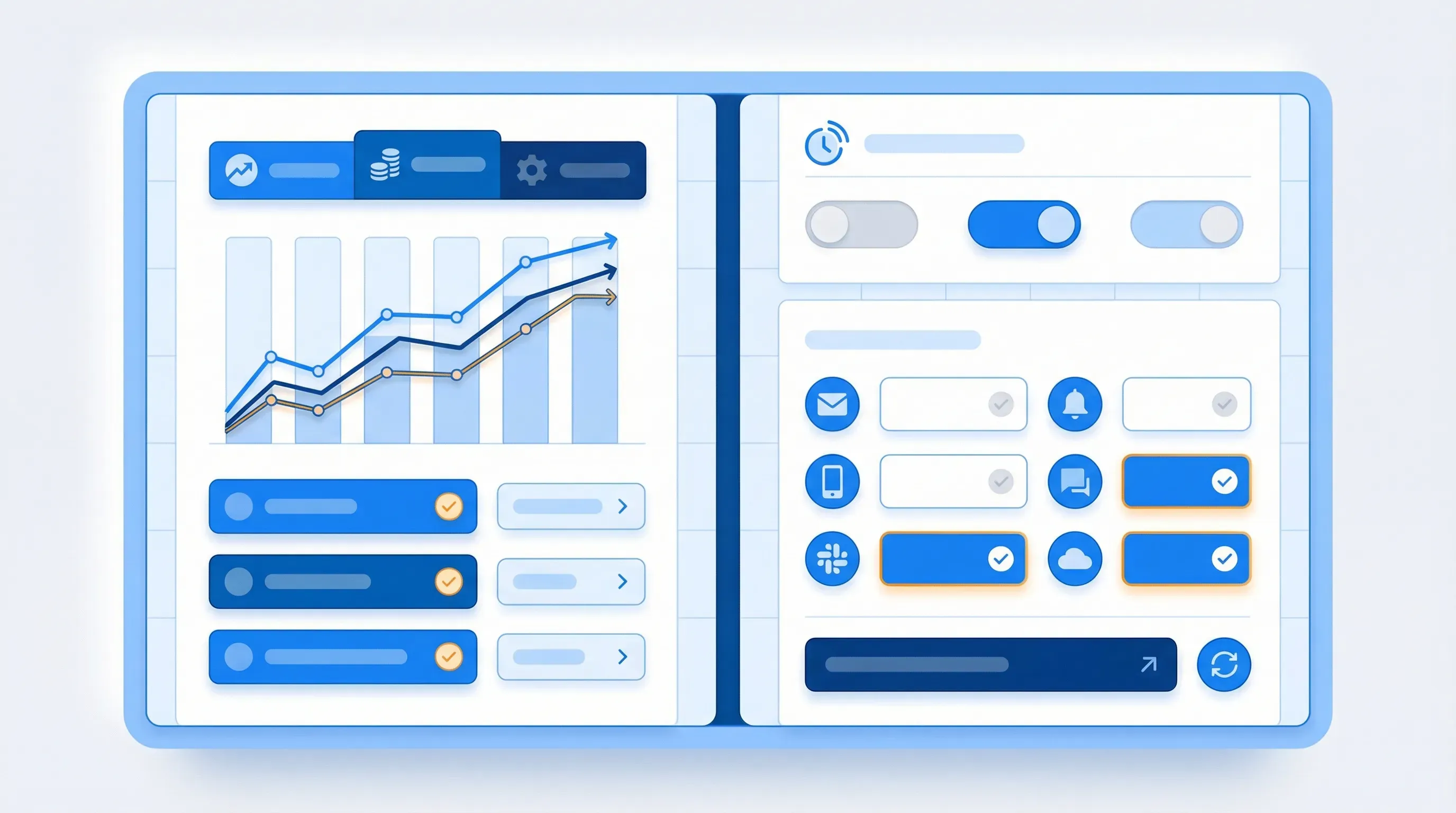
Set keyword triggers so you only get notified when changes contain specific terms: "pricing," "enterprise," "free trial," "new feature," "partnership." This filters out routine updates and surfaces the changes that require action.
Users don't just watch for "any change," either. Real alerts are specific: "alert me when my competitor drops their pricing below $100 per month" or "summarize any changes related to the competitor's pricing, plans, features, and free trial." As one retail customer told our team: "If we notice this too late, that's a bad thing." That urgency is why most pricing monitors check at least once per day.
Route alerts to the right teams:
- Pricing changes to Sales and Product
- Feature updates to Product and Engineering
- Content changes to Marketing
- Job posting changes to Strategy and Leadership
Step 4: Create a response workflow
An alert without a response plan is just a notification. For each signal type, define what happens next.
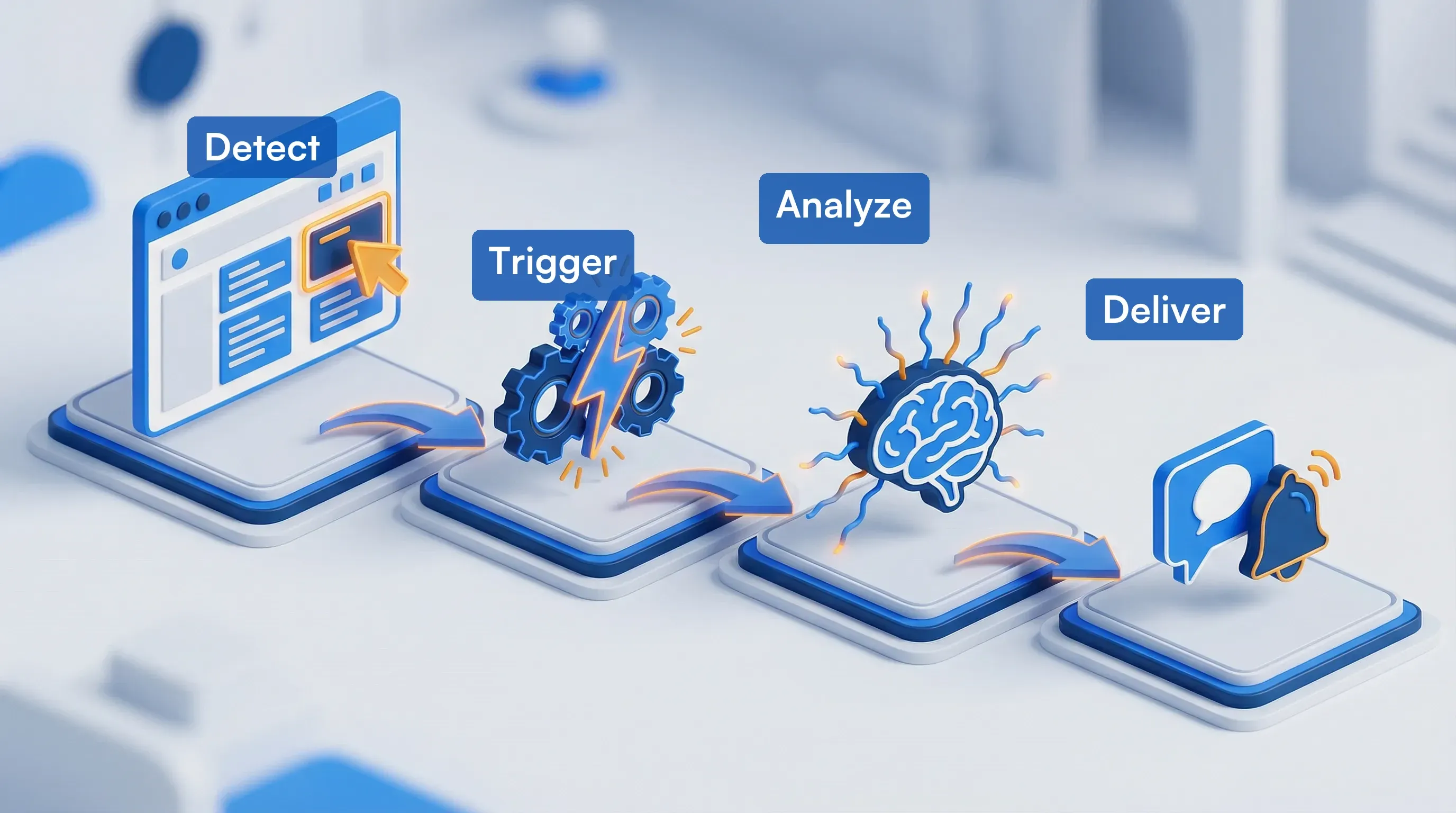
Within 24 hours, someone acknowledges the change and scores its strategic impact (low, medium, high). High-impact changes trigger immediate action: update battle cards, adjust messaging, or brief affected teams. Everything gets logged with context so quarterly reviews surface patterns instead of starting from scratch.
Visualping's Reports feature automates this. Schedule a daily or weekly digest, or generate one ad-hoc when you need a snapshot before a meeting. Each report pulls every detected change across your monitored competitors into one AI-summarized brief with visual diffs and importance flags.
That loop (detect, score, act, log) turns raw competitor data into a repeatable intelligence process. Most teams skip this step: Forrester's research on CI programs found that just over one-third of organizations actually track win rates from their competitive intelligence efforts. The rest collect signals without measuring whether those signals changed any outcomes. For automated workflows that handle the first three steps without manual effort, see our guide on how to spy on competitors' websites.
Where competitive signals actually live (and how to catch them)
Here's how to track competitors across each channel that matters.
Website and pricing tracking
Your competitors' websites change more than most teams expect. Pricing pages, product copy, and homepage messaging shift quietly, sometimes overnight. Gartner's research on competitive intelligence backs this up: companies that tie CI programs to performance KPIs win more deals and grow faster.
The data backs up why. Across Visualping's platform, a competitor's pricing page changes roughly once a week (median 7 days between detected changes). Changelogs move faster: every 3 days. Career pages, every 4.
Ecommerce pricing pages are the most volatile. 53% change in any given month versus 39% for SaaS. About 1 in 10 pricing page checks catches a real change, so daily monitoring surfaces a signal roughly every 10 days. Three out of four pricing page monitors are run by business teams. Pricing intelligence is an organizational function.
Visualping watches for visual and text changes on specific URLs and flags them automatically. That catches pricing restructures, feature announcements, messaging pivots, and layout overhauls without manual checking. For a deeper comparison of pricing-specific tools, see our competitor price tracking guide.
SEO and content tracking
When a competitor starts publishing content targeting your keywords, you want to know before they outrank you. SEO tracking covers:
- Keyword position changes: Tools like Semrush, Ahrefs, or SE Ranking track where competitors rank for specific terms
- New content detection: Monitor competitor blog RSS feeds or use page monitoring on their blog index
- Backlink acquisition: Track when competitors earn links from high-authority sites
Page monitoring catches new content the day it goes live. Rank tracking shows whether that content is gaining traction. Together, they give you a full view of a competitor's content strategy. Our guide on competitor content intelligence walks through how to automate this.
Social media and ad tracking
Social channels reveal messaging tests, audience targeting, and campaign timing. Here's how to track competitors on social:
- Monitoring ad libraries: Meta Ad Library and Google Ads Transparency Center show active ad creatives for any brand
- Tracking social profiles: Tools like Sprout Social or Brandwatch aggregate competitor post performance
- Setting Google Alerts: Free notifications when competitors get mentioned in news or blogs
Social tracking is most valuable when paired with website monitoring. A competitor running new ad creative often signals a positioning shift that shows up on their website weeks later. Research from Gartner found that teams watching multiple channels make faster strategic calls than teams relying on one.
Product and feature tracking
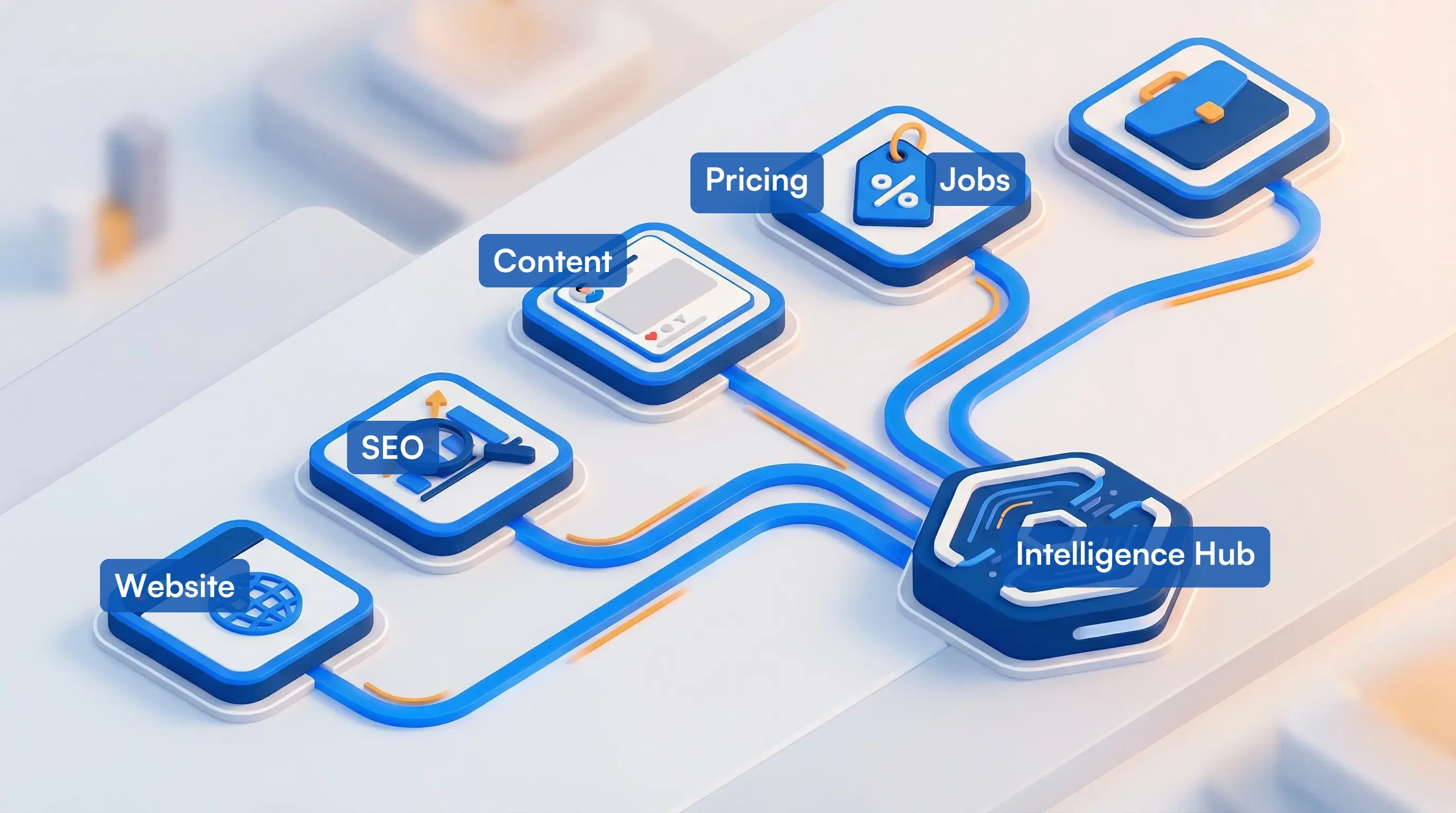
For SaaS and technology companies, tracking competitor product changes feeds directly into roadmap planning. Monitor:
- Changelog and release notes pages for new features and updates
- Documentation sites for new API endpoints, integrations, or capabilities
- App store listings for mobile feature additions and update notes
- Review sites (G2, Capterra) for user feedback on new features
Visualping handles changelog and documentation monitoring out of the box. For the full automated workflow (including AI-powered analysis of what each release means for your roadmap), see our competitor feature release tracker guide.
Competitor tracking tools compared (2026)
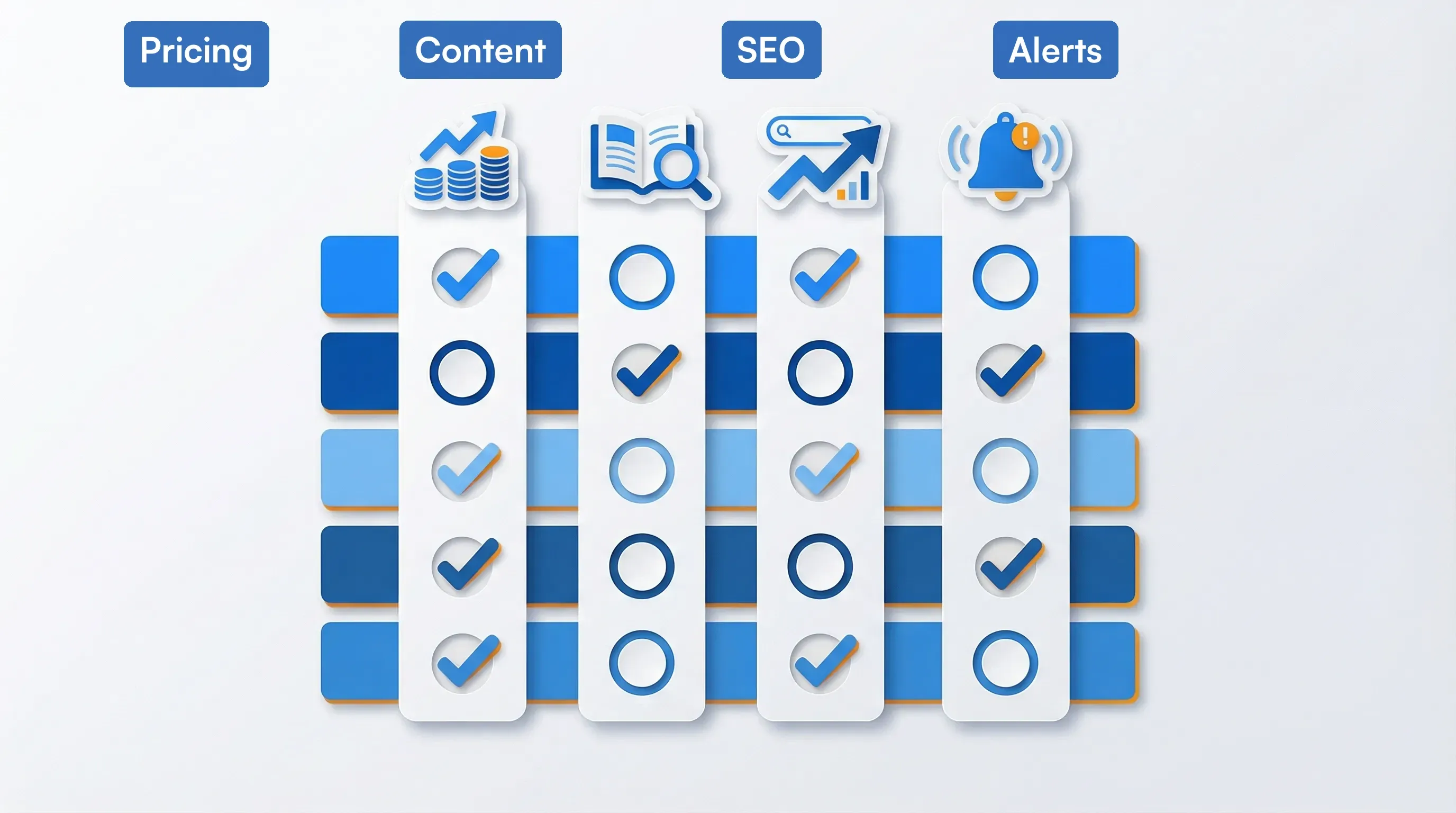
The right tool depends on what you're tracking and how much you want to automate. Here's how the main categories stack up:
| Tool category | Best for | Examples | Price range |
|---|---|---|---|
| Website change monitoring | Pricing, product pages, homepage changes, job postings, scheduled CI reports | Visualping, Fluxguard | Free to $100+/mo |
| SEO competitor tracking | Keyword rankings, backlink gaps, content performance | Semrush, Ahrefs, SE Ranking | $100 to $400+/mo |
| Competitive intelligence platforms | All-in-one CI with battle cards and team collaboration | Klue, Crayon, Kompyte | $15K to $50K+/yr |
| Social media monitoring | Brand mentions, ad tracking, sentiment analysis | Sprout Social, Brandwatch, Mention | $50 to $300+/mo |
| Price tracking | E-commerce and SaaS pricing changes | Prisync, Competera, Visualping | Free to $200+/mo |
For most teams, the practical starting point is a page monitoring agent (to catch changes as they happen) paired with an SEO tool (to track search visibility). Full CI platforms make sense once you have a dedicated competitive intelligence function and need battle card management, win/loss tracking, and team-wide distribution. For a broader comparison of 15 best competitor intelligence tools, see our guide to the best competitor intelligence tools.
For a detailed breakdown of monitoring tools specifically, see our competitor monitoring tools comparison. For pricing-page tracking at depth, see our 5 best competitor price tracking tools. For the AI-native tools in this category, see 10 best AI tools for competitor analysis.
How to build a workflow your team will actually use
Most teams stall at "we set up alerts." The harder part is turning those alerts into decisions. Here's a workflow that scales from a two-person marketing team to a dedicated CI function.
Business teams on Visualping monitor a median of 17 unique domains. But the most focused CI programs get more value from fewer, deeper monitors than from casting a wide net.
Rank your competitors into tiers (not all deserve equal attention)
Rank your competitors by how often they show up in your sales process:
- Tier 1 (3 to 5 companies): Direct competitors your prospects actively compare you against. Monitor daily across all signal types.
- Tier 2 (5 to 10 companies): Adjacent competitors or emerging threats. Monitor weekly on key pages.
- Tier 3 (10+ companies): Peripheral players. Monitor monthly or set alerts for major changes only.
Wire up your monitoring stack
A solid tracking stack doesn't need to be expensive. Here's what a mid-market team typically runs:
- Visualping for website change detection across all tiers (pricing, product, homepage, careers)
- Semrush or Ahrefs for SEO position tracking and content gap analysis
- Google Alerts for news mentions and press coverage (free)
- Meta Ad Library for ad creative monitoring (free)
- A shared Slack channel or Notion database for logging and discussing changes
Total cost for a solid setup: $50 to $200 per month, depending on the SEO tool tier.
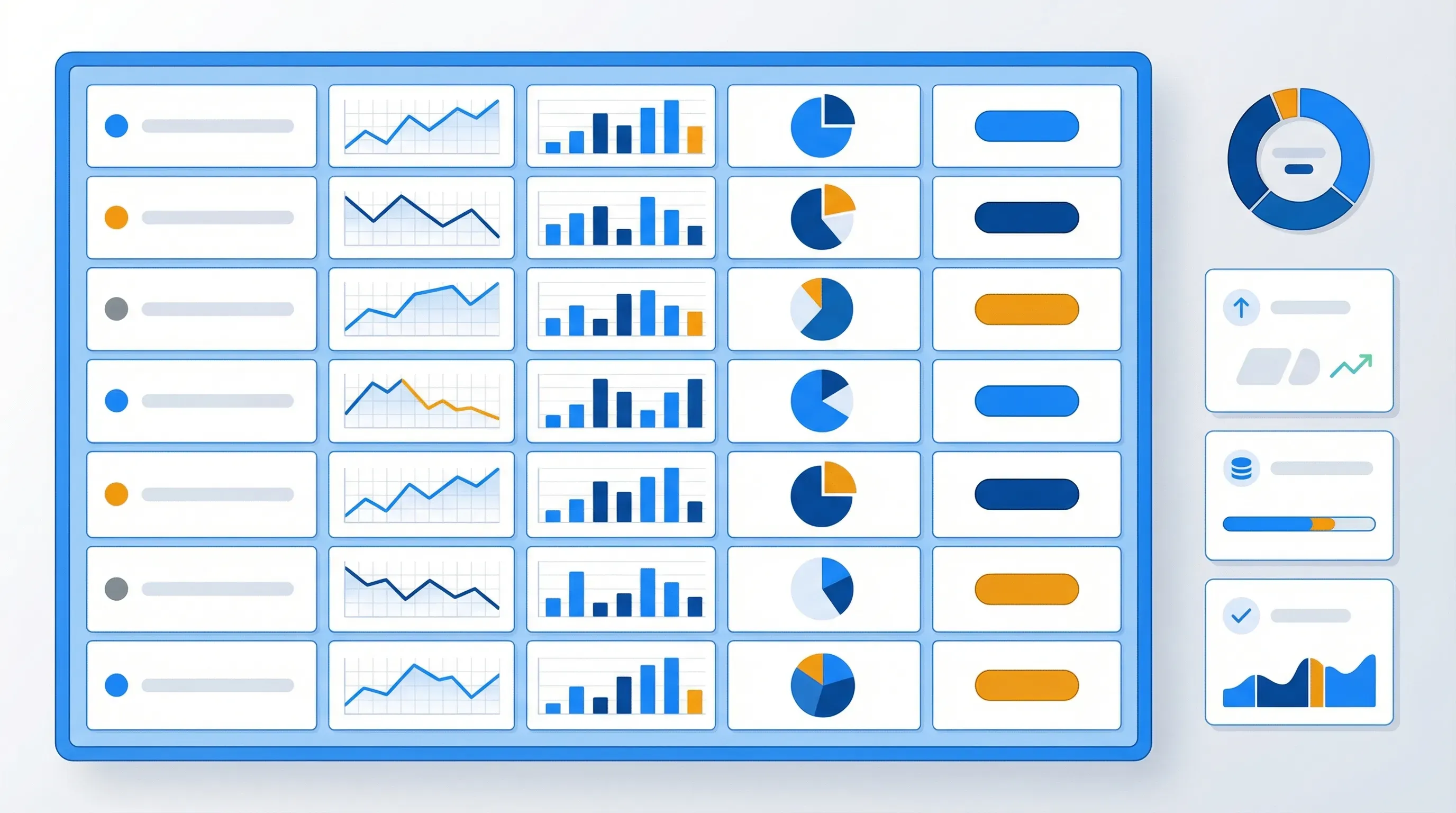
Build a single-pane dashboard
Visualping's Reports feature does this natively. Schedule a recurring daily or weekly report, or pull one ad-hoc before a sales call or strategy meeting. Each report consolidates every detected change into one view with AI-generated summaries, before/after screenshots, and markup highlighting what changed. Export as PDF for stakeholder briefings or share a link (no account required for recipients). Team members can comment on individual changes, flag items for follow-up, and hide noise.
For teams on lower plans, a Notion database or Google Sheet works as a lightweight alternative with these columns:
- Date detected
- Competitor name
- Signal type (pricing, product, content, hiring, messaging)
- Change summary (what specifically changed)
- Strategic impact (low, medium, high)
- Action taken (battle card updated, team briefed, no action needed)
- Source link
Review this dashboard weekly with product and sales leadership. Monthly, pull out patterns: which competitors are most active? What signals keep repeating? Where are they putting money?
Bolt on an AI analysis layer
Visualping Reports includes AI-generated summaries that pull together patterns across all your monitored pages. Each scheduled report opens with what changed, what it means, and which changes matter most. That covers most teams without any external setup.
For teams that want deeper automation, wire Visualping alerts to an LLM via Zapier or Make. The system can then:
- Compare each change to your current positioning
- Suggest battle card updates or talking points
- Route the analysis to the right Slack channel
That shaves a 10-minute manual review down to a 30-second scan. Product managers running this workflow alongside PRD writing and roadmap planning can pair it with complementary tools in our guide to AI tools for product managers for the full 2026 PM stack. For the complete automation setup, see our guide on what competitive intelligence is and how to build it.
Five mistakes that turn tracking into busywork
Even teams with good tools fall into these traps:
Tracking too many competitors at once. Start with 3 to 5. You can always add more once the workflow is stable. Product and feature pages change roughly once a week (median 7 days), so even a small monitoring setup generates real signals quickly. Scale is possible, but start narrow.
Monitoring the wrong pages. A competitor's "About Us" page almost never changes in a meaningful way. Focus on pricing, product, blog, and careers pages.
Collecting without analyzing. A folder full of unread alerts is worse than no tracking at all. If you're not reviewing and acting on signals weekly, pare back what you track until you can.
Ignoring indirect competitors. The biggest threats often come from adjacent categories: a project management tool bolting on CRM features, or a CRM adding project management. Track the companies your customers might switch to, including ones outside your exact category.
Skipping the "so what?" question. Every tracked change should prompt one question: does this affect our positioning, pricing, or product roadmap? If the answer is no, it's noise. Most businesses acknowledge that competitive intelligence matters. The teams that actually win are the ones connecting tracked changes to revenue decisions.
Frequently asked questions
How often should I check competitor websites?
For pricing and product pages, daily monitoring is the minimum. Blog and content pages benefit from checks every 6 to 12 hours, since new content often publishes on a schedule. Job postings and press pages are fine with weekly checks. Automated tools like Visualping handle all of this without manual effort.
What's the difference between competitor tracking and competitive intelligence?
Tracking is the data collection layer: monitoring websites, watching rankings, flagging changes. Competitive intelligence is the broader discipline that wraps tracking in analysis, synthesis, and distribution to decision-makers. SCIP (the Strategic Consortium of Intelligence Professionals) defines CI as a continuous cycle: define needs, collect, analyze, distribute, review. You need good tracking to build good intelligence, but tracking alone isn't enough.
Can I track competitor website changes for free?
Yes. Visualping's free plan lets you monitor up to 5 pages with daily checks. Google Alerts is free for news mentions. Meta Ad Library and Google Ads Transparency Center are free for ad monitoring. For tracking dozens of pages with hourly checks and team alerts, paid plans start at around $10 per month.
How do I track competitor pricing changes specifically?
Set up page monitoring on each competitor's pricing page using a tool that supports both visual and text change detection. Text monitoring catches number and copy changes (price increases, tier name changes). Visual monitoring catches layout and design changes (new tiers added, features reorganized). For a complete setup guide, see our competitor price tracking tools comparison.
What should I do when I detect a competitor change?
First, verify the change is real (A/B tests trigger false positives more often than you'd expect). Then assess the strategic impact, update relevant battle cards or internal docs, brief affected teams, and log the change in your dashboard for pattern analysis. For a complete analysis framework, see our guide on competitor website analysis tools.
How many competitors should I track?
Start with 3 to 5 direct competitors: the companies that come up most in your sales conversations and on comparison sites. Once your workflow is stable (you're reviewing alerts weekly and acting on them), expand to 8 to 12 including adjacent competitors and emerging threats. Beyond 15, most teams find they're drowning in noise unless they have a dedicated CI function.
Want to monitor web changes that impact your business?
Sign up with Visualping to get alerted of important updates from anywhere online.
Eric Do Couto
Eric Do Couto is the Head of Marketing at Visualping. He leads content strategy, growth operations, and brand positioning for website change detection.
More articles by Eric Do Couto