Best SERP Monitoring Tools 2026: Rank + AI Overview Tracking
By Emily Fenton
Updated July 22, 2026
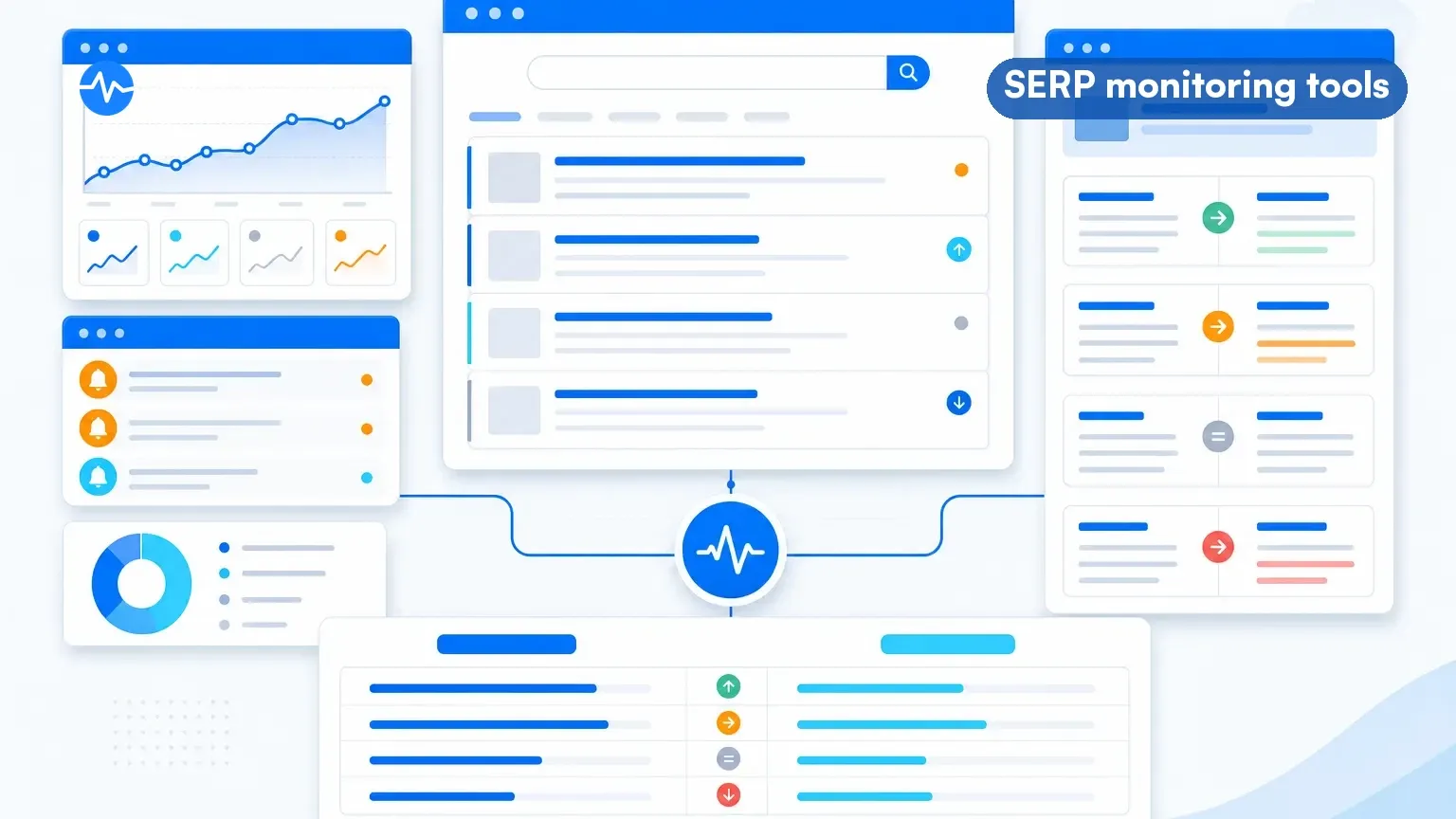
Your rankings shifted overnight. A competitor's page replaced yours in position three. A featured snippet you held for six months disappeared. Google rolled out an algorithm update and your traffic dropped 20%.
These scenarios play out every day. Without the right SERP monitoring tool, you won't know until the damage shows up in your analytics weeks later.
We reviewed widely used SERP monitoring tools for 2026 and sorted them into three groups by how they actually work: rank trackers that report position data, full-SERP tools that store structured result history, and visual monitors that capture what the results page looks like. Each approach solves a different problem. Many teams use more than one (and our platform data shows how the monitoring jobs split). Pricing and free tiers below were re-verified on vendor pages on July 22, 2026, and this comparison covers the question position data alone does not answer: who tells you when an AI Overview takes over your SERP, what it says, and who it cites.
 Different approaches answer different questions about your search visibility
What is SERP monitoring and why does it matter?
SERP monitoring means tracking changes to search engine results pages for keywords that matter to your business. Position changes, new competitors entering the results, featured snippet shifts, visual layout changes like AI Overviews or People Also Ask boxes. All of it. (Visualping's SEO change monitoring page covers the visual side of this in detail.)
A widely cited BrightEdge study (2019) put organic search at 53% of trackable website traffic, and it remains the largest single channel in most analytics stacks. If your SERP positions are moving and you don't know about it, you're losing traffic you could be protecting.
On Visualping's platform alone, 868 users actively monitor search engine results pages, running over 2,600 SERP monitoring jobs (June 2026 sample). 78% of those monitor jobs come from business accounts, a share of monitors rather than of customers.
What are the three types of SERP monitoring?
Before picking a tool, understand the three different approaches. Most comparison articles list tools in a flat ranking. That misses the point. These tools work differently, answer different questions, and serve different workflows.
| The question you are asking | Tool type | Examples in this guide |
|---|---|---|
| Where do I rank for my keywords, over time? | Rank tracking | Semrush, Ahrefs, SE Ranking, AccuRanker, Mangools, SpySERP |
| What was on the whole results page last month? | Full-SERP data and history | Nozzle |
| What does the page look like now versus before, including the AI Overview? | Scheduled screenshot comparison | Visualping |
| Is an AI Overview present for my keyword? | Rank trackers with AIO flags | Semrush, Ahrefs, SE Ranking, AccuRanker |
Rank Tracking (Position Data)
Rank trackers check where your pages appear for specific keywords and report the position number. They run automated checks on a schedule (daily, weekly, or monthly) and show trends over time. When your position drops from #3 to #8 for a target keyword, a rank tracker tells you.
Best for: SEO teams tracking hundreds or thousands of keywords, agencies reporting to clients, content marketers measuring the impact of optimization work.
Limitations: Most rank trackers center on position data rather than the rendered page. Presence flags and structured SERP reports vary by tool and tier. If Google adds an AI Overview that pushes organic results below the fold, your position might stay the same while your click-through rate drops. Position data alone does not show that shift; AIO-capable trackers flag presence, and the visual route shows the page.
Full-SERP Data and History
A smaller group of tools stores structured data about everything on the results page over time: every listing, ad, and feature, retrievable for any tracked date. Nozzle is the example in this guide. This answers forensic questions (what did the SERP hold before the update?). Nozzle also stores visual SERP snapshots you can view side by side; the difference from a visual monitor is alerting: stored history you consult versus scheduled change alerts pushed to you.
Visual SERP Monitoring (Screenshot Comparison)
Visual monitors take scheduled screenshots of search results pages and compare them to detect change. A successful check captures whatever persists on the rendered page: new competitors, SERP feature changes (featured snippets, video carousels, image packs, AI Overviews), layout shifts, and ad placements. Changes that appear and revert between checks can be missed, so match the schedule to how fast the SERP moves.
Best for: Brand monitoring, competitive intelligence, detecting SERP feature changes, tracking local pack results, monitoring for reputation management issues.
Limitations: Visual monitoring works best for a focused set of high-value keywords rather than bulk tracking thousands of terms.
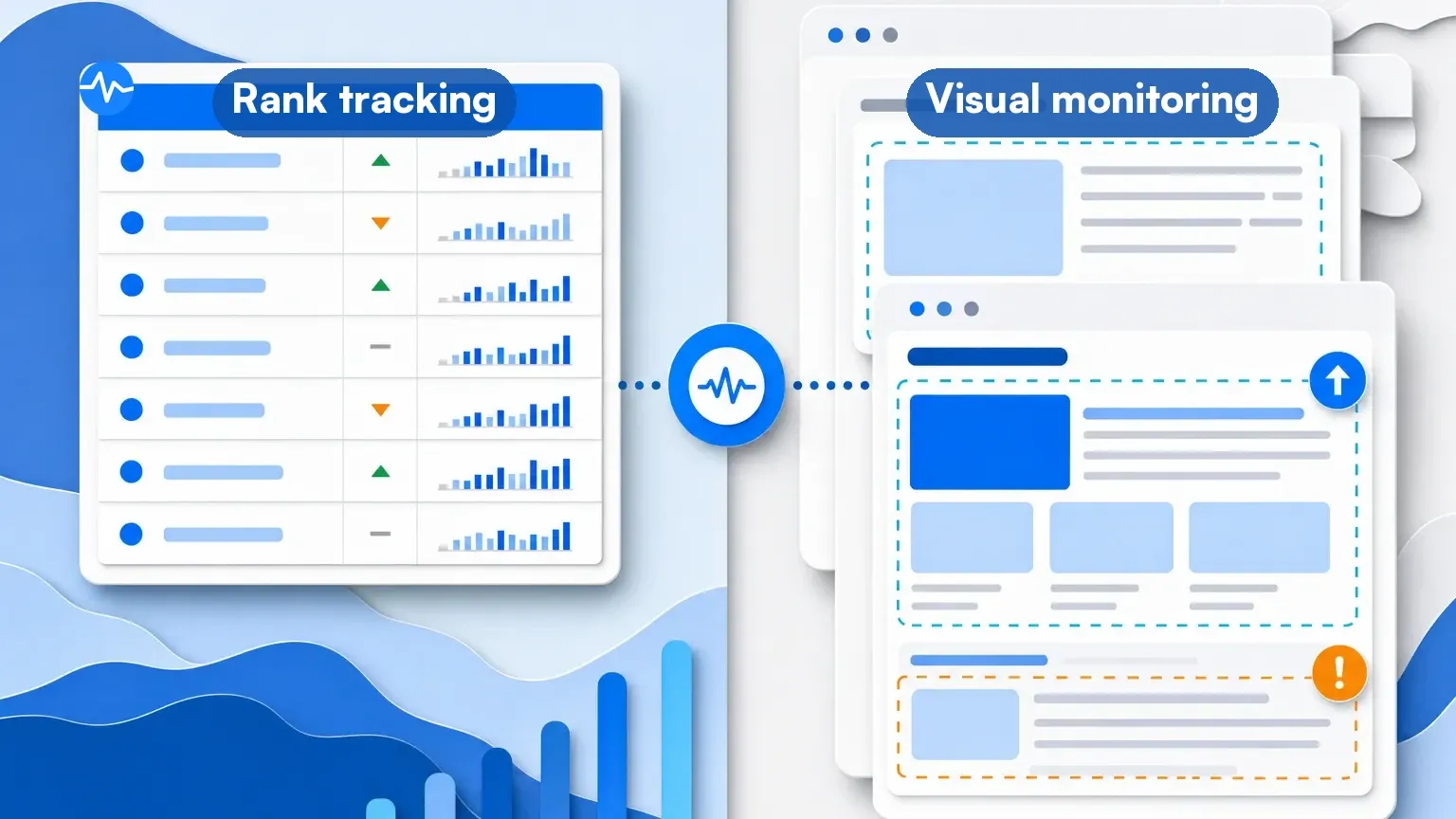 Each approach answers a different question about your search visibility
How Visualping Users Monitor SERPs: The Data
We analyzed SERP monitoring patterns across our platform (June 2026 sample) to understand how people actually use these tools in practice:
- 97% of SERP monitoring jobs track Google Search results, with Bing (2.5%), DuckDuckGo (0.5%), and Yahoo (0.2%) making up the rest
- 32% of SERP monitors check daily, while 36% check monthly and 27% check weekly
- 47% of jobs use text-change detection and 36% use visual screenshot comparison; 14% run both modes on the same job
- Users also monitor SEO tool websites directly, tracking pricing and feature changes across Semrush (29 jobs), Ahrefs (25 jobs), and Moz (12 jobs)
The daily-check rate stands out: nearly one in three SERP monitor jobs checks every day.
When we looked at what the monitored queries actually contain: 53% of active Google SERP jobs track a company or brand name, and another 12% track personal names. A smaller but sophisticated group uses advanced Google operators: exact-match quotes, site: filters, and time-restricted queries like when:1d to build real-time news monitoring from Google Search itself. One business account runs hourly checks on litigation-related queries using exact-match operators, effectively turning Google into a legal monitoring dashboard.
Go deeper: Competitive monitoring with Visualping | SEO change monitoring
How we picked and verified these tools
Selection: tools with a live product, public documentation, and a distinct answer to one of the three questions above. Verification: pricing and free tiers were checked against each vendor's public pricing page on July 22, 2026 (SERPWoo was dropped from this guide at that check after its member pages showed farewell messaging); feature and tier-gating claims come from vendor documentation, not hands-on testing of every plan. Visualping platform statistics are June 2026 samples of our own data. When a vendor's own pages conflict, we say so.
What are the best rank tracking tools?
Short answer: Semrush and Ahrefs for full-suite depth, SE Ranking and AccuRanker for daily tracking with AI-visibility features, Mangools and SpySERP for budget tracking, and Google Search Console as the free baseline every site should keep.
1. Semrush Position Tracking
Semrush's Position Tracking tool checks positions daily, tracks local and mobile rankings separately, and includes a SERP features report showing which rich results appear for your keywords.
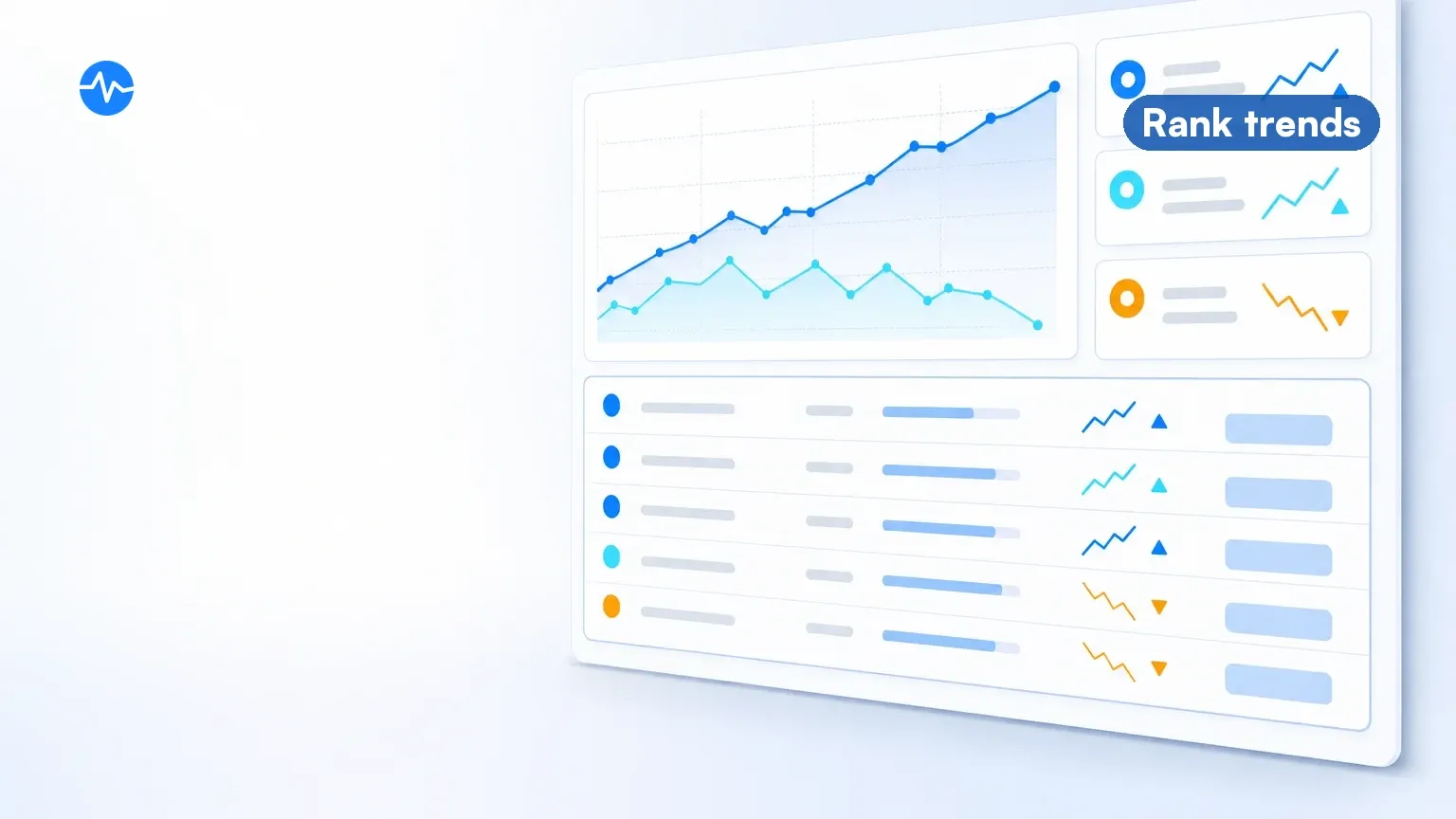 Daily position data across hundreds of keywords at a glance
Key features:
- Daily position checks across desktop and mobile
- Local tracking at city level (multi-location tracking is tier-dependent)
- SERP feature tracking (featured snippets, AI Overviews, PAA boxes)
- Competitor comparison for up to 20 domains
- Cannibalization reports on Guru and Business plans; Share of Voice on Business
Best for: SEO teams and agencies that need daily position data across hundreds of keywords with competitive benchmarking.
Pricing: Starts at $139.95 per month ($117.33 billed annually) on the Pro plan with 500 tracked keywords. Business at $499.95 per month tracks up to 5,000. Custom enterprise plans available.
Limitation: Pricing scales quickly when tracking thousands of keywords. The keyword limit per project can be restrictive for larger sites.
2. Ahrefs Rank Tracker
Ahrefs' Rank Tracker updates positions weekly on standard plans, and ties ranking data directly into their broader SEO suite. Ahrefs' marketing pages advertise daily updates through a Project Boost add-on, but its current pricing and help pages do not list that benefit, so confirm availability before relying on it. The integration with Site Explorer and Content Explorer makes it easy to connect ranking drops to specific pages and backlink changes.
Key features:
- Weekly updates included (daily updates are advertised via the Project Boost add-on; confirm with Ahrefs before buying)
- SERP feature tracking including AI Overviews
- Average position and traffic estimates per keyword
- Competitor comparison limits vary by plan
- SERP snapshot history (top-100 results) for each check
- Integration with Ahrefs' backlink and content databases
Best for: SEO professionals who already use Ahrefs for backlink analysis and want rank tracking in the same platform.
Pricing: The $29 Starter plan includes Rank Tracker with 50 tracked keywords. The full suite starts at $129 per month (Lite, 750 keywords), with Standard at $249 for 2,000 and Advanced at $449 for 5,000.
Limitation: Snapshot comparison is manual review work, and several Rank Tracker capabilities (daily updates, competitor comparison depth) sit behind add-ons or higher plans.
3. SE Ranking
SE Ranking offers accurate daily rank tracking with AI-visibility features folded into its 2026 plans. Capacity is counted in keyword-target combinations across the account, so tracking the same keyword on desktop and mobile, or in two locations, consumes two slots.
Key features:
- Daily checks with AI Overview presence tracking
- Local SEO tracking at zip code level
- Google Maps ranking tracking
- SERP feature monitoring
- White-label reporting via the Agency Pack add-on
- Competitor visibility tracking
Best for: Small-to-medium businesses and freelance SEOs who want accurate tracking at a lower price point.
Pricing: SE Ranking restructured its plans in 2026. Entry is now $129 per month ($103.20 billed annually) for 2,000 daily-checked keyword-target combinations, and plans bundle AI-visibility prompt tracking alongside classic rank tracking. The old $65 Essential tier is gone.
Limitation: The interface can feel cluttered with features. The learning curve is steeper than simpler tools like AccuRanker.
4. AccuRanker
AccuRanker does one thing: fast rank tracking. It delivers on-demand position checks in seconds rather than waiting for scheduled updates. During a site migration, after a Google update, or while A/B testing title tags, that speed matters.
Key features:
- On-demand rank checks with results in seconds
- Daily automatic updates plus manual refresh anytime
- SERP feature tracking and historical data
- Share of Voice by keyword tag groups
- Landing page tracking (which URL ranks for each keyword)
- Read API on Expert plans; write API on Enterprise
Best for: In-house SEO teams and agencies running time-sensitive operations where stale position data costs money.
Pricing: Starts at $224 per month on a keyword-count slider (all plans include daily checks and on-demand updates); a mid slider point runs $764 per month, and above 25,000 keywords pricing is quote-based. AccuRanker also added AccuLLM for tracking visibility in AI models.
Limitation: Single-focus tool. If you need backlink analysis, content optimization, or technical SEO auditing, you'll need separate tools.
5. Mangools SERPWatcher
Mangools offers SERPWatcher as part of their affordable SEO suite. It provides clean, simple rank tracking without overwhelming you with features. The Performance Index metric gives you a single number that accounts for both position and search volume changes.
Key features:
- Performance Index combining position and volume data
- Weekly rank updates on Basic and Premium; daily on Agency
- Interactive SERP previews
- Keyword tagging and grouping
- Share feature for client reporting
- Part of the Mangools suite (KWFinder, SERPChecker, LinkMiner, SiteProfiler)
Best for: Freelancers and small businesses who want straightforward rank tracking bundled with keyword research tools at a budget price.
Pricing: Starts at $37.70 per month billed annually (Basic, 200 tracked keywords). Premium runs $52.70 (700 keywords); Agency covers 1,500. Desktop and mobile tracking consume separate keyword slots.
Limitation: Limited keyword capacity compared to enterprise tools, and rank updates are weekly below the Agency tier.
6. Google Search Console (Free)
Google Search Console provides position data directly from Google. It's free, authoritative (the data comes from Google itself), and covers a broad set of the queries your site appears for, including long-tail terms you might not have thought to track. Google filters out anonymized rare queries and truncates very long report tables, so coverage is broad rather than complete.
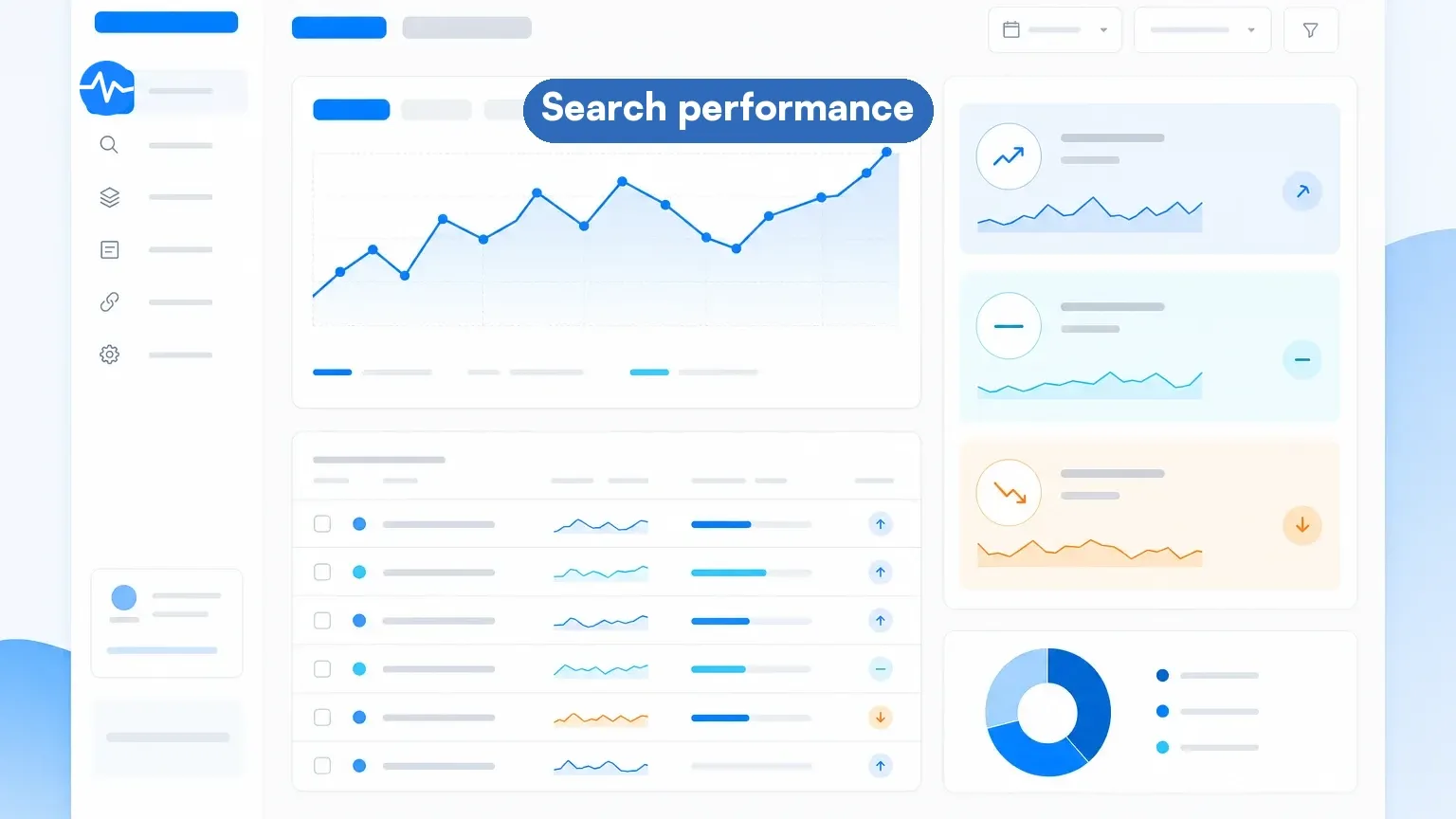 Free data directly from Google that every site should be tracking
Key features:
- Free query-performance reporting at no keyword cost
- Average position, clicks, impressions, and CTR data
- 16 months of historical data
- Query-level and page-level reporting
- Coverage for most queries that generated impressions (privacy-filtered)
- Index coverage and Core Web Vitals integration
Best for: Every website. GSC should be your baseline data source even if you use a paid rank tracker. It captures keywords you didn't know you ranked for.
Pricing: Free.
Limitation: Finalized data typically lags 2-3 days (a preliminary view arrives sooner). Positions are averages, not point-in-time snapshots. No competitor data. No alerting when positions change. Limited filtering compared to paid tools.
7. SpySERP
SpySERP strips rank tracking down to the essentials. It checks positions across Google, Bing, Yahoo, and Yandex, supports local tracking down to city level, and loads results fast. It is a low-cost option.
Key features:
- Multi-search-engine tracking (Google, Bing, Yahoo, Yandex)
- Local rank tracking at city level
- Mobile and desktop tracking separately
- SERP feature detection (featured snippets, local packs, ads)
- Automated reports via email
- API access for custom integrations
Best for: Budget-conscious SEOs and freelancers who need accurate multi-engine rank tracking without the overhead of a full SEO suite.
Pricing: A free plan covers 5 keywords. Pro starts at $9 per month, metered in keyword checks per month (SpySERP's own pages state the allowance inconsistently, 5,000 in one place and 10,000 in another, so confirm at checkout). A 7-day trial covers paid features (card required at sign-up).
Limitation: Focused on tracking rather than a full SEO suite (it has added side tools like a backlink explorer, but nothing near suite depth). Check-based metering means high-frequency tracking consumes the allowance quickly.
What are the best full-SERP and visual monitoring tools?
Short answer: Nozzle for stored full-SERP history and pixel-level data, Visualping for scheduled visual evidence of what the rendered page, including its AI Overview, looks like.
8. Nozzle
Nozzle captures data on every result on the page: every organic listing, every ad, every SERP feature, every pixel height. Where other tools give you a position number, Nozzle gives you "pixels from top" and "SERP real estate percentage." Its stored SERP data is structured history, a different thing from automated screenshot change alerts.
Key features:
- Full-SERP data capture (every result, ad, and feature)
- "Pixels from top" metric showing actual visual position
- SERP real estate percentage calculation
- Unlimited competitors tracked per keyword
- Brand monitoring across all SERP elements
- Scheduled monitoring with hourly options
Best for: Data-driven SEO teams that want granular SERP intelligence beyond simple position tracking. Useful for understanding how SERP layout changes affect CTR.
Pricing: Starts at $49 per month billed yearly (about 10,000 SERP pulls included), with tiers at $99, $249, and $499. Pricing scales by SERPs pulled (roughly $5 to $6 per 1,000 at entry tiers), where one pull is a keyword-engine-language-device-location combination, and check frequency multiplies usage.
Limitation: The billed unit (a keyword-engine-language-device-location pull, multiplied by check frequency) takes work to estimate upfront.
9. Visualping
Visualping approaches SERPs as pages, not keyword databases. It captures scheduled screenshots of actual search results pages and alerts you when the monitored area changes. New AI Overviews appearing, featured snippet changes, competitor ad copy updates, local pack rearrangements, People Also Ask modifications. Its AI-powered change detection can summarize what changed and add a binary IMPORTANT flag.
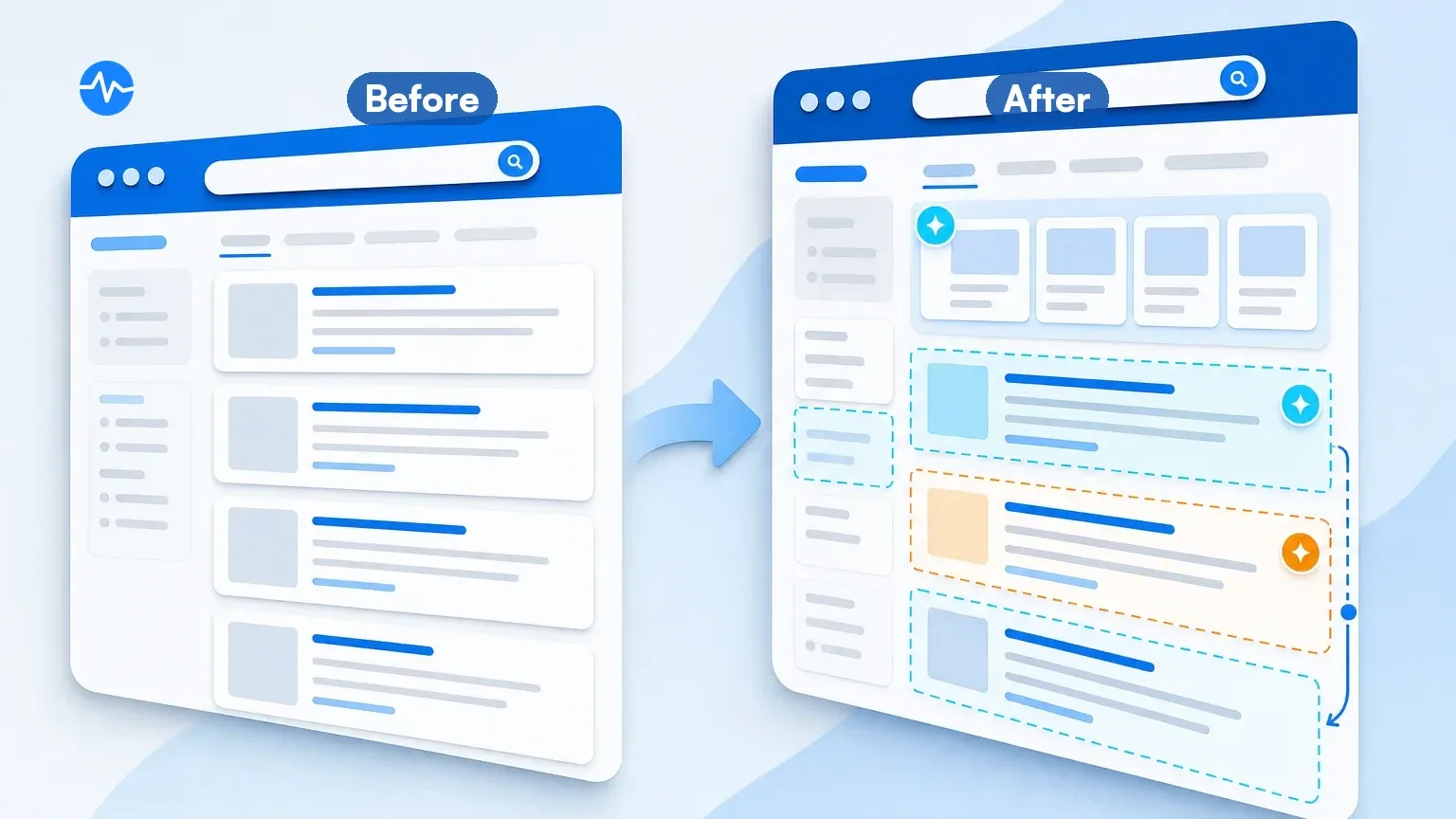 Before-and-after screenshots highlight what changed in the monitored area
Key features:
- Scheduled screenshot comparison of supported search-result URLs (confirm the setup preview renders)
- Text-change detection surfaces wording and ordering changes in results (it does not compute rank positions)
- Configurable check frequency (every 2 minutes on top tiers, down to monthly)
- Email and webhook alerts on every plan; native Slack alerts on Business plans
- Side-by-side visual diff, with an AI summary and a binary IMPORTANT flag on every alert
- Supports Google, Bing, DuckDuckGo, and Yahoo monitoring
- No keyword database: each search URL you monitor counts as one page against your plan's page cap
- Available as a Chrome extension for quick setup
Best for: SEO professionals and brand managers who need the full picture of SERP changes, including layout shifts that rank trackers miss. Particularly valuable for monitoring AI Overviews, featured snippets, and competitive SERP intelligence.
Pricing: Free plan with 5 pages and 150 checks a month (hourly checks at fastest). Paid plans start at $10 per month billed annually; 2-minute checks come with the $50 Personal tier and Business plans ($100 to $250 per month). AI change summaries, email and webhook alerts, and API access are included on every plan, including Free.
Why visual monitoring: On Visualping's platform, 36% of SERP monitor jobs use visual screenshot comparison (June 2026 sample). Google rolled out AI Overviews in May 2024. When an AI Overview persists through a successful scheduled render, a visual monitor captures the new layout even while the tracked organic-position metric stays unchanged (AIO-capable trackers have since added presence flags). That gap between "your position held" and "your clicks fell anyway" is exactly why visual monitoring exists.
Editor's note: Visualping is our product. For keyword rank tracking with historical position data, SERP feature detection, and built-in keyword research, Semrush and Ahrefs are the incumbent full-suite options. For high-frequency rank tracking at scale across thousands of keywords with daily updates, AccuRanker is purpose-built for that. Visualping monitors visual SERP layout changes through page screenshots - it does not track keyword positions, maintain rank history, or offer keyword research. Review each tool's limitations, including ours.
How do the 9 SERP monitoring tools compare?
On AI Overviews specifically: Semrush, Ahrefs, SE Ranking, and AccuRanker flag presence; AccuRanker, Nozzle, and SE Ranking expose AIO text or cited sources as structured data; Visualping captures scheduled before-and-after screenshots of the rendered Overview with pushed change alerts.
| Tool | Type | Starting Price | Keywords (Base) | Check Frequency | SERP Features | Visual Diff | Free access |
|---|---|---|---|---|---|---|---|
| Semrush | Rank Tracker | $139.95/mo ($117.33 annual) | 500 | Daily | Yes | No | 10 keywords |
| Ahrefs | Rank Tracker | $29 (Starter, 50 kw); $129 Lite (750) | 50-750 | Weekly | Yes | No | None |
| SE Ranking | Rank Tracker | $129/mo ($103.20 annual) | 2,000 combos | Daily | Yes | No | 14-day trial |
| AccuRanker | Rank Tracker | $224/mo | Slider-based | On-demand | Yes | No | No public trial; 14-day refund window |
| Mangools | Rank Tracker | $37.70/mo (annual) | 200 | Weekly (daily on Agency) | Limited | No | Free plan + 10-day Free+ trial |
| Google Search Console | Rank Tracker | Free | Broad (privacy-filtered) | ~2-3 day lag | Limited | No | Yes |
| SpySERP | Rank Tracker | $9/mo | 5 keywords free; paid metered in checks | Daily | Yes | No | Yes (5 keywords) |
| Nozzle | Full SERP | $49/mo (yearly) | ~10,000 pulls | Hourly+ | Yes (all) | Stored snapshots | Free trial (duration not stated) |
| Visualping | Visual Monitor | Free/$10/mo (annual) | Any URL (5 pages free) | 2 min (top tiers) to monthly | Yes (visual) | Yes | Yes |
Pricing re-verified against vendor pages on July 22, 2026.
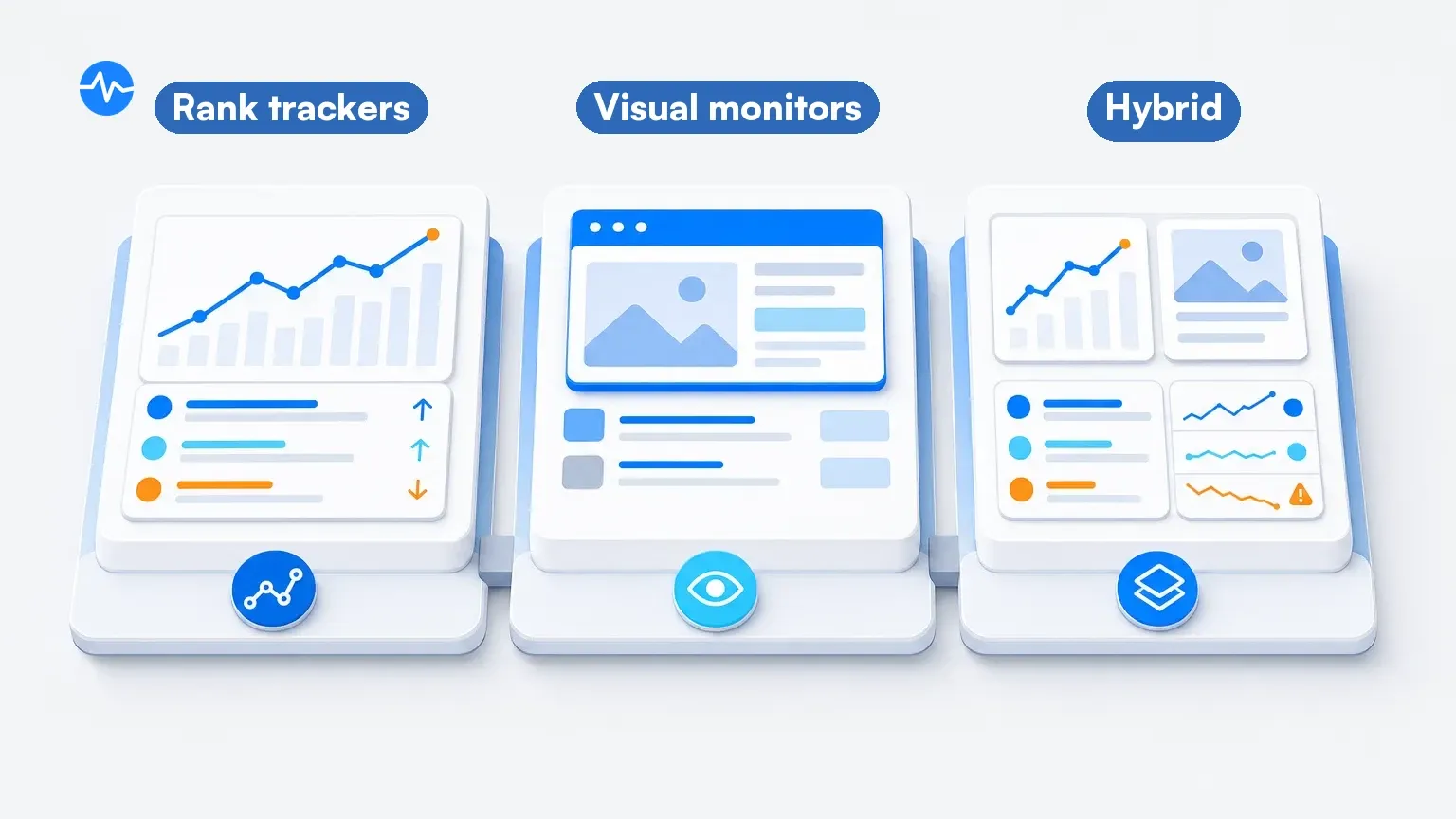 Three distinct approaches to keeping tabs on search results
How do you choose the right SERP monitoring tool?
The right tool depends on what you're trying to accomplish.
Choose a rank tracker if you:
- Track 100+ keywords and need daily position data
- Report rankings to clients or leadership
- Want to measure the impact of SEO work over time
- Need competitor position comparison at scale
Choose a visual SERP monitor if you:
- Need a visual record of what renders for your configured brand queries (confirm the URL in preview first)
- Want to catch SERP feature changes (AI Overviews, featured snippets, local packs)
- Monitor a focused set of high-value keywords for competitive intelligence
- Care about the visual layout of search results beyond position numbers
Use both if you:
- Run a professional SEO operation and need comprehensive coverage
- Want position data for reporting AND visual intelligence for strategy
- Monitor competitive SERPs where layout changes affect CTR regardless of position
In our June 2026 job sample: 47% of SERP monitor jobs use text detection, 36% use visual comparison, and 14% run both modes on the same job.
How do you combine rank tracking with visual monitoring?
A layered setup combines the approaches. Here is a practical three-step workflow:
Step 1: Set up rank tracking for your full keyword portfolio (hundreds or thousands of keywords) using Semrush, Ahrefs, or SE Ranking. This gives you the broad view, with daily or weekly position data depending on plan.
Step 2: Set up visual monitoring on your top 10-20 highest-value SERPs using Visualping. These are the keywords where a layout change, new competitor, or SERP feature shift would significantly impact your traffic or revenue.
Step 3: Use Google Search Console as your baseline truth layer. GSC captures many long-tail queries your rank tracker doesn't cover and provides click-through rate data that neither rank trackers nor visual monitors can match.
Some users also point Visualping at SEO tool websites themselves (29 jobs on Semrush, 25 on Ahrefs, 12 on Moz in the June 2026 sample), watching pricing pages, feature updates, and API documentation.
How do you get SERP feature and AI Overview change alerts?
A SERP feature change alert is a notification that fires when a featured snippet, AI Overview, People Also Ask box, or local pack appears, disappears, or changes hands on a results page you care about. Rank trackers report position numbers on a schedule; most stay silent about feature-level changes between reports.
The visual route closes that gap. Monitor the live results page for your target query with website change monitoring, select the area where the feature sits, and you get an alert with a before-and-after screenshot after the next successful check catches the move. On a daily schedule, that turns "we lost the snippet six weeks ago" into a next-day finding, and it works for features your rank tracker doesn't itemize yet, as long as they render on the page you monitor (confirm the preview when you set the monitor up).
AI Overviews are the sharpest version of this problem. Several rank trackers now flag AIO presence, and some go further: AccuRanker's Full SERP report, Nozzle's AIO extraction, and SE Ranking's AI-visibility features expose Overview text or cited sources as structured data. The screenshot route earns its place as evidence and simplicity: a scheduled visual check on the rendered page produces a before-and-after image of the Overview appearing, growing, shrinking, or swapping cited sources, with no keyword database or report setup. If your content strategy depends on being cited in AI answers, that citation list is a page element worth watching on your highest-value queries, whichever tool captures it.
FAQ
What is a SERP tool?
A SERP tool is software that tracks or analyzes search engine results pages. The three main types: rank trackers (position data), full-SERP tools (structured result history), and visual SERP monitors (scheduled screenshot comparison). Google Search Console is the most basic one, and it is free.
How do I check my SERP ranking?
The simplest method is to search your keyword in Google and count your position. But this gives you personalized results that may not reflect what others see. For accurate data, use Google Search Console (free, shows average positions for many queries that generated impressions, subject to privacy filtering) or a rank tracker like Semrush, Ahrefs, or AccuRanker that checks from neutral locations.
How often should I check SERP rankings?
The right frequency depends on your situation. According to Visualping platform data, 32% of SERP monitors check daily, 27% check weekly, and 36% check monthly. Daily checks make sense during active SEO campaigns, site migrations, or algorithm update periods. Weekly is sufficient for ongoing monitoring of stable keywords. Monthly works for long-term trend tracking on lower-priority terms.
Can I monitor SERPs for free?
Yes. Google Search Console provides free ranking data for most queries that generated impressions for your site (rare queries are privacy-filtered), with finalized data lagging 2-3 days. Visualping offers a free plan for visual SERP monitoring with limited checks. Mangools has a permanent free plan with SERPWatcher limits, plus a 10-day Free+ trial. Trial and refund policies vary by vendor, so check before subscribing.
How to measure SERP?
Measuring SERP performance involves tracking several metrics beyond just your ranking position. The core metrics are: position (where you rank for target keywords), visibility (aggregate ranking strength across all tracked keywords), CTR (click-through rate from impressions to clicks, available in Google Search Console), and SERP feature ownership (whether you hold featured snippets, PAA boxes, or image pack spots). For a complete picture, combine rank tracker data (positions and visibility) with GSC data (CTR and impressions) and visual SERP monitoring (layout changes and feature shifts).
Is SERP owned by Google?
No. "SERP" stands for Search Engine Results Page, and it's a general term that applies to any search engine, including Google, Bing, DuckDuckGo, and Yahoo. Google is the dominant search engine (holding roughly 90% global market share, StatCounter, mid-2026), so most SERP monitoring focuses on Google results. But the term itself is not a Google product or trademark. Our platform data reflects this: while 97% of SERP monitoring jobs on Visualping track Google, users also monitor Bing (2.5%), DuckDuckGo (0.5%), and Yahoo (0.2%).
What's the difference between rank tracking and SERP monitoring?
Rank tracking specifically measures your keyword positions (e.g., "you rank #5 for 'project management software'"). SERP monitoring is broader. It includes rank tracking but also encompasses monitoring SERP features, competitor changes, ad placements, AI Overviews, and visual layout shifts. You can track your rank without monitoring the full SERP, but comprehensive SERP monitoring includes rank tracking as one component.
Related resources
- SERP Competitor Analysis: How to Track and Outrank Your Competition: using SERP data for competitive intelligence
- Why Rank Position Data Lies (And What to Track Instead): the limitations of position-only tracking
- Visualping Features: how visual change monitoring works for SERP tracking
- Visualping Pricing: plans for SERP monitoring and website change detection
Want to monitor web changes that impact your business?
Sign up with Visualping to get alerted of important updates, from anywhere online.
Emily Fenton
Emily was the Product Marketing Manager at Visualping. She has a degree in English Literature and a Masters in Management.
More articles by Emily Fenton