Monitor any web page, right from your browser
Pick what to monitor, choose how to check it, and get notified the moment it changes. No tab-refreshing required.
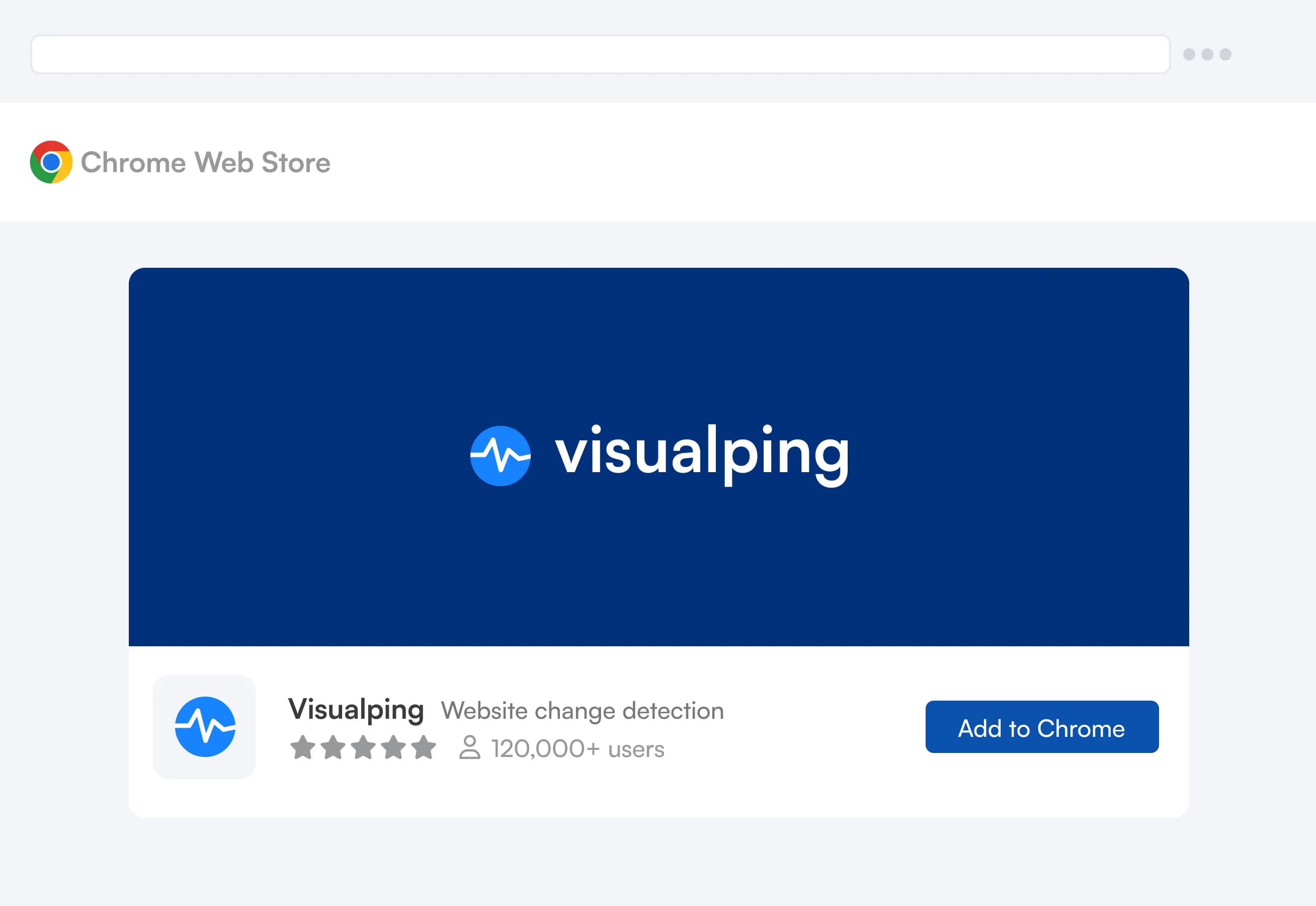
 Add to Chrome (it’s free)

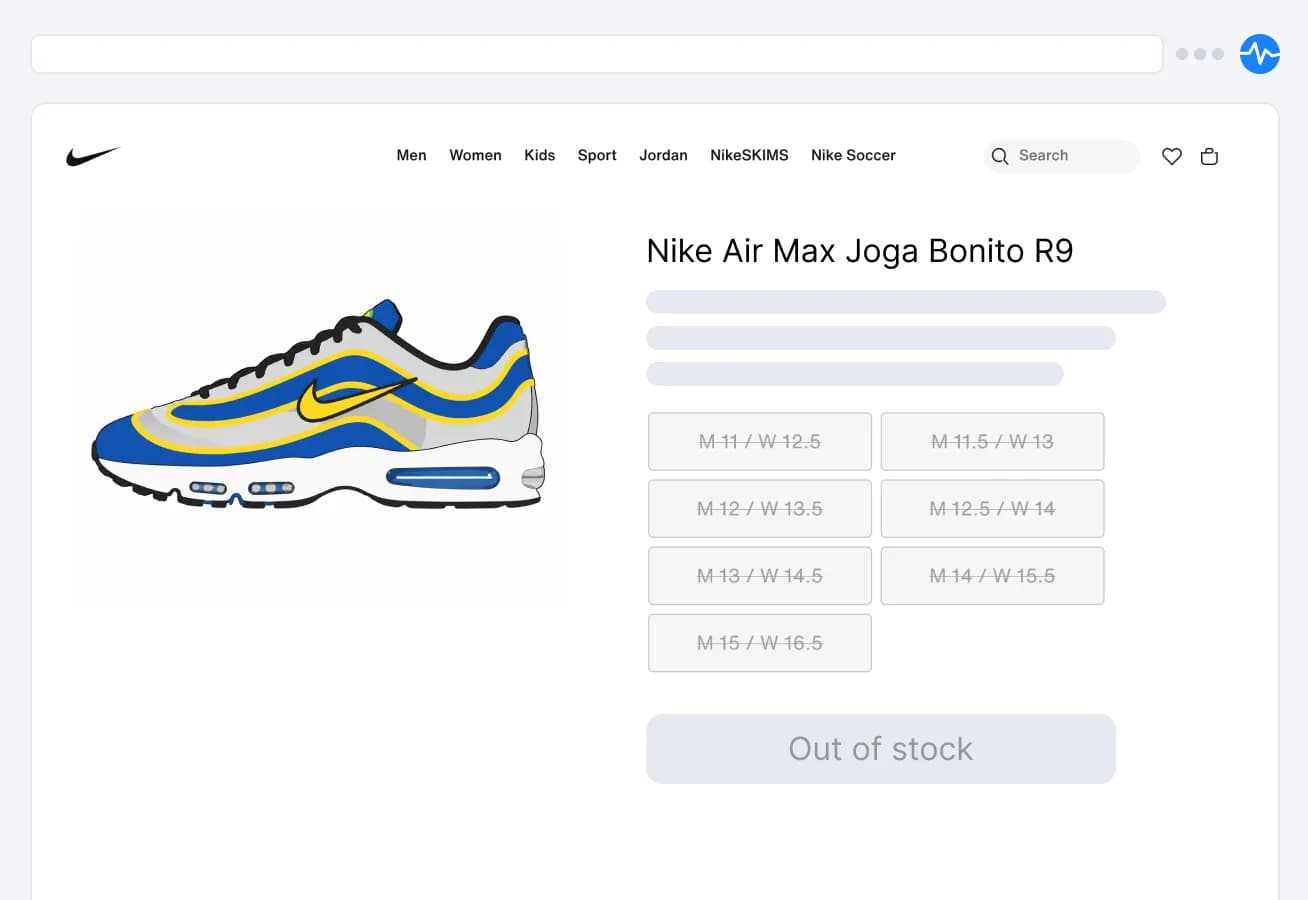

You’re still checking that page by hand
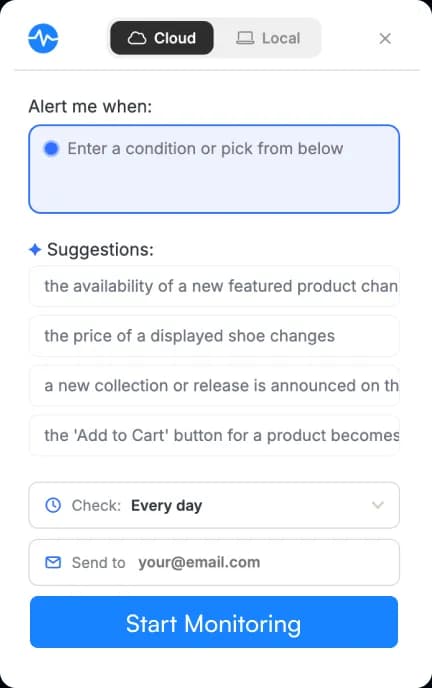
Switch between local and cloud monitoring in one click.
Cloud
Always on, even when you're not
- Creates a monitor that runs on our servers, independent of your browser
- Keeps tracking the page even after the computer is shut off
- Latest cloud AI models (not in-app)
- Alerts via email, text, Slack, and Teams
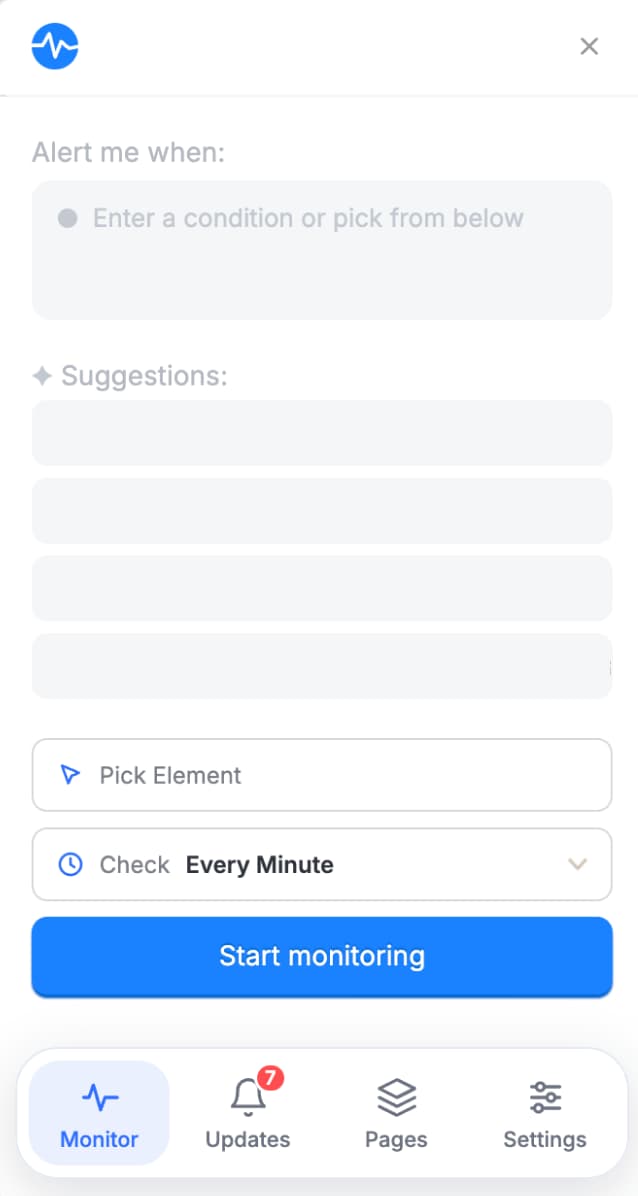
Local
Runs on your machine
- Uses computer resources to monitor the page
- Notifications limited to in-browser alerts
- Uses limited browser AI models (currently in development)
Local for quick, private checks. Cloud for anything you can’t afford to miss. Switch modes without leaving the page.
“I use a combination of server & browser tracking depending on how often I want to track/test.”
What cloud adds
Frequently asked questions
Is the Visualping Chrome extension free?
Yes. Cloud monitoring is available with any Visualping account on any plan, including Free. Local monitoring does not require an account.
What's the difference between Local and Cloud monitoring?
Local checks run in your browser and use your computer's resources, so they only work while your browser is open. Cloud monitors run on Visualping's servers, so they keep checking even after you close your laptop or shut down your computer.
How will I be notified when a page changes?
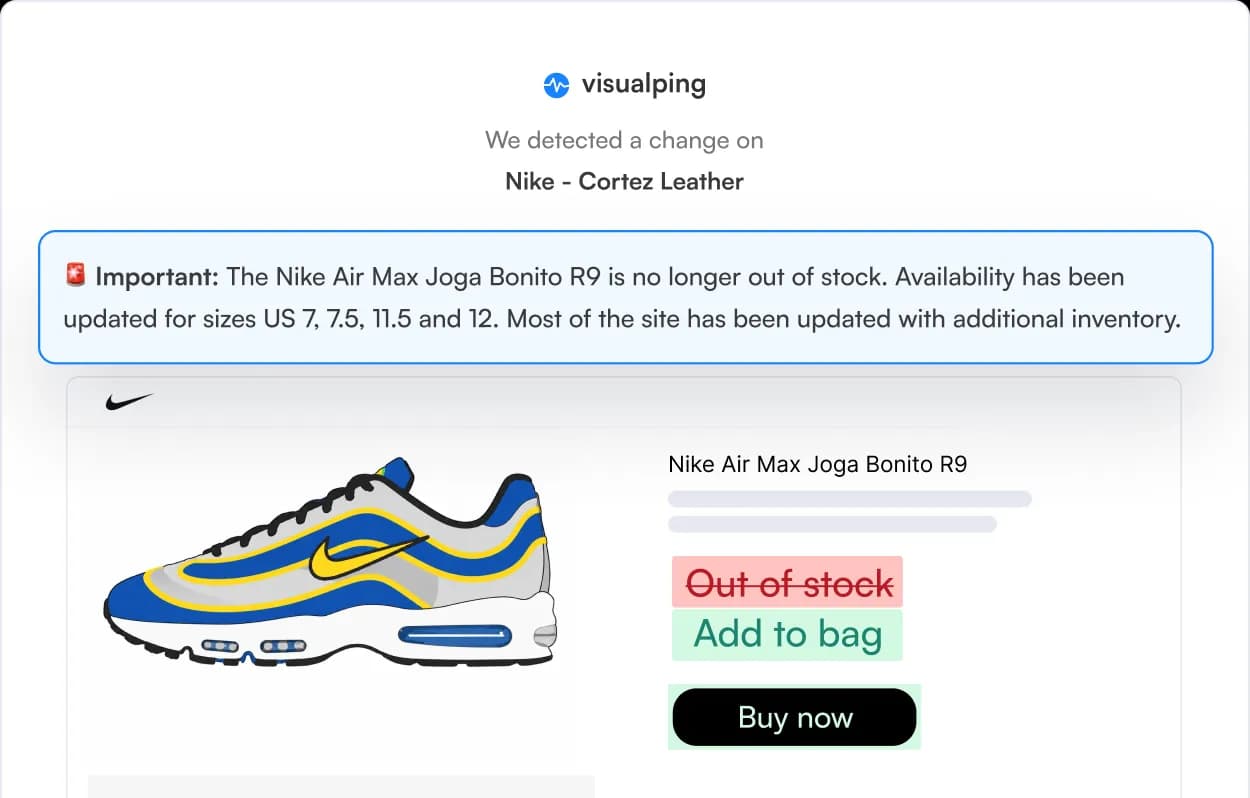
Local monitoring sends desktop notifications through your browser. Cloud monitoring alerts you by email, webhooks, and Zapier on every plan, and paid plans add text message, Slack, Microsoft Teams, and Google Sheets. Cloud alerts reach you even when your browser is closed.
Do I need to know how to code or use CSS selectors?
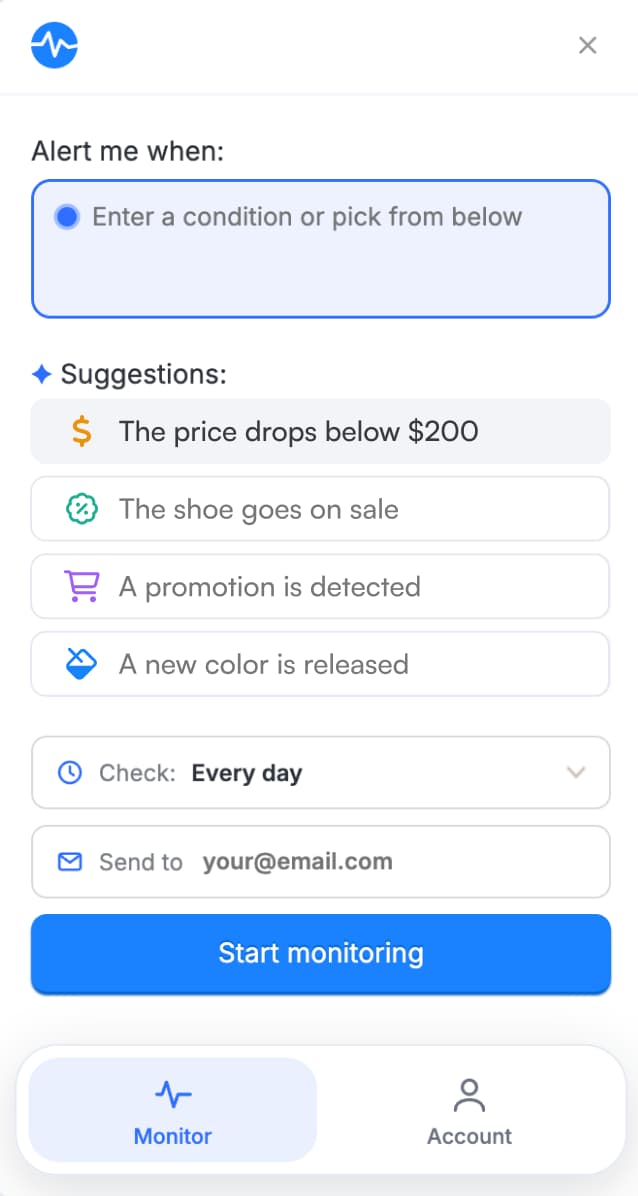
No. Describe what you want to track in plain language (for example, "when size 9 becomes available"), or pick from the AI-suggested conditions for that page.
Can I monitor any part of a webpage, or only the whole page?
You can monitor specific elements (a price, a button, a section of text) or the full page. Use the element picker to select exactly what matters to you.
How often does Visualping check for changes?
You set the frequency for each monitor. Local monitors can check as often as every minute, on any plan, while your browser is open. Cloud monitors check on a schedule you choose, from every 2 minutes up to monthly, with the fastest intervals depending on your plan.
Is Visualping used by real companies, or just individuals?
Both. 85% of Fortune 500 companies use Visualping for competitor tracking and regulatory monitoring, and individuals use it to watch for restocks, price drops, and job postings.
Start monitoring in seconds
Free to install, and Local monitoring works without an account.
100k+ users
“Couldn’t have gotten my 3080 without it.”