Does Best Buy Price Match in 2026? Full Policy
By Kayla Zhu
Updated June 1, 2026
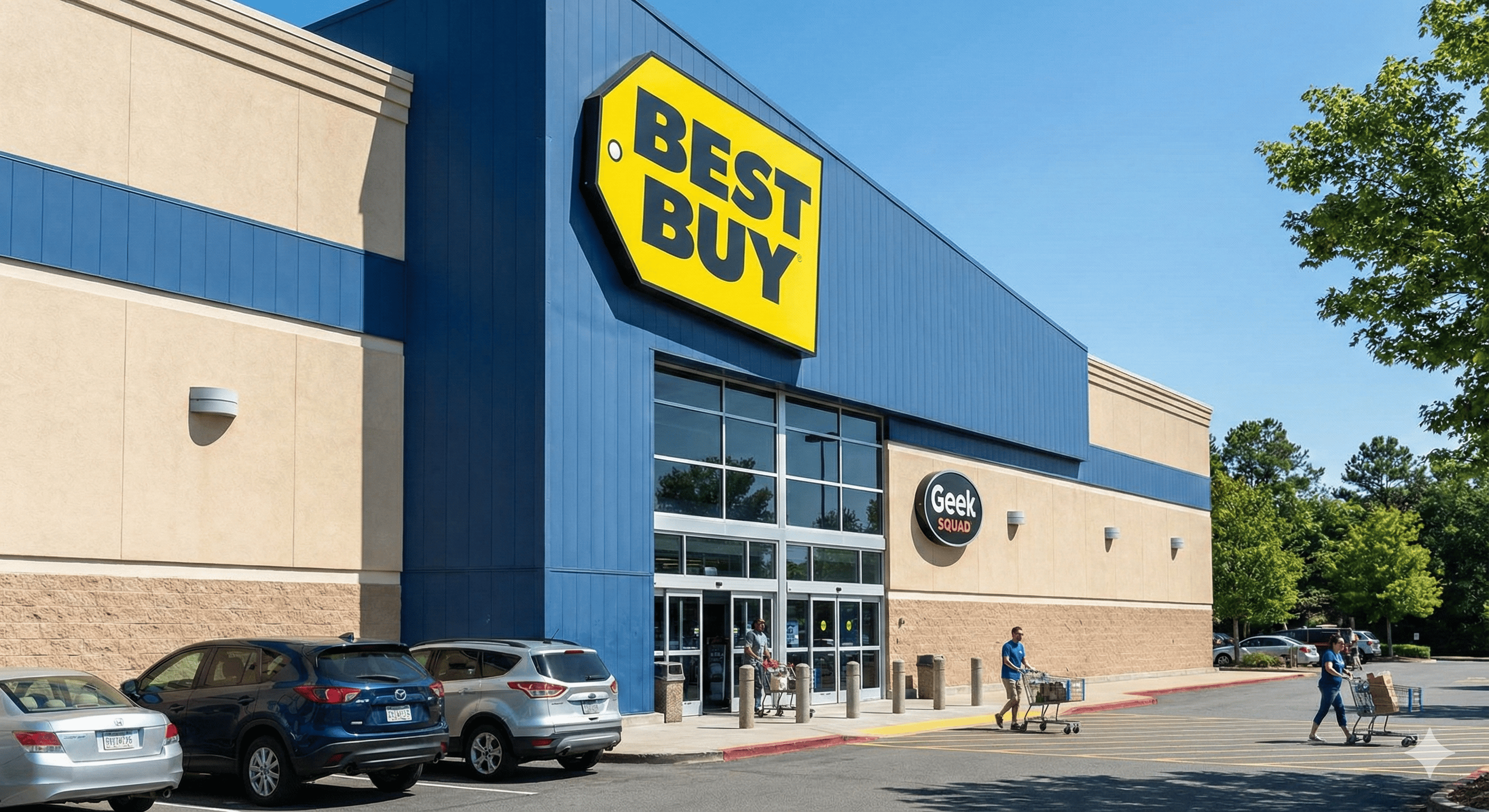
Yes. Best Buy price matches select competitors including Amazon, Walmart, and other major retailers on identical items. They also offer price adjustments if Best Buy’s own price drops within your return window after purchase.
TL;DR (2026)
- Yes: Best Buy price-matches identical items from Amazon, Walmart, and qualifying competitors
- After purchase, claim a refund if the price drops inside your return window (15 days standard, longer in holidays)
- Catch the drop: paste a Best Buy product URL into Visualping, select the price, and get a free alert when it changes
Policy summary (fast scan):
- Identical item required: same model, specs, condition.
- Sold/fulfilled matters: marketplace sellers and membership-only pricing are typically excluded.
- Timing matters: the lower price must be live when you request the match/adjustment.
Best Buy has one of the more generous price protection policies in retail, as The Verge’s price-matching policy roundup notes when comparing major retailers. The catch is that you have to spot the price drop while it’s active. This guide covers how the policy works, what qualifies, and how to use Visualping to track prices automatically so you never miss a refund.
Go deeper: How to Get Notified when Products are Back in Stock | Amazon In Stock Alerts: How to Never Miss a Restock | Visualping Blog
Quick Start: Set Up Best Buy Price Drop Alerts (2 Minutes)
Prefer a visual walkthrough? Start with our Best Buy price tracking guide.
-
Copy the Product URL: Go to BestBuy.com and find the product you purchased. Copy the URL from your browser.
-
Paste the URL into Visualping: Head to the Visualping homepage or your own Visualping account dashboard and paste the URL into the job creation. Click "Go".
-
Set Your Frequency: For high-demand electronics, checking every hour or daily is recommended.
-
Add an "Alert Me When" condition: Tell Visualping what matters. For example, "when this product drops in price."
-
Click "Start Monitoring": Once you set up your job, you'll get an email right when a price drop is detected on the page.
Related guides for a deeper dive into price tracking:
- Best Buy Restock Alert: Get Notified the Instant Items Are Back in Stock
- Price Alerts: Track Price Changes and Score the Best Deals
Go deeper: Walmart In-Stock Alerts: Get Walmart Restock Notifications
Best Buy price match policy: what qualifies
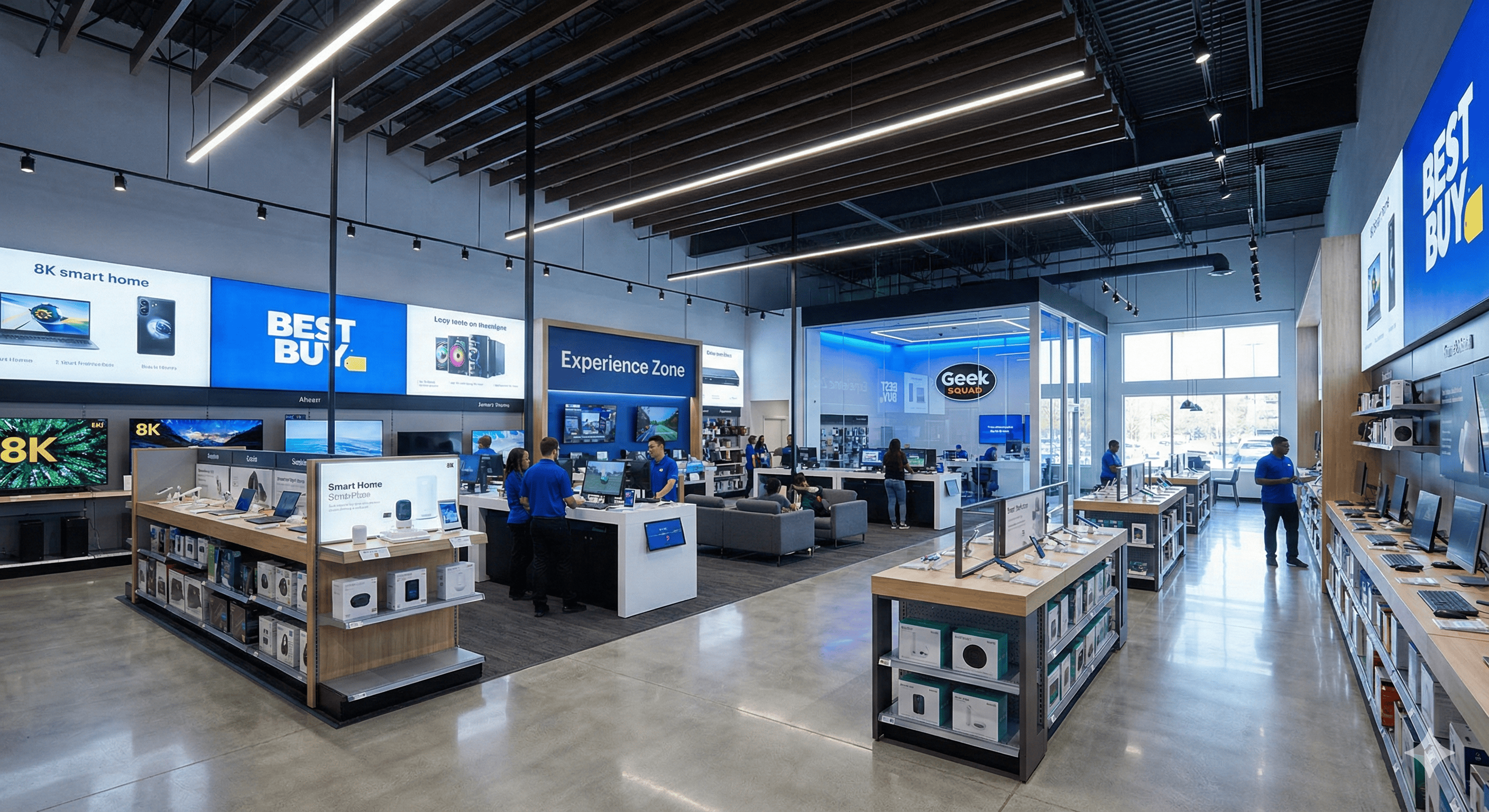
Best Buy’s Price Match Guarantee works two ways:
1. Competitor price matching (at time of purchase or within return window): Best Buy matches prices from Amazon, Walmart, and other qualified competitors on identical items. The item must be in stock and available for immediate shipping from the competitor. Marketplace sellers, auction sites, and membership-only prices are excluded.
2. Best Buy’s own price drops (after purchase): If Best Buy lowers the price on an item you already bought, you can request a price adjustment within your return window. The standard return window is 15 days (30 days for My Best Buy Plus/Total members).
Holiday extension: During the holiday season, Best Buy typically extends the price adjustment window. In 2025, items purchased October 31 through December 31 could be matched through January 15, 2026. Check Best Buy’s site for current seasonal dates.
Key requirements:
- The item must be identical (same SKU, brand, model, color, configuration)
- Must be new (not open-box, refurbished, clearance, or marketplace)
- Must be in stock and available at the lower price when you request the match
- You need your original proof of purchase
Why most shoppers miss price adjustments
Electronics pricing is volatile. Best Buy's algorithms shift the prices of gaming consoles, headphones, and appliances constantly based on demand and competitor activity. To claim your refund, you have to catch the drop while it's live.
Manually refreshing a browser tab every day for the 15-day return window is tedious. By the time you check, the price might have bounced back up, or the competitor might have sold out, making you ineligible for a match.
Automated price tracking solves this.
How to track Best Buy prices automatically
Visualping is a page monitoring agent that checks pages for you. Set it to watch a Best Buy product page and it sends you an email alert the moment the price changes.
Three things make it useful for price match claims. First, it captures a before-and-after screenshot of the page, which gives you timestamped proof of the drop when you contact Guest Services. Second, it alerts you within minutes or hours (depending on your check frequency), so you can act before the price bounces back. Third, you can tell Visualping's AI to only flag price decreases, which filters out noise from review count changes or unrelated page updates.
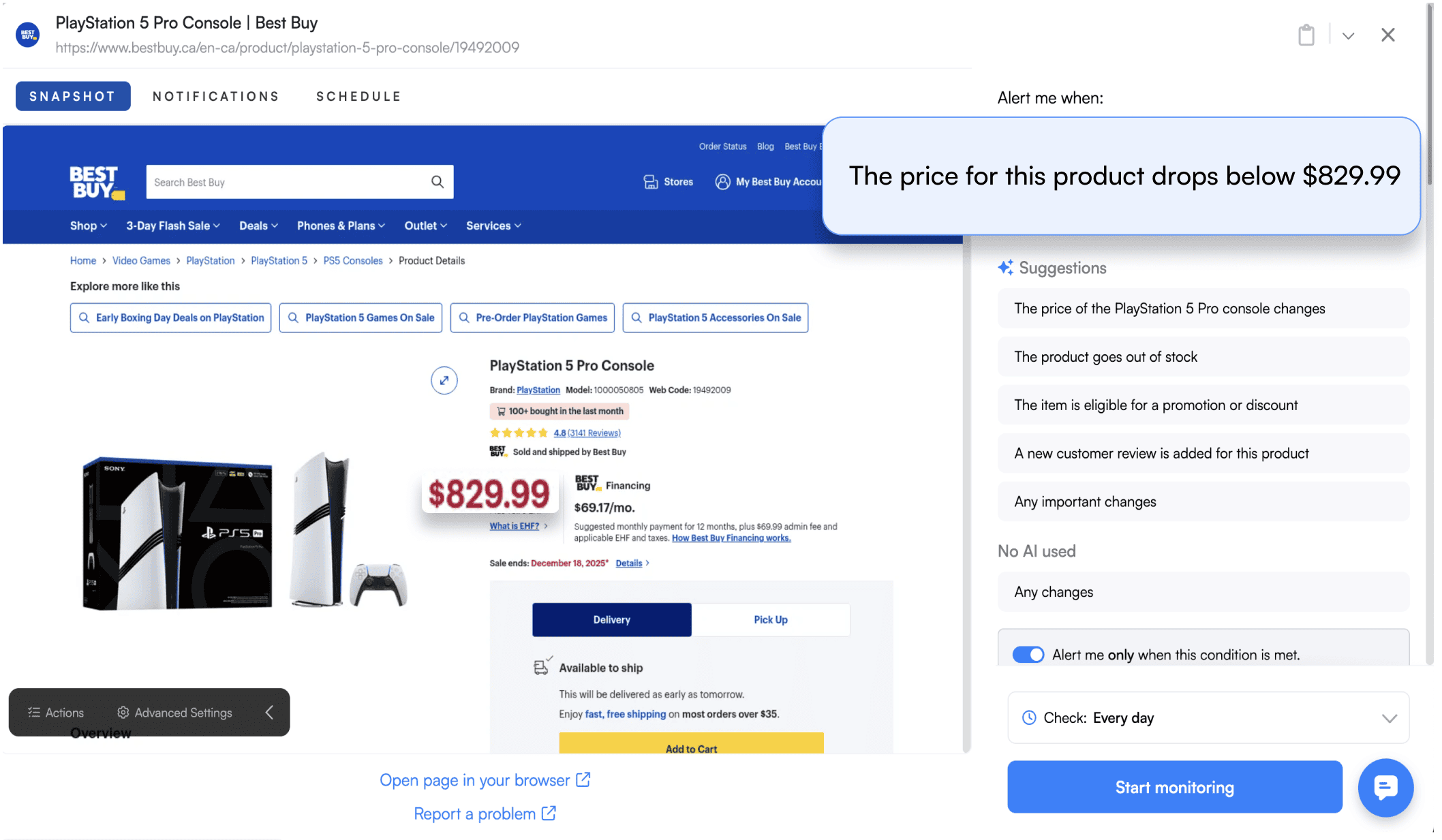
How to set up a Best Buy price tracker on Visualping
-
Copy the Product URL: Go to BestBuy.com and find the product you purchased. Copy the URL from your browser.
-
Paste the URL into Visualping: Head to the Visualping homepage or your own Visualping account dashboard and paste the URL into the job creation. Click "Go".
-
Select the Price Area (or Monitor Full Page): Visualping will load a preview of the page. Click and drag a box around the price tag, or select the full page to monitor.
-
Set Your Frequency: Hourly checks work well for electronics within your return window. Daily is fine for items you're watching before purchase.
-
Add an "Alert Me When" condition: Tell Visualping's AI what matters, e.g., "alert me when this product drops in price."
-
Click Start Monitoring: You'll get an email the moment a price drop is detected.
How to request a price match at Best Buy
If the product you're monitoring with Visualping drops in price, you can contact Best Buy immediately to request your price adjustment.
-
In-Store Purchases: Head to the Customer Service desk at any Best Buy store. Bring your receipt and your phone showing the live competitor price or the lower Best Buy price.
-
Online Purchases: The fastest method is the Best Buy Chat. You can also call 1-888-BEST BUY (1-888-237-8289). Have your order number ready.
Note: Best Buy enforces a "blackout" period for price matching. As USA Today's guide to Best Buy price matching confirms, they generally do not match competitor prices from the Thursday before Thanksgiving through the Monday after Thanksgiving (Cyber Monday).
Frequently asked questions
Does Best Buy price match Amazon?
Yes. Amazon is on Best Buy’s list of qualified competitors. The item must be identical (same brand, model, specs), sold and shipped by Amazon (not a third-party marketplace seller), and in stock at the time of your request.
Does Best Buy price match Walmart?
Yes. Walmart is also a qualified competitor. Same rules apply: identical item, sold by Walmart directly (not marketplace), in stock and available for immediate purchase.
Can I get a Best Buy price match after purchase?
Yes. If Best Buy’s own price drops within your return window, you can request a price adjustment. The standard window is 15 days. My Best Buy Plus and Total members get 30 days on many products. During the holiday season, Best Buy typically extends this window further. Check BestBuy.com for current dates.
Does Best Buy price match online prices in store?
Yes. You can show a qualifying competitor’s online price on your phone at the Customer Service desk and request a match on an in-store purchase. The price must be current and verifiable at the time of the request.
Does Best Buy price match clearance or open-box items?
No. Best Buy excludes clearance, open-box, refurbished, pre-owned, and liquidation pricing from price matching. Bundle offers, gift-with-purchase deals, and obvious pricing errors are also excluded.
What is the Best Buy price match blackout period?
Best Buy generally does not honor competitor price matches from the Thursday before Thanksgiving through the Monday after Thanksgiving (Cyber Monday). Best Buy’s own price adjustments may still apply during this window under their holiday guarantee, but competitor matching is paused.
How do I track Best Buy prices automatically?
Use a page monitoring agent (also known as a website monitoring tool) like Visualping to watch the product page. Select the price area, set hourly checks, and add a condition like “alert me when the price drops.” You’ll get an email with a before-and-after screenshot the moment the price changes. Related guide: Best Buy price tracking.
Does Best Buy price match during Black Friday?
Best Buy typically does not match competitor prices during the Thanksgiving-to-Cyber Monday blackout window. However, their Holiday Price Match Guarantee still allows you to claim refunds if Best Buy’s own price drops on items you purchased during the holiday period. The holiday guarantee dates change annually, so check Best Buy’s site for the current season’s terms.
Catch the drop. Bring the proof.
Visualping emails you a screenshot when a Best Buy price changes. That's your proof when you ask for the refund.
Kayla Zhu
Kayla is the Public Relations Specialist at Visualping and manager of Visualping's Journalist Program. She manages Visualping's media relations, content marketing, and social media.
More articles by Kayla Zhu