Domain Monitoring: The Complete Guide for 2026
Updated February 26, 2026

Automated domain monitoring catches changes the moment they happen
Your domain carries your brand, your traffic, and your customers' trust. If it expires without warning, gets hijacked, or changes hands while you are not looking, you lose all three.
Domain monitoring fixes this. You set up automated checks on any domain, and you get alerts the moment something changes. This guide covers the five main types of domain monitoring, when each one matters, and how to set up your own alerts in under five minutes.
What Is Domain Monitoring?
Domain monitoring means automatically tracking changes to a domain name or the website hosted on it. What counts as a "change" depends on what you care about:
- Registration changes: A domain's WHOIS record updates, its ownership transfers, or it approaches expiration.
- Availability shifts: A domain that was taken becomes available to register, or a parked domain goes live.
- Website content changes: The actual pages hosted on a domain change their text, layout, pricing, or availability status.
- DNS and infrastructure changes: Nameservers, MX records, or SSL certificates are modified.
- Brand threats: Someone registers a domain similar to yours (typosquatting) or clones your site on a lookalike domain.
Most articles about domain monitoring only cover the cybersecurity angle: catching phishing domains and typosquatters. That matters, but it is one piece of a bigger picture. Businesses also monitor competitor websites for pricing changes, track service availability, and watch for domains they want to buy.
Go deeper: 12 Best Wayback Machine Alternatives in 2026 (Free & Paid) | PCI DSS 4.0.1 Section 11.6.1: How Website Change Detection Supports Compliance | Visualping Blog
Why Domain Monitoring Matters
Protect Your Brand and Business
The World Intellectual Property Organization (WIPO) logged over 6,000 domain name disputes in 2023, and the number keeps climbing. Cybersquatters register domains that are slight misspellings of established brands, then use them for phishing, fraud, or resale at inflated prices.
Domain monitoring catches these early. If someone registers "visua1ping.io" (numeral instead of the letter "l"), you want to know before your customers land on a fake site.
Catch Website Changes Before They Cost You
Websites change constantly. A vendor updates their terms of service. A competitor drops their prices. A regulatory body publishes new compliance requirements. A service you depend on goes down.
Without monitoring, you find out when someone else tells you, or when it is too late. Tools that track content changes give you a head start. Visualping, for example, checks web pages on a schedule you choose and emails you a visual comparison whenever something changes.
Stay Ahead of Competitors
Competitor websites are public. Monitoring them lets you see when a rival launches a new product, cuts prices, rewrites their homepage, or hires for a new team. Most businesses skip this kind of competitive intelligence simply because they never set up a monitoring system. It takes five minutes.
Go deeper: How to Monitor Website Changes | Comparing Competitors' Websites
Go deeper: Website Archiving: Essential Tools for Digital Preservation | How to Archive a Website: Simple Steps for Digital Preservation
5 Types of Domain Monitoring
1. Domain Expiration Monitoring
Every domain registration has an expiration date. Miss the renewal window, and the domain enters a grace period before becoming available to anyone. Verisign's Domain Name Industry Brief counts over 359 million domain registrations globally. Thousands expire every day. Losing your primary domain means losing your email, your website traffic, and the search engine rankings you spent years building.
Domain expiration monitoring tracks the expiration date from WHOIS or RDAP records and sends alerts well before the deadline. Most services alert at 90, 60, 30, and 7 days before expiry.
When to use it: Monitor every domain your business owns, plus any critical third-party domains (partner sites, vendor portals, key service providers).
 Expiration alerts at 90, 60, 30, and 7 days prevent accidental lapses
2. Domain Availability Monitoring
Sometimes you want a specific domain that someone else currently owns. Maybe it is the perfect brand name, or a keyword-rich domain that would help your SEO.
Domain availability monitoring checks whether a taken domain has been released or entered the aftermarket. You get a domain availability notification the moment the status changes, giving you a window to register it before someone else does.
When to use it: Track domains you want to acquire, expired domains relevant to your industry, and domains that competitors have let lapse.
With Visualping, you can monitor a domain registrar page or a WHOIS lookup page for changes. When the registration status changes from "taken" to "available," you get an alert.
3. Website Content Change Monitoring
This goes beyond traditional WHOIS lookups. Website content change monitoring tracks what is actually displayed on a domain's pages:
- Text changes: Updated pricing, new product descriptions, modified terms of service
- Visual changes: New layouts, removed sections, changed images
- Availability changes: Pages that were live going down, or unavailable services coming back online
- Compliance changes: Updated privacy policies, regulatory disclosures, legal notices
Visualping is built for this. You select any area of a web page, pick a check frequency (every 5 minutes to once a month), and get email alerts with side-by-side screenshots showing exactly what changed.
When to use it: Track competitor pricing pages, monitor vendor terms, watch for regulatory updates, detect unauthorized changes to your own website, or get notified when a domain's content comes back online after downtime.
4. DNS and WHOIS Record Monitoring
DNS records control where a domain's traffic goes. Change an A record or nameserver, and the website and email could start pointing somewhere else entirely.
WHOIS/RDAP record monitoring watches for:
- Registrant information: Domain ownership changes
- Nameserver records: Traffic routing changes
- Registration dates: Renewal or transfer activity
- Contact details: Administrative or technical contact updates
When to use it: Monitor your own domains for unauthorized DNS changes (a sign of hijacking). Monitor acquisition targets for ownership changes. Monitor partner domains for infrastructure modifications that could affect integrations.
5. Brand Protection and Typosquatting Detection
Brand protection monitoring scans newly registered domains for names similar to yours. It catches:
- Typosquatting: visulaping.io, visualpng.io, visualping.co
- Homoglyph attacks: Using characters from other alphabets that look like Latin letters
- Copycat domains: Entirely different domains hosting cloned versions of your site
Enterprise tools like ZeroFox, PhishLabs, and Bolster.ai automate this at scale. Smaller businesses can start with Google Alerts for their brand name and periodic WHOIS searches for similar-looking domains.
When to use it: Any business with an online presence should have at least basic brand protection monitoring in place.
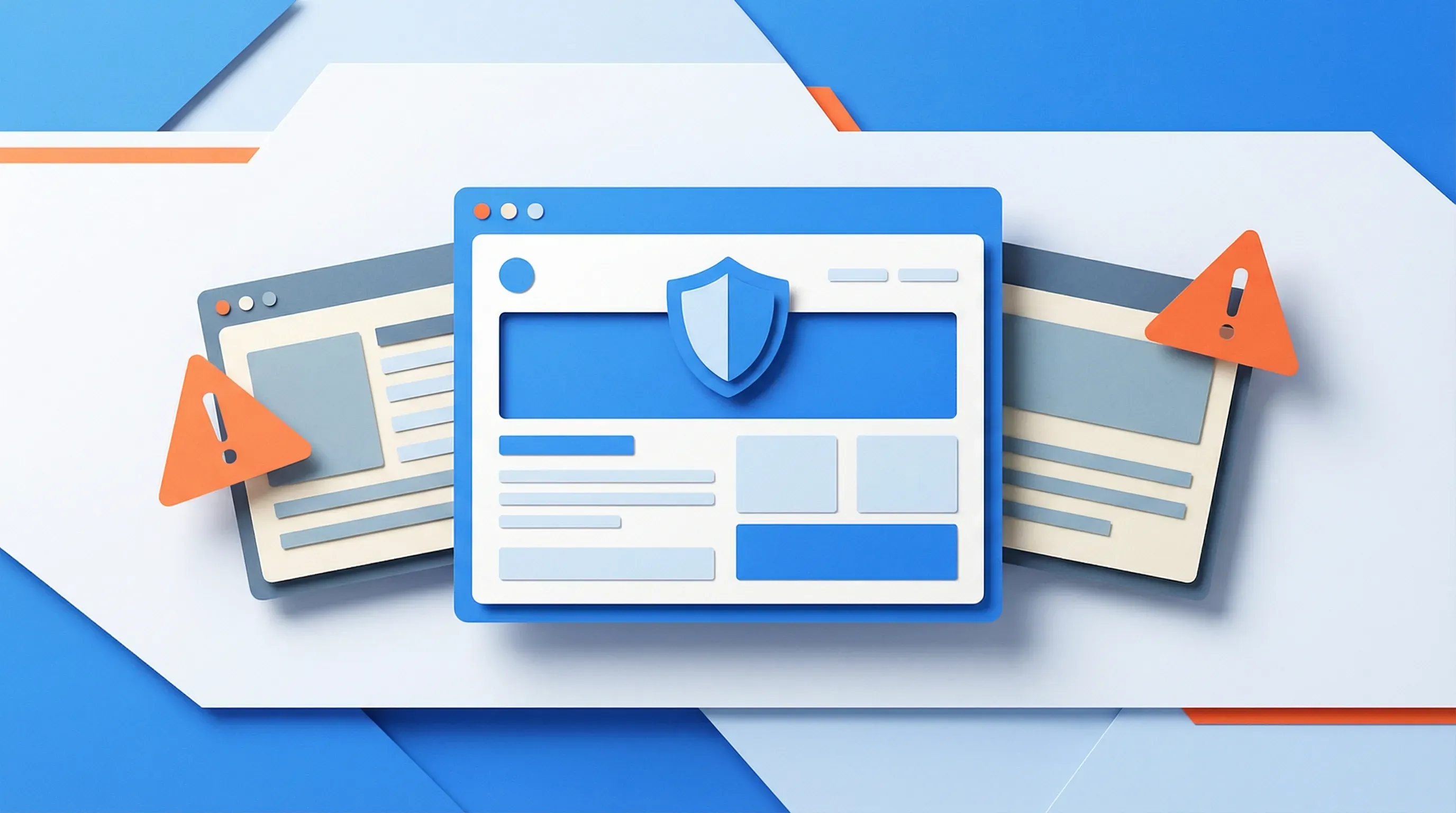 Typosquatting detection catches lookalike domains before customers do
How to Set Up Domain Monitoring (Step-by-Step)
Here is how to set up domain monitoring with Visualping. The process covers the most common needs: content changes, availability alerts, and domain status tracking.
Step 1: Choose What to Monitor
Decide what matters most to your situation:
| Goal | What to Monitor | Suggested Frequency |
|---|---|---|
| Protect my own domains | WHOIS/registrar pages for your domains | Weekly |
| Get notified when a domain becomes available | Domain registrar lookup page | Daily |
| Track competitor website changes | Competitor pricing, product, or landing pages | Daily or every 6 hours |
| Monitor service availability | The login or status page of a service you use | Every 5-30 minutes |
| Watch for compliance changes | Regulatory body publication pages | Daily |
Step 2: Select Your Monitoring Tool
Different tools excel at different types of monitoring:
| Tool | Best For | Free Tier | Content Monitoring | Domain Expiry |
|---|---|---|---|---|
| Visualping | Website content changes, availability | Yes (5 pages) | Yes | Via page monitoring |
| Domain Monitor | Domain expiry and SSL alerts | Yes (limited) | No | Yes (native) |
| GoDaddy Monitoring | Domains registered through GoDaddy | With account | No | Yes (platform-specific) |
| StatusCake | Uptime and domain safety | Yes (limited) | No | Yes |
| UptimeRobot | Website uptime checks | Yes (50 monitors) | Keyword only | No |
For most businesses, Visualping (for content and availability monitoring) plus a dedicated domain expiry tool (for registration alerts) covers everything.
Step 3: Configure Your Alerts
With Visualping:
- Go to visualping.io and paste the URL of the page you want to monitor.
- The visual selector lets you highlight the specific area of the page you care about. For domain availability, select the area showing the registration status.
- Choose a check frequency. For time-sensitive monitoring (service availability, competitor pricing), check every 5-30 minutes. For lower-urgency monitoring (domain expiry, regulatory pages), daily or weekly is sufficient.
- Set your alert threshold. A high threshold means you will only be notified of large changes (like a domain going from "unavailable" to "available"). A low threshold catches every minor text update.
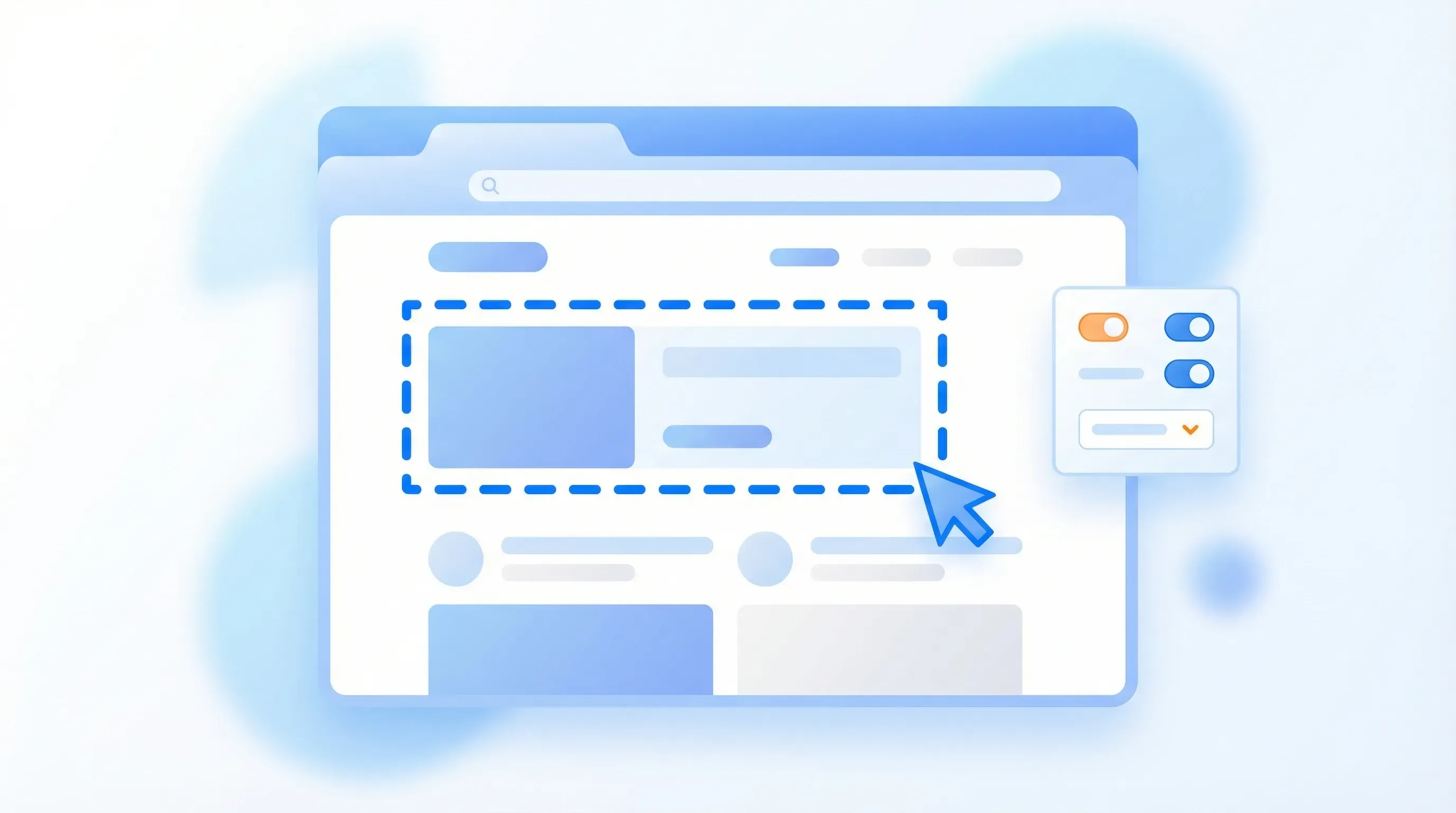 Select exactly which part of a page to monitor for changes
Step 4: Set Your Check Frequency
Match the frequency to how quickly you need to act:
- Every 5 minutes: Critical service availability, domains in high demand
- Every hour: Competitor pricing, job board postings, stock availability
- Every day: Domain registration status, terms of service, blog content
- Every week: Regulatory pages, partner websites, your own site's integrity check
Visualping's free plan includes 5 monitored pages with daily checks. Paid plans offer higher frequencies and more pages.
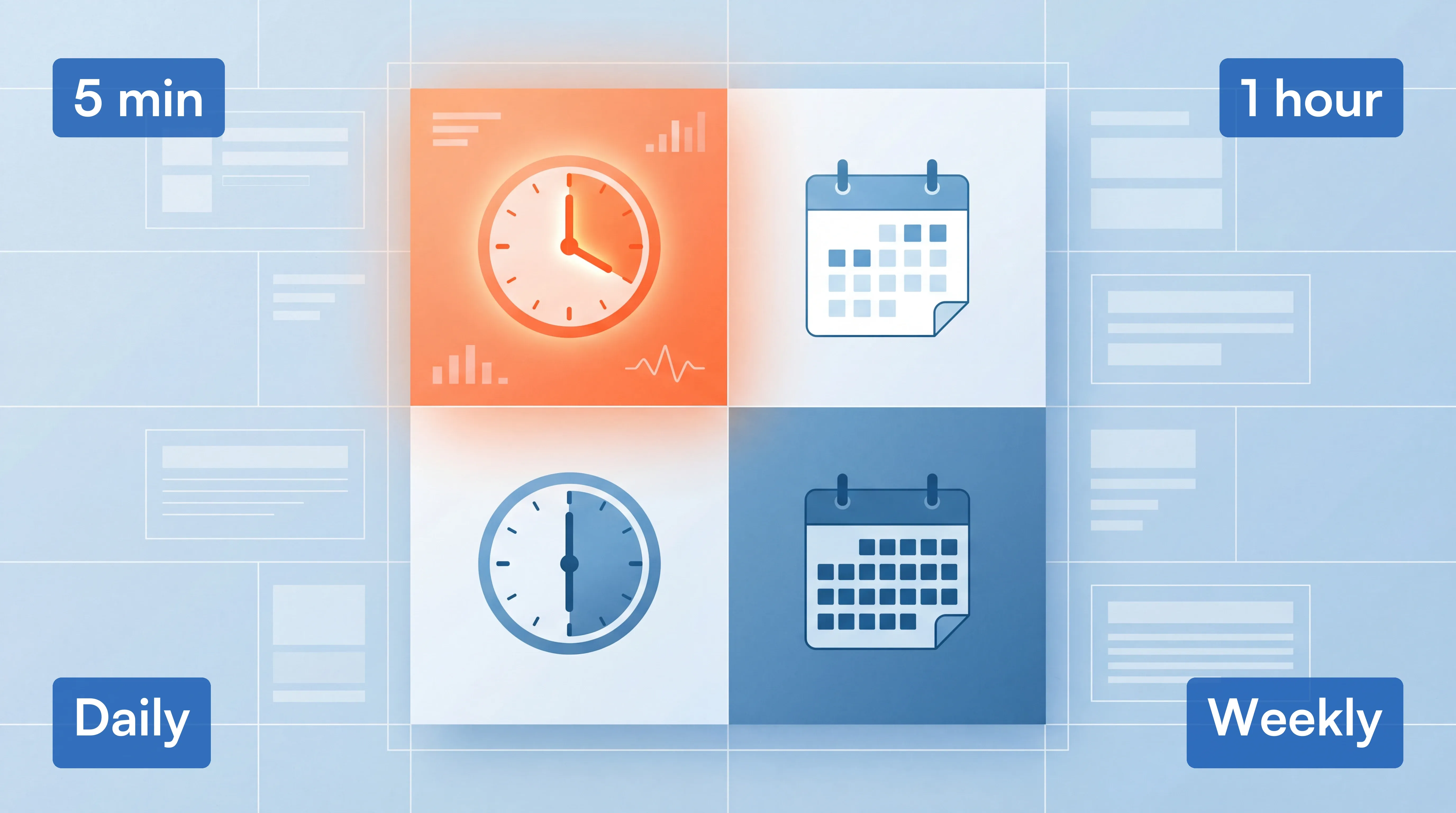 Match your check frequency to how quickly you need to act
Step 5: Review and Act on Alerts
When Visualping detects a change, you receive an email showing:
- A side-by-side visual comparison of the old and new versions
- The exact text that changed (highlighted)
- A timestamp of when the change was detected
For domain availability alerts, the moment you see "Available" where it previously said "Taken," you can act immediately through your preferred domain registrar.
Domain Monitoring Best Practices
Monitor the Right Things
Do not try to monitor everything. Focus on:
- Your own domains: Every domain your business owns, including redirects and subdomains
- High-value competitor pages: Pricing, product launches, hiring pages (signals growth or strategy shifts)
- Regulatory and compliance sources: Government sites, industry body publications
- Acquisition targets: Domains you want to buy or watch
Set Appropriate Alert Thresholds
If you set thresholds too low, you will get alerts for irrelevant changes (ad rotation, timestamp updates, dynamic content). If you set them too high, you will miss important changes.
For domain availability monitoring, use a high threshold so you are only alerted when the page content changes significantly, like a status change from "registered" to "available."
For competitor monitoring, a medium threshold catches meaningful updates (new sections, price changes) while ignoring minor formatting tweaks.
 Set thresholds to filter noise and catch only meaningful changes
Act Quickly When Alerts Fire
Domain availability windows are short. Popular expired domains get re-registered within hours. Set up alerts on your phone (Visualping supports mobile notifications) so you can act immediately when a high-priority change is detected.
For brand protection alerts, document the suspicious domain, capture screenshots, and initiate a dispute through ICANN's UDRP process if the domain infringes your trademark.
FAQ: Domain Monitoring
What is domain monitoring? Domain monitoring automatically tracks changes to a domain name, its registration status, DNS records, or the website content hosted on it. Monitoring tools send alerts when changes are detected, so you can respond without manually checking.
How often should I monitor a domain? It depends on the use case. For critical service availability, every 5-30 minutes. For competitor websites, daily. For domain expiration tracking, weekly is typically sufficient since expiration dates are set months in advance.
Can I monitor a domain I do not own? Yes. Domain registration information is publicly available through WHOIS/RDAP, and any public website can be monitored for content changes. This is standard practice for competitive intelligence, compliance monitoring, and domain acquisition.
How do I get notified when a domain becomes available? Use a monitoring tool like Visualping to watch the WHOIS lookup page or a domain registrar's search page for your target domain. Set a high alert threshold so you are notified only when the status changes significantly (from "registered" to "available").
What is the difference between domain monitoring and website monitoring? Domain monitoring traditionally refers to tracking registration data (WHOIS, expiry dates, DNS records). Website monitoring tracks the actual content displayed on pages hosted at a domain. Modern tools like Visualping bridge both by monitoring any web page for visual and text changes.
Is domain monitoring legal? Yes. Monitoring publicly available domain registration data and public websites is legal. It is a standard business practice used for competitive intelligence, brand protection, compliance, and IT security. Always respect a website's terms of service and robots.txt directives.
What are the best free domain monitoring tools? For website content monitoring, Visualping offers a free plan with 5 monitored pages. For domain expiry alerts, Domain Monitor and freedomainalerts.com offer free tiers. For uptime monitoring, UptimeRobot provides 50 free monitors.
How do I protect my domain from being stolen? Enable domain lock (also called registrar lock or transfer lock) with your registrar. Use two-factor authentication on your registrar account. Set up WHOIS monitoring to detect unauthorized changes. Keep your registrar contact email current so you receive renewal notices.
Want to monitor web changes that impact your business?
Sign up with Visualping to get alerted of important updates from anywhere online.
Eric Do Couto
Eric Do Couto is the Head of Marketing at Visualping. He leads content strategy, growth operations, and brand positioning for website change detection.
More articles by Eric Do Couto