How to Follow Donald Trump’s Truth Social Posts
By Emily Fenton
Updated October 29, 2026

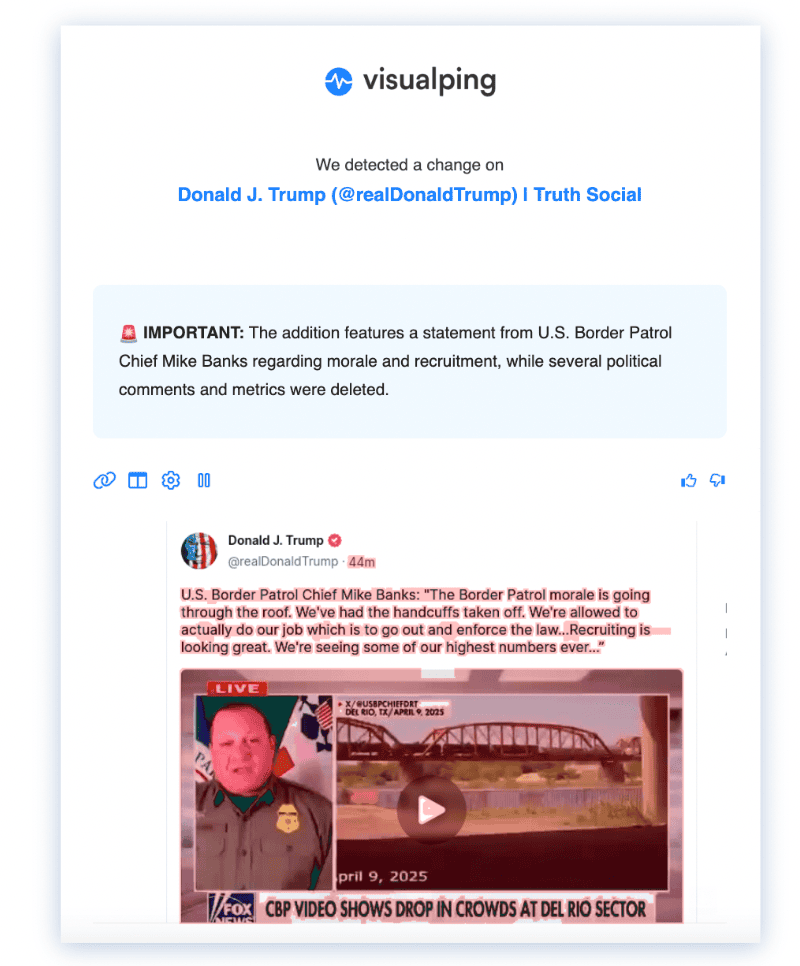
Earlier alert example. It illustrates the format, not current capture compatibility or independent verification of the statements in the post.
Get Alerts When Trump Posts on Truth Social
Start with Truth Social's own Post Alerts. Its official help page says to open the profile of an account you follow and select the bell below the cover photo.
Before considering automated access, read the Truth Social terms. They restrict bots, scripts and automated data gathering. Public visibility alone does not establish permission to automate monitoring. This guide does not establish authorization for a Visualping monitor on Truth Social.
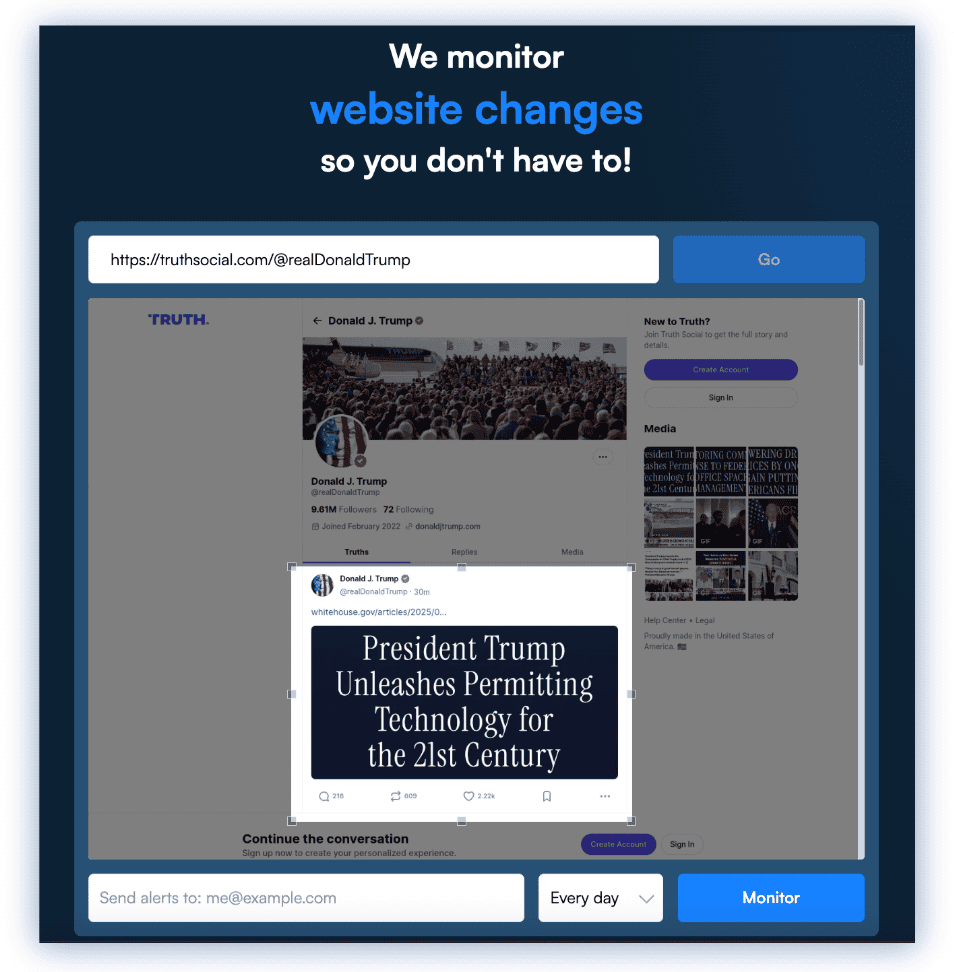
Earlier interface example. The current monitor creator and target-site access can differ.
Visualping is an AI-powered web monitoring service. Where you have authorization and the target content can be captured, it can compare page versions and send automated alerts. It does not guarantee that every webpage can be monitored.
For an authorized workflow:
- Confirm the source and access: check the URL and whether the preview contains the posts you need.
- Choose the relevant content: select an area if that helps focus the comparison.
- Configure delivery: choose a schedule and enable email notifications.
AI summaries can help you review detected differences, but they can be wrong. Read the original post and its context before quoting or interpreting it. Scheduled checks may miss content that appears and disappears between captures.
Step-by-Step: Set Up Email Notifications for an Authorized Source
Use the following Visualping workflow only for a source you are authorized to monitor. We did not confirm that Visualping can currently capture Trump's profile.
Step 1: Copy the URL and Paste it on Visualping's Main Page
Enter the source URL in Visualping, or use Start monitoring > Single in the dashboard. Load the preview and confirm the required content appears. If the page shows an access challenge or missing posts, stop and obtain authorized access or use Post Alerts. Do not bypass access restrictions. See the current monitor creator instructions.
Step 2: Set the Monitoring Frequency for Page Updates
The interval controls when a cloud check is scheduled. The monthly allowance determines how many checks can run. Limits for selected current plans are:
| Plan | Fastest cloud interval | Monthly checks |
|---|---|---|
| Free | 60 minutes | 150 |
| Personal 1K | 15 minutes | 1,000 |
| Personal 5K | 5 minutes | 5,000 |
| Personal 10K | 2 minutes | 10,000 |
| Business 20K | 2 minutes | 20,000 |
One hourly monitor would need 720 checks in 30 days, which exceeds Free's 150. One monitor every 2 minutes needs 21,600 checks over 30 days, exceeding Personal 10K and Business 20K. Failed checks also consume the allowance, and monitoring pauses when it is exhausted. See current plans and our free monitoring guide.
Step 3: Add AI Analysis to Your Change Summaries
In Alert me when, describe what should count as important. For example: "Flag a newly captured post that mentions Harvard." Treat the result as an AI classification to review. To limit delivery to important changes, enable Alert me only when the AI condition is met and your notification channel. The prompt and delivery setting serve different functions.
Step 4: Provide an Email Address for Notification Delivery and Verify your Account
Confirm your account's email address and enable email delivery for the monitor. Notification timing depends on the next successful check, change detection and delivery. It is not the same as the post's publication time.
Using Truth Social Posts as Sources
A post can be a source for what an account has said. It does not independently verify the claim being made or establish how representative the audience response is.
For political reporting, retain the original post link and check context before interpreting a change. For broader research, compare the post with official documents, government news and other sources. A monitoring alert is a starting point for review.
Why Tracking Truth Social Matters
Choose a research question before collecting posts. For example, you might compare an account's statements on a topic over time or verify the wording of an announcement against an official document.
A capture timestamp records when the monitoring tool observed a page, not necessarily when a post was published or edited. Visible engagement is not a representative measure of public opinion, and a posting pattern does not establish future policy or market outcomes.
For related workflows, see campaign website change monitoring and monitoring competitor website content.
Is Monitoring Truth Social Allowed? (Compliance & Source Integrity)
The current Truth Social terms contain restrictions on automated access in sections 4(6), 7(9) and 7(22), and written-permission requirements for certain systematic collection in section 7(1). A publicly viewable page is not a blanket authorization. Obtain appropriate permission or use the platform's own Post Alerts.
Check the permission and the source.
- Use Truth Social's Post Alerts when they meet your needs.
- Review the target platform's terms and Visualping's terms for a proposed workflow. Visualping's technical capabilities do not grant permission from another platform.
- Robots.txt communicates crawler instructions. It is not access authorization or a substitute for applicable terms.
- Keep the original URL, relevant context and observation time with any capture. A screenshot comparison is not proof that every intervening post was recorded.
Best-practice checklist
- Confirm the source and the authorization for the chosen method.
- Use native notifications where possible.
- Review access failures rather than assuming a monitor is still capturing posts.
- Check summaries against the original text.
- Keep observation times separate from publisher-supplied dates.
If your organization needs a legal determination about a particular workflow, have that workflow reviewed against the current terms.
Final Thoughts
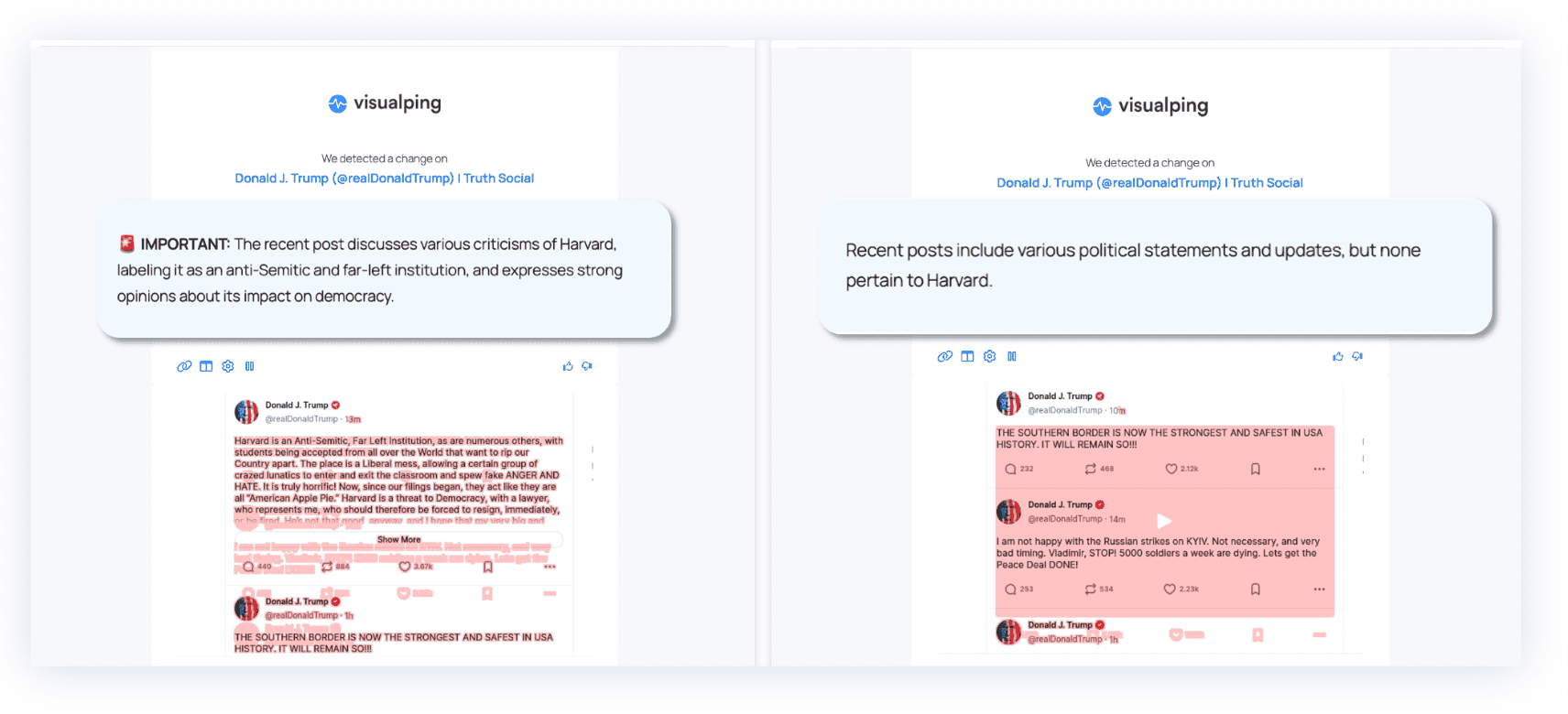
Earlier alert examples, not evidence of current Truth Social access or the factual accuracy of the posts. Importance labels require review and are separate from notification filtering.
For political developments, use original sources and record their context. Compare monitoring tools by authorized access, capture reliability and the evidence they provide. Start with the native Post Alerts workflow described above.
Frequently Asked Questions
How do I get email alerts when Trump posts on Truth Social?
Truth Social documents native Post Alerts for followed accounts. Its help page does not establish email delivery for those alerts. Visualping email monitoring is an option only where you have authorization and can successfully capture the target content; it is not guaranteed for this profile.
Can I only be alerted on important Donald Trump Truth Social posts?
For an authorized Visualping monitor, describe the important condition in the AI prompt, enable Alert me only when the AI condition is met, and enable email delivery. Review the AI's decisions; they are not guaranteed to classify every post correctly.
How does the Truth Social user experience differ from other social platforms?
Truth Social calls posts Truths and reposts ReTruths. These official glossary pages explain the terms. Use the platform's documentation for current controls.
Am I allowed to monitor Truth Social this way?
Public visibility does not settle authorization. Review the restrictions and permission requirements in the Truth Social terms before using an automated monitoring method.
What monitoring frequency should I use?
For native Post Alerts, follow the platform's controls. For an authorized Visualping monitor, choose an interval your plan and monthly allowance can sustain. A faster interval cannot guarantee complete capture or immediate notification; see the check-budget table above.
Want to monitor web pages for changes?
Sign up with Visualping to get notified of alerts from anywhere online, so you can save time, while staying in the know.
Emily Fenton
Emily was the Product Marketing Manager at Visualping. She has a degree in English Literature and a Masters in Management.
More articles by Emily Fenton