Top Web Scraping APIs for Extracting Data (2026)
Updated June 2, 2026
Last updated: March 2026
If your business runs on data from other people's websites, you probably already know the manual approach doesn't scale. A web scraping API automates that collection so your team can stop copying and pasting and start acting on what they find.
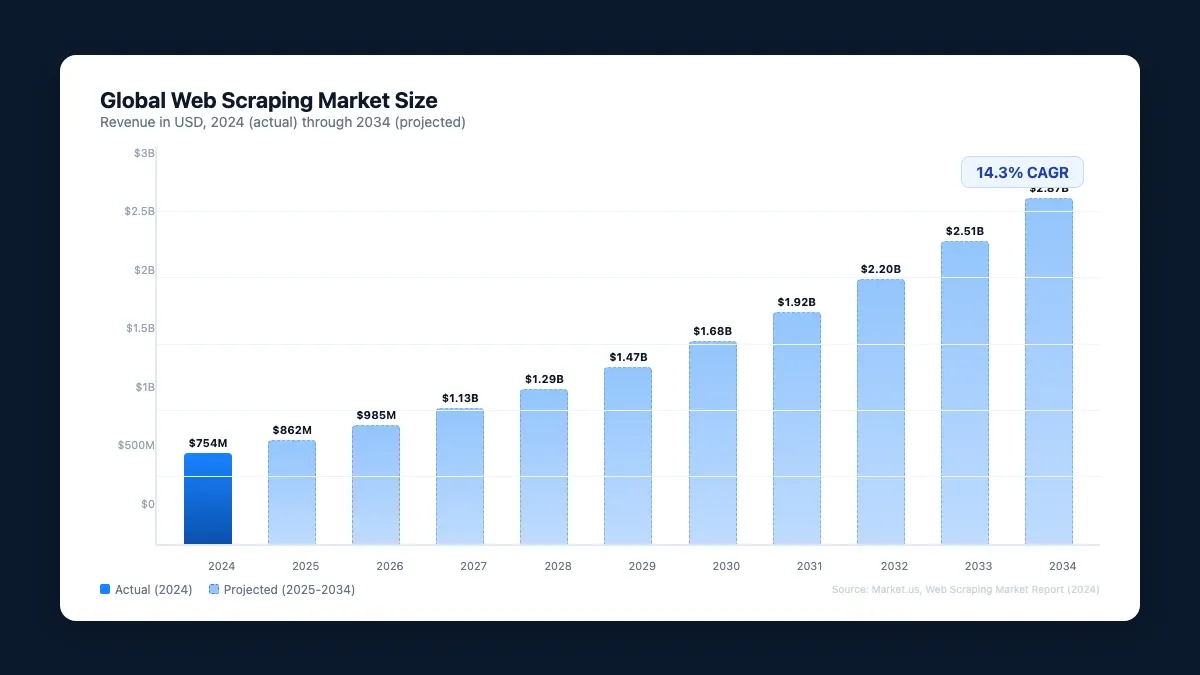
The market agrees: according to Market.us, web scraping hit $754 million in 2024 and is on track to reach $2.87 billion by 2034 (14.3% CAGR).
The hard part is picking the right tool. Five platforms dominate the space in 2026, and they solve meaningfully different problems.
Visualping started as a website change detection tool, but its API doubles as a web scraper. You can pull data from any public page on demand, schedule recurring jobs, and use AI to filter results so you only get alerts when something you care about actually changes. Webhooks pipe those alerts into any third-party app, or you can hit the API directly for immediate data.
Where Visualping pulls ahead of traditional scrapers: it doesn't just grab data once. For teams that need to monitor website changes with an API on an ongoing basis, it watches pages continuously and tells you what changed in plain English.
This guide covers what web scraping APIs are, why they matter, and how the top five tools of 2026 compare on ease of use and cost.
What are web scraping APIs?
Web scraping pulls data from websites automatically. A scraper grabs the raw HTML, then converts it into something usable: a spreadsheet (like Visualping's Google Sheets integration) or structured JSON through an API.
The best web scraping tools let you select exactly which parts of a page you want, so you're not drowning in irrelevant data.
An API (application programming interface) is the bridge between your system and the data you're requesting. You send a request, the API talks to the web server, and you get structured data back. That request can fire on a schedule through a webhook or manually whenever you need it.
Why web scraping APIs matter
Web scraping touches almost every data-hungry function in a business. Companies use it to track price swings for investment decisions, build competitive intelligence, and feed their own products with fresh data.
58% of Fortune 500 companies already use web scraping tools to monitor competitors, track market shifts, and tune pricing.
The most common use cases:
- Market analysis and trend spotting
- Lead generation and prospecting
- Competitor pricing intelligence
- Compliance monitoring and risk assessment
Try doing any of that manually across dozens of websites and you'll burn hours every week. A scraping API wires directly into your existing stack so the data flows where it needs to go, whether that's a dashboard, a CRM, or an app you're building for your own customers.
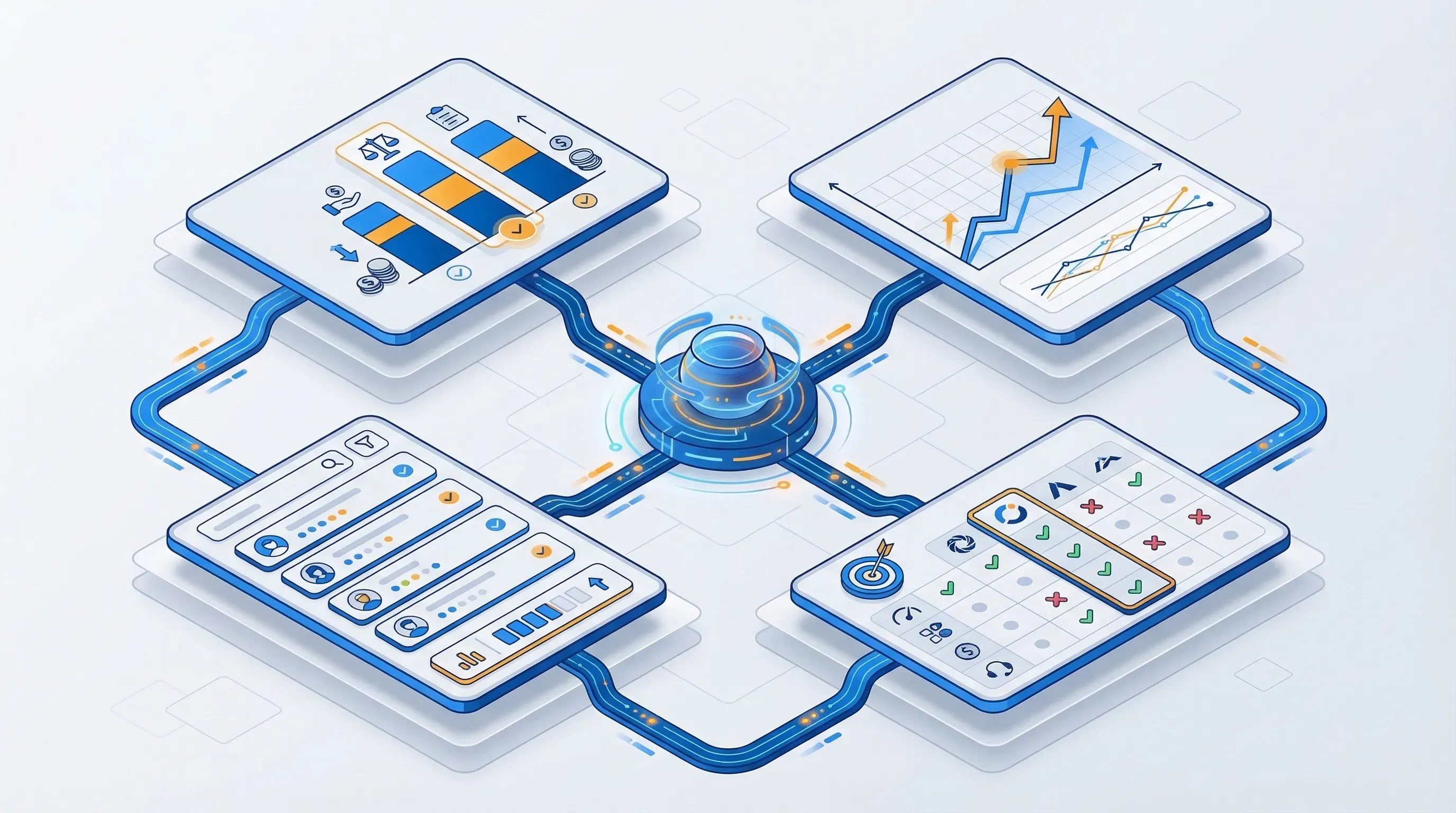
Here are the five web scraping API tools worth evaluating in 2026, ranked by ease of use and cost.
Top 5 web scraper tools that turn any page into an API
1. Visualping
Visualping monitors any website for changes and, when something updates, pushes the data straight into your Google Sheets. Full API docs live here.
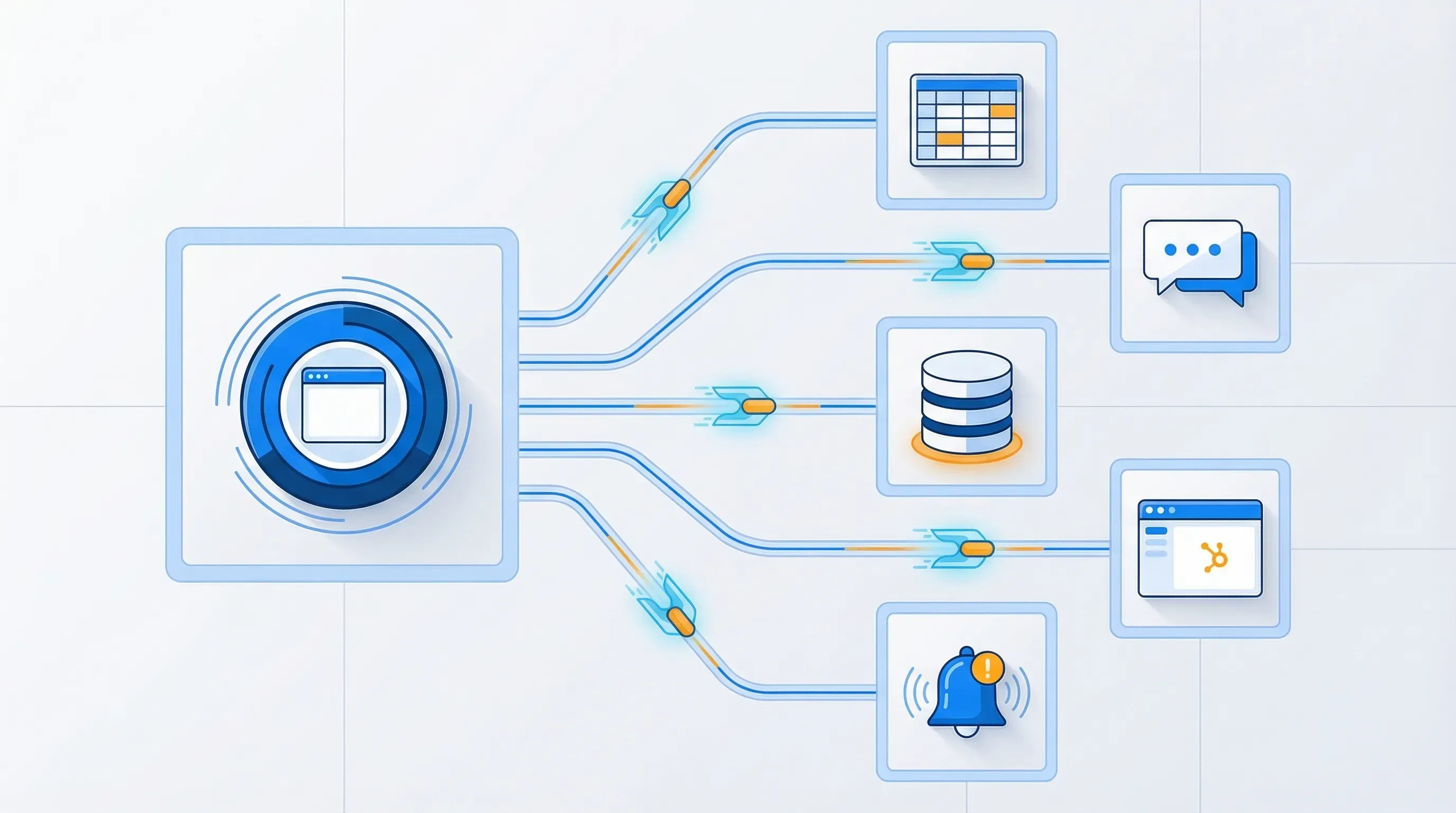
The Visualping API lets you turn any website into an API and build your own change detection workflows. Webhooks fire notifications into any third-party app, or you can hit the API directly with a URL and HTTP method to get an immediate response.
What makes Visualping different from a raw scraper: before a job runs, you can tell the AI what you actually care about using AI-powered monitoring. On a competitor's pricing page, for instance, you might specify that you want alerts when prices change, a product gets renamed or launched, or features are added. You could also scrape a Best Buy product page for price drops while ignoring review updates entirely.
The API also supports embedding into your own product, whether for internal use or customer-facing features. Here's a quick example that creates a monitor watching a competitor's pricing page and only alerts when something meaningful changes:
import requests

response = requests.post(
    "https://job.api.visualping.io/v2/jobs",
    headers={"Authorization": "Bearer YOUR_API_KEY", "Content-Type": "application/json"},
    json={
        "url": "https://competitor.com/pricing",
        "description": "Competitor pricing page",
        "interval": "360",
        "mode": "ALL",
        "target_device": "4",
        "wait_time": 0,
        "summalyzer": {
            "importantDefinitionType": "custom",
            "importantDefinition": "Price changes, new tiers, or feature additions/removals"
        },
        "wait_time": 0
    }
)
A traditional scraper pulls raw HTML once. This creates a persistent monitor that checks every 6 hours and uses AI to summarize what changed in plain English, with a binary IMPORTANT flag so you know what needs immediate attention. For the full API walkthrough (webhooks, bulk creation, advanced scheduling), see our complete API guide.
Ease of use
Visualping is one of the easier scraping APIs to get running. The API docs are public, and the support team offers onboarding help if you need it.
Pricing
API access is included on every plan, including Free, with higher check volumes on paid plans from $10/month billed annually.
2. Oxylabs
Oxylabs is built for teams that need serious proxy infrastructure. It offers 100+ million residential proxies, an AI-powered web unblocker, mobile proxies, and ready-to-use code samples in multiple languages. If your scraping targets actively block bots, Oxylabs is designed for that fight.
Ease of use
Expect a learning curve. Oxylabs is developer-oriented, and configuring proxy rotation and scraper pipelines takes technical know-how.
Pricing
Pay-per-successful-result. You're only charged for requests that actually return data.
3. Apify
Apify is a scraping and automation platform with a marketplace of pre-built scrapers (they call them "Actors") for popular sites like Amazon, Google Maps, and LinkedIn. You can also build custom scrapers and expose them as APIs.
Their State of Web Scraping 2025 report is worth reading for industry context.
Ease of use
The pre-built scrapers make Apify approachable for beginners. Custom Actors require JavaScript or Python knowledge.
Pricing
Free tier available. Paid plans start at $29/month (as of March 2026), but costs climb quickly with larger datasets and higher concurrency.
4. ParseHub
ParseHub takes the no-code approach to scraping. You point and click on the elements you want, and it builds the extraction logic for you. It handles JavaScript rendering and offers flexible export options (JSON, CSV, Excel).
Ease of use
This is the most accessible option for non-developers. The visual interface means you can set up a scraper without writing a line of code.
Pricing
ParseHub is the priciest option here. Free tier is limited; paid plans start at $189/month (as of March 2026).
5. ScrapingBee
ScrapingBee handles the infrastructure headaches of scraping: rotating proxies, headless browsers, and CAPTCHA solving. Their Stealth Proxy (currently in beta) targets sites with aggressive anti-bot measures.
This matters because 68% of developers cite blocking as their primary scraping obstacle, and 32% struggle with data behind logins. ScrapingBee's proxy rotation and CAPTCHA solving are built specifically for these problems.
Ease of use
The API is straightforward, with code samples in multiple languages. You can get a basic scraper running in minutes if you're comfortable with API calls.
Pricing
$49/month for freelancers, scaling up past $599/month for Business plans with higher request volumes (as of March 2026).
Quick comparison
| Tool | Best for | Starting price | Coding required | Change detection | No-code option |
|---|---|---|---|---|---|
| Visualping | Ongoing monitoring + scraping | $100/mo | Optional (API available) | Yes (AI summaries) | Yes |
| Oxylabs | Anti-bot scraping at scale | Pay-per-result | Yes | No | No |
| Apify | Pre-built scrapers for popular sites | $29/mo | Optional (Actors marketplace) | No | Partial |
| ParseHub | No-code visual scraping | $189/mo | No | No | Yes |
| ScrapingBee | Proxy rotation + CAPTCHA solving | $49/mo | Yes | No | No |
Visualping is our product, so we know it best, but we evaluated each tool on the same criteria: features, pricing, and ease of use.
Web scraping API FAQ
Is web scraping legal?
Scraping publicly available data is generally legal, but check each website's terms of service and robots.txt file first. Follow data privacy regulations (GDPR, CCPA), and don't scrape personal information or copyrighted content without permission.
How is a web scraping API different from a regular API?
A regular API is provided by the website owner and offers structured access to their data. A web scraping API extracts data from websites that don't offer official APIs by parsing the HTML and presenting it in a structured format. Web scraping APIs provide access to any publicly visible data, not just what the website owner chooses to expose.
A third category worth knowing: change monitoring APIs like Visualping's. A monitoring API watches pages continuously and alerts you only when something changes. If you're tracking competitor pricing, regulatory pages, or vendor terms of service, this is a better fit than pulling raw data on demand. See how to monitor website changes with an API for a full comparison of these approaches.
How often can I scrape a website?
It depends on the site's robots.txt directives, server capacity, and what you need. Visualping supports scheduling from near-real-time checks down to daily or weekly jobs. Whatever tool you use, implement reasonable rate limiting so you don't hammer target servers.
What types of websites can a web scraping API handle?
Most modern scraping APIs handle JavaScript-rendered content, pagination, infinite scroll, and authenticated pages. Some (like ScrapingBee) also solve CAPTCHAs and bypass anti-bot measures. The better tools render the full page in a headless browser before extracting data, so you get what a real visitor would see.
Do I need coding skills to use a web scraping API?
It depends on the tool. Visualping and ParseHub offer visual interfaces that require no coding. ScrapingBee and Apify require some API familiarity but provide code samples. Oxylabs is more developer-oriented. If you want a no-code option, look for tools with point-and-click selection and webhook-based delivery.
Go deeper: Best Website Change Detection & Monitoring Tools | How to Track a Website for Changes
Which tool fits your use case
The right pick depends on what you're actually building. If you need proxy infrastructure and anti-bot capabilities, Oxylabs or ScrapingBee are built for that. If you want pre-built scrapers for popular sites, Apify's marketplace has you covered. For no-code visual scraping, ParseHub is the most accessible.
If you need both scraping and ongoing change detection in one tool, Visualping is the only platform here that watches pages continuously and summarizes what changed. Start a 14-day free trial or explore the API docs to see if it fits.
Want to monitor web changes that impact your business?
Sign up with Visualping to get alerted of important updates, from anywhere online.
Eric Do Couto
Eric Do Couto is the Head of Marketing at Visualping. He leads content strategy, growth operations, and brand positioning for website change detection.
More articles by Eric Do Couto