Hermès Restock Notifications: How to Catch Birkins, Kellys, and Constances the Second They Drop
By Emily Fenton
Updated April 13, 2026
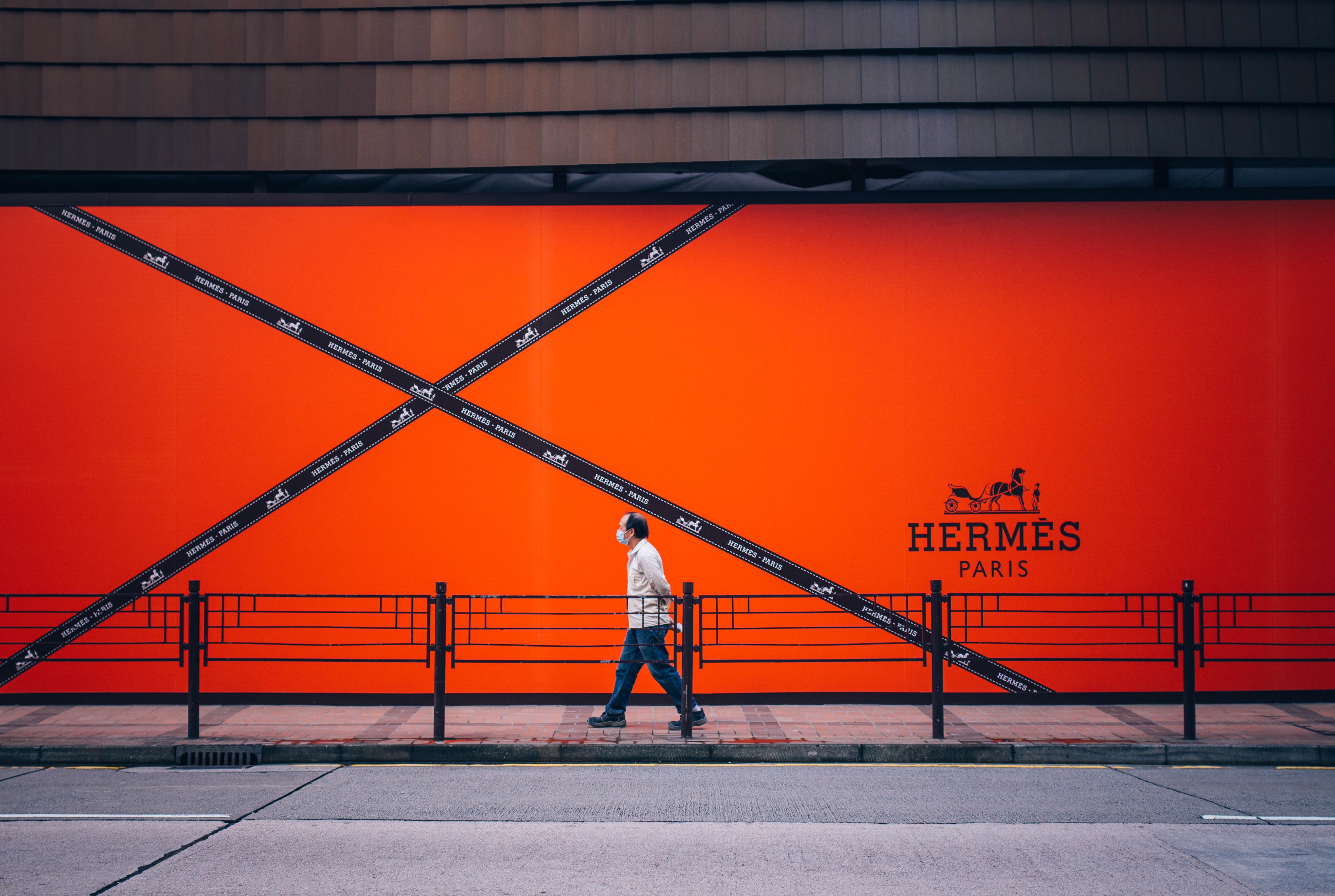
Hermès doesn't tell you when bags come back in stock. There's no restock calendar, no mailing list, no push notification. The website updates without notice, a Birkin sits on the product grid for forty-five seconds, and by the time you've opened a second tab, it's gone. Collectors know this. Resellers know this. That's why manual refreshing at midnight rarely works.
This post covers what actually catches a Hermès online restock: monitoring the right pages, at the right frequency, with alerts that hit your inbox while the bag is still in stock.
Why Hermès Restocks Are Impossible to Catch Manually
Hermès runs the tightest drop cadence in luxury, and it is deliberately opaque.
- No schedule is published. Unlike Supreme Thursdays or Nike SNKRS drops, Hermès.com updates inventory whenever Paris decides. Some collectors swear by Tuesday/Thursday mornings US time, others by Saturday "Faubourg" drops. None of it is confirmed by the brand.
- No notifications. Hermès will not email you when a Birkin returns. Even signed-in account holders get nothing. The brand has no "notify me when back in stock" button on product pages.
- Items sell out in seconds. A Mini Kelly or Constance 18 can be gone within a minute of appearing. Picotins last a few minutes. Birkins of any size rarely survive more than thirty seconds on the grid.
- Bots already watch the site. Resellers run scripts that poll Hermès.com every few seconds. If you are refreshing manually, you are competing against automation. You will lose.
Manual checking only works if you get lucky. Automation is the only way to be notified the moment new inventory appears.
Which Hermès Pages to Monitor
Hermès organizes its US site by category, not by individual product. That matters because new bags do not get their own URLs until after they are listed. Monitoring the category grid catches new arrivals the instant a tile appears.
The pages worth watching:
- Bags and clutches. The main grid for Birkin, Kelly, Constance, Picotin, Lindy, Bolide, Evelyne, Garden Party, and the Mini Kelly II.
- Wallets and small leather goods. Bearn, Constance wallets, Kelly pocket, Calvi card holders. SLGs move almost as fast as bags.
- Scarves and accessories. The 90cm silk carrés and seasonal cashmere shawls. Limited-edition prints sell out the same day.
- Fine jewelry and silver. Collier de Chien, Chaîne d'Ancre, Kelly jewelry collections. Restocks are rare but predictable around holiday windows.
- Ready-to-wear seasonal drops. Coats, knitwear, and the occasional Faubourg capsule.
- Equestrian and home. Lower-pressure categories, but useful for completing a profile with your SA if you're working toward a quota.
If you want a single bag (say, a Kelly 25 Sellier in Gold Epsom), watching a specific product page will not work because that URL often doesn't exist between restocks. Watch the category page.
How to Set Up Hermès Restock Alerts with Visualping
Visualping monitors any public webpage for visual changes and sends an email the second something shifts. For Hermès category pages, that means new product tiles appearing on the grid.
Step 1: Go to the Hermès category page you want to monitor
Open hermes.com/us/en/category/women/bags-and-clutches/ (or the equivalent for wallets, scarves, jewelry). Copy the URL from your address bar.
Step 2: Paste the URL into Visualping
On the Visualping homepage, drop the URL into the input field. The page loads in Visualping's viewfinder so you can select exactly what to track.
Step 3: Select the product grid area
Drag a box around the product grid (the tiles showing bag thumbnails). Ignore the header, filters, and footer. This tells Visualping to alert only when the inventory grid itself changes, not when Hermès updates site navigation or runs a seasonal banner swap.
Step 4: Set the check frequency
For active hunters, pick five-minute checks. That's the fastest frequency on Visualping's Personal plan at $25/month and it's what you need if you're chasing a Mini Kelly or Constance. For casual collectors topping up on scarves or wallets, hourly checks are fine and fit inside the free plan's 150 checks across five pages.
Step 5: Enter your email and start the monitor
Visualping sends an email within minutes of detecting a change. The email includes a before/after screenshot so you can see which tile is new without loading Hermès.com first.
Set up one monitor per category you care about. Most collectors run three to five monitors: bags, wallets, scarves, and one or two regional sites.
What to Do When the Alert Hits
Getting the alert is half the battle. The other half is checkout speed. A few things to have ready before you ever get an email:
- Stay signed in to Hermès.com. A cold login costs twenty seconds you do not have.
- Save shipping and payment. Hermès' checkout is slow. Any friction (a typo'd ZIP, a credit card re-entry) kills your shot.
- Check multiple regional sites. Hermès US, EU (France, Germany, Italy), UK, Japan, and Korea carry different inventory and restock at different times. A bag sold out on the US site may still be on hermes.com/fr or hermes.com/jp. Set up monitors on each regional domain.
- Be willing to pivot. If the Birkin 25 you wanted is gone in thirty seconds, the Kelly 28 or a Picotin 22 might still be on the grid. The collectors who consistently buy online are the ones who treat any Hermès leather as a win when they're starting a quota.
This is why five-minute checks matter. A ten-minute delay on a Kelly alert is the difference between checkout and disappointment.
Beyond Hermès.com: Other Restock Signals to Track
Hermès.com is the main target, but three other sources carry enough signal to be worth monitoring:
- Fashionphile and The RealReal. Resale platforms publish new arrivals pages (Fashionphile's "Just In" and The RealReal's Hermès new listings feed). Prices run 2-5x retail, but availability is real. Useful when you want a specific color or leather that Hermès.com rarely restocks.
- StockX Hermès listings. Not a restock source for new items, but useful as a price benchmark to know what a Birkin 30 in Togo is clearing at on any given week.
- Regional Hermès sites with different drop patterns. hermes.com/fr, hermes.com/de, hermes.com/jp, hermes.com/kr. Different warehouses, different restocks.
Visualping monitors all of these the same way: paste the URL, select the product grid, set the frequency. If you're already running a restock alert workflow for Best Buy drops, Lululemon, or Etsy restocks, the Hermès setup is identical. For a broader overview of the category, see how to get notified when products are back in stock and the all-in-one restock alerts guide.
Stop Refreshing. Start Monitoring.
Hermès will keep its restock schedule private. The bots will keep polling. The only question is whether you want to be in the first wave of shoppers on the grid or the second.
Set up a monitor on the category pages you care about, set the check frequency to match how serious you are, and let the email do the refreshing for you.
Want to get back in stock alerts?
Sign up with Visualping to get back in stock alerts for any product you've got your eye on.
Emily Fenton
Emily was the Product Marketing Manager at Visualping. She has a degree in English Literature and a Masters in Management.
More articles by Emily Fenton