Free Sales Battlecard Template (and How to Keep It Current)
Updated June 10, 2026
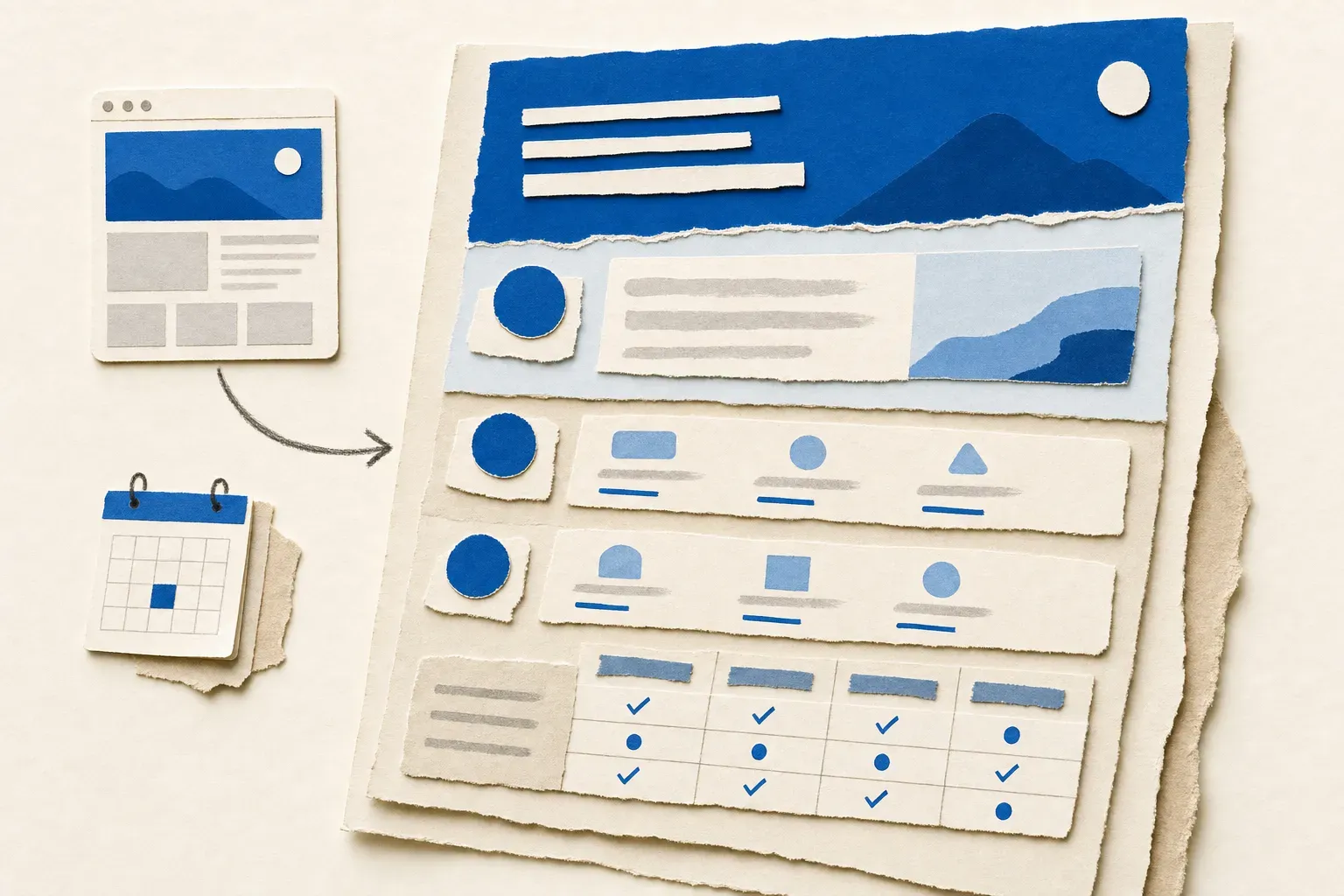
Below is a free sales battlecard template you can copy in one click (download the template, opens in Word or Google Docs) or lift straight from this page. Every section is explained, with a worked example. Then the part most template pages skip: a system for keeping the card accurate after week one, because a battlecard is only as good as its most recent update.
What a sales battlecard is
A sales battlecard is a one-page reference that tells a rep how to win against a specific competitor: where you're stronger, what the pricing difference is, and what to say when a prospect raises the other vendor's name. The purpose is speed. A rep on a live call has about ten seconds to respond to "we're also looking at X," and the battlecard is what fills those ten seconds with something specific. The plays themselves are usually competitive advantage examples in miniature; our guide to spotting them shows where each type leaves public evidence.
Battlecards sit inside a wider competitive intelligence practice, but you don't need a CI program to use one. You need one card per serious competitor, and you need it to be true.
The free sales battlecard template
Download the battlecard template (.docx, no email gate, uploads straight into Google Docs), or rebuild it from the version below. The structure fits on one page. The example rows show a fictional matchup, Acme Metrics (you) against Northstar Analytics (the competitor), so you can see what "filled in" looks like.
Competitor overview
| Field | Example: Northstar Analytics |
|---|---|
| Who they are | Mid-market product analytics suite, ~200 employees, sales-led |
| Who they sell to | Product and data teams at 100-1,000-person SaaS companies |
| Their pitch, in their words | "The fastest path from event data to product decisions" |
| Where we collide | Deals with a data team in the room and a self-serve trial requirement |
| Last verified | 2026-06-10 |
How we win (three plays)
- Time to first insight. Their onboarding requires an instrumentation plan; ours reads existing events. Lead demos with the 15-minute setup.
- Pricing transparency. Their pricing is quote-only; ours is public. Send the pricing page link mid-call.
- The analyst seat. They charge per viewer; we don't. In committee deals, count the viewers out loud.
Pricing snapshot
| Item | Them | Us | Last verified |
|---|---|---|---|
| Entry plan | Quote-only (reps cite ~$1,200/mo) | $499/mo, public | 2026-06-10 |
| Per-seat charges | Viewers billed | Viewers free | 2026-06-10 |
| Annual discount | Unpublished | 20%, public | 2026-06-10 |
Objection handling
| They say | We say | Last verified |
|---|---|---|
| "Northstar has deeper funnel analysis" | True for multi-product funnels. For single-product teams, ours covers the same depth without the instrumentation project. | 2026-06-10 |
| "We're already in their trial" | Ask what setup step they're on. Most stall at instrumentation, which is the exact step we remove. | 2026-06-10 |
Questions we seed
| Question we plant early | Why it works for us | Last verified |
|---|---|---|
| "How many viewer seats get billed?" | Their per-viewer pricing surfaces in committee deals; our viewers are free | 2026-06-10 |
| "How long is the instrumentation phase?" | Their trial stalls at instrumentation; we skip that step entirely | 2026-06-10 |
Landmines to avoid
- Don't claim they lack an API. They shipped one; the gap is rate limits, not existence.
- Don't lead with price if procurement isn't in the deal yet. Lead with setup time.
Proof points
- Migration case study: 6-person product team, instrumented in one afternoon (source: customer story, 2026-04)
- G2 category position and rating (source: live G2 page, pull the current number before citing)
Update log
| Date | What changed | Source | Verified by |
|---|---|---|---|
| 2026-06-10 | Northstar raised entry pricing ~15%, removed monthly billing | Their pricing page | E.D. |
| 2026-05-28 | New "funnel comparison" feature on homepage hero | Their homepage | E.D. |
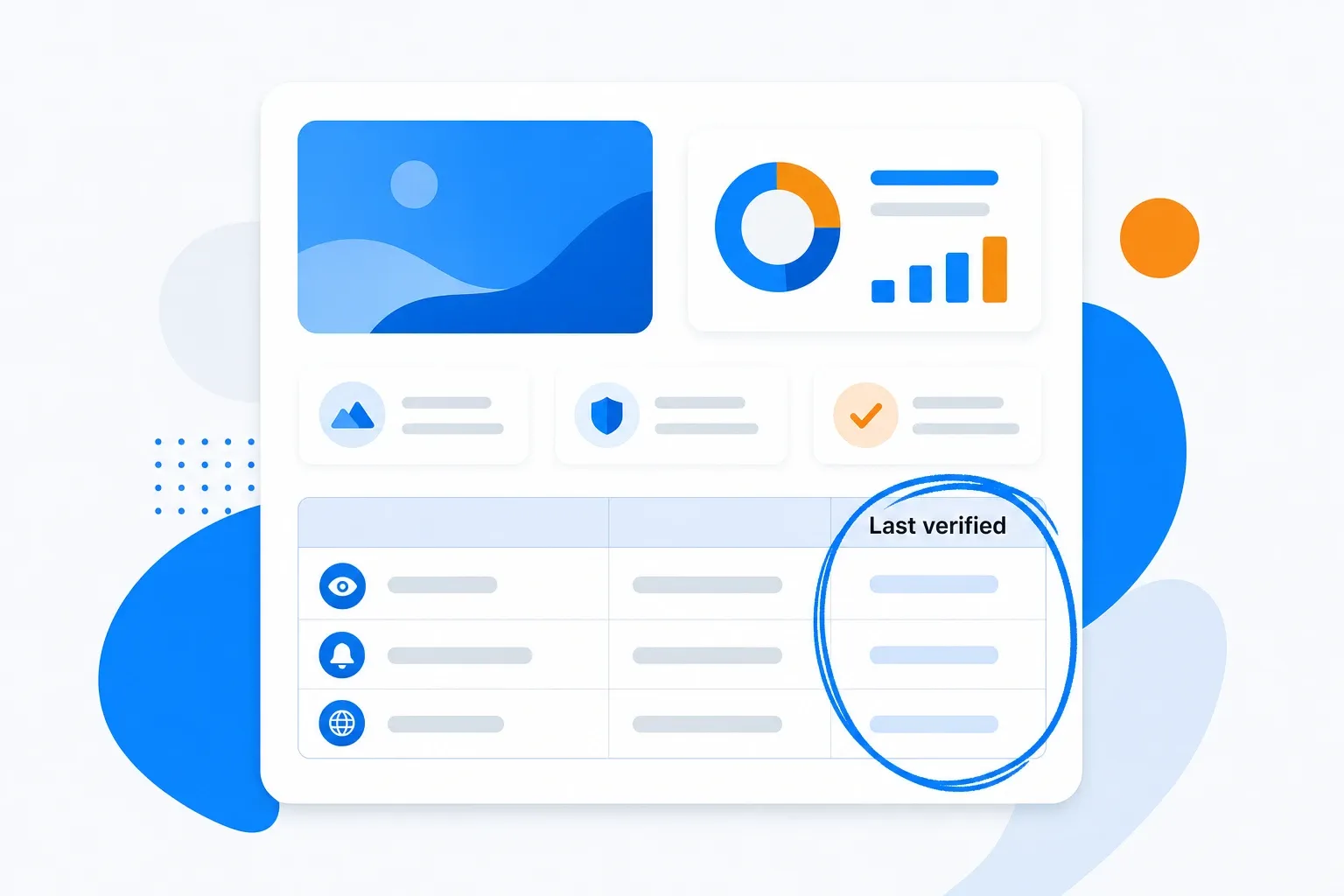
The two columns that make this template different are Last verified and the Update log. Every claim a rep repeats on a call carries a date, and every change to the competitor's story gets a row. A card without dates asks reps to trust it on faith. A card with dates tells them exactly how much to trust it, row by row. Battlecards cover your direct competitors; indirect rivals usually warrant a positioning watch instead of a full card.
How to fill in each section
Work through the template in this order. The whole first pass takes about an hour per competitor.
- Competitor overview. Pull their positioning from their homepage and about page, in their words, not yours. Reps lose credibility when they describe a competitor the prospect doesn't recognize.
- How we win. Pick exactly three plays. Ten advantages on a card means a rep remembers zero; three means they remember three. Source them from win-loss interviews, weighted toward losses: won-deal notes flatter you, and a rep's memory of why they won is unreliable. Three lost-deal interviews per competitor beat thirty rep anecdotes, and one question does most of the work: "what almost stopped you from choosing us?"
- Pricing snapshot. Record what's public, mark what's quote-only, and date every row. Pricing is the fastest-decaying fact on the card.
- Objection handling. Write the objection the way prospects actually say it, then a two-sentence response that concedes what's true and pivots to your ground. Honest concessions outperform blanket denials in front of a prospect who has already seen the competitor's demo.
- Questions we seed. Flip objection handling from defense to offense: write the two or three questions reps should ask early because only your product answers them well. Each of your three plays usually hides one.
- Landmines. List the claims your reps must NOT make, with the reason. This section prevents the credibility losses that cost deals quietly.
- Proof points. Attach a source and date to each. An undated stat is a liability in a competitive deal.
- Update log. Leave it empty on day one. Its job starts the first time the competitor changes something, which is sooner than you think.
For deeper context on researching a rival before the first pass, our guide to analyzing competitor websites covers where each fact lives.
The battlecard format that gets used
The format question ("doc, deck, or wiki?") matters less than the 30-second rule: a rep must find the right response mid-call in under 30 seconds, or the card goes unused. Unused is the default fate of sales content; a 2013 SiriusDecisions analysis put the share of B2B marketing content that sits unused at 60 to 70 percent. A battlecard earns its exception by being faster than asking a teammate.
| Format | Strength | Weakness |
|---|---|---|
| One-page doc | Fast to scan, easy to print and pin | Versioning by email gets messy |
| Slide in the deck | Lives where reps already work | Invisible outside that deck |
| Wiki / CRM card | One canonical copy, searchable | Goes stale invisibly without an owner |
The short version: pick whichever home your reps already open daily, keep it to one page per competitor, and put one person's name on the update job. Staleness is what kills battlecard programs.
Silence kills them quietly too. Three habits keep a card alive: ask "what did the card not have?" in deal reviews and log the misses, ping reps when a card materially changes (the Update log doubles as the changelog), and kill or rebuild any card no rep pulled in a quarter. A battlecard nobody opens is research, and research doesn't close deals.
Why battlecards go stale
A battlecard is a snapshot of a moving target. Competitors change pricing without announcements, reword their homepage positioning between your quarterly reviews, and ship features that turn yesterday's "they can't do X" into today's landmine. The card doesn't announce that it's wrong; a rep finds out on a live call, repeats a stale claim, and the prospect corrects them. (Deals rarely recover from the rep being the least current person on the call.)
The pages that feed a battlecard change on their own schedule. In a June 2026 sample of Visualping platform data, roughly 10,000 active monitors watch competitor pricing and plans pages across more than 1,300 accounts, and nearly 3,000 of those monitors check daily or faster. Teams that track these pages professionally treat them as daily-moving surfaces, because that's what they are. (For the wider menu beyond pricing pages, see these competitive intelligence sources.)
Manual re-verification doesn't survive contact with a quarter's workload. Disciplined competitor tracking across five rivals and four pages each, weekly, is twenty page reviews a week that produce nothing most weeks. That's exactly the kind of job that gets skipped, and the skipping is invisible until a deal surfaces it.
How to keep your battlecard current automatically
The fix is to stop checking pages and start watching them. Set this up once per competitor, in about ten minutes:
- List the pages that feed the card. For most battlecards that's four per competitor: the pricing page, the homepage (positioning), the product or release-notes page (new features), and their comparison page if they run one against you. (Working from a browser? You can monitor website changes in Chrome with the free extension for your first card.)
- Put a change monitor on each page. With Visualping's competitive monitoring, select just the section that matters, the pricing table, not the whole page, so cookie banners and blog widgets don't page you.
- Route alerts to where the card lives. Every change alert arrives with a visual before-and-after, an importance flag, and a plain-English summary from Visualping AI, so you can tell a price change from a font change without opening the page.
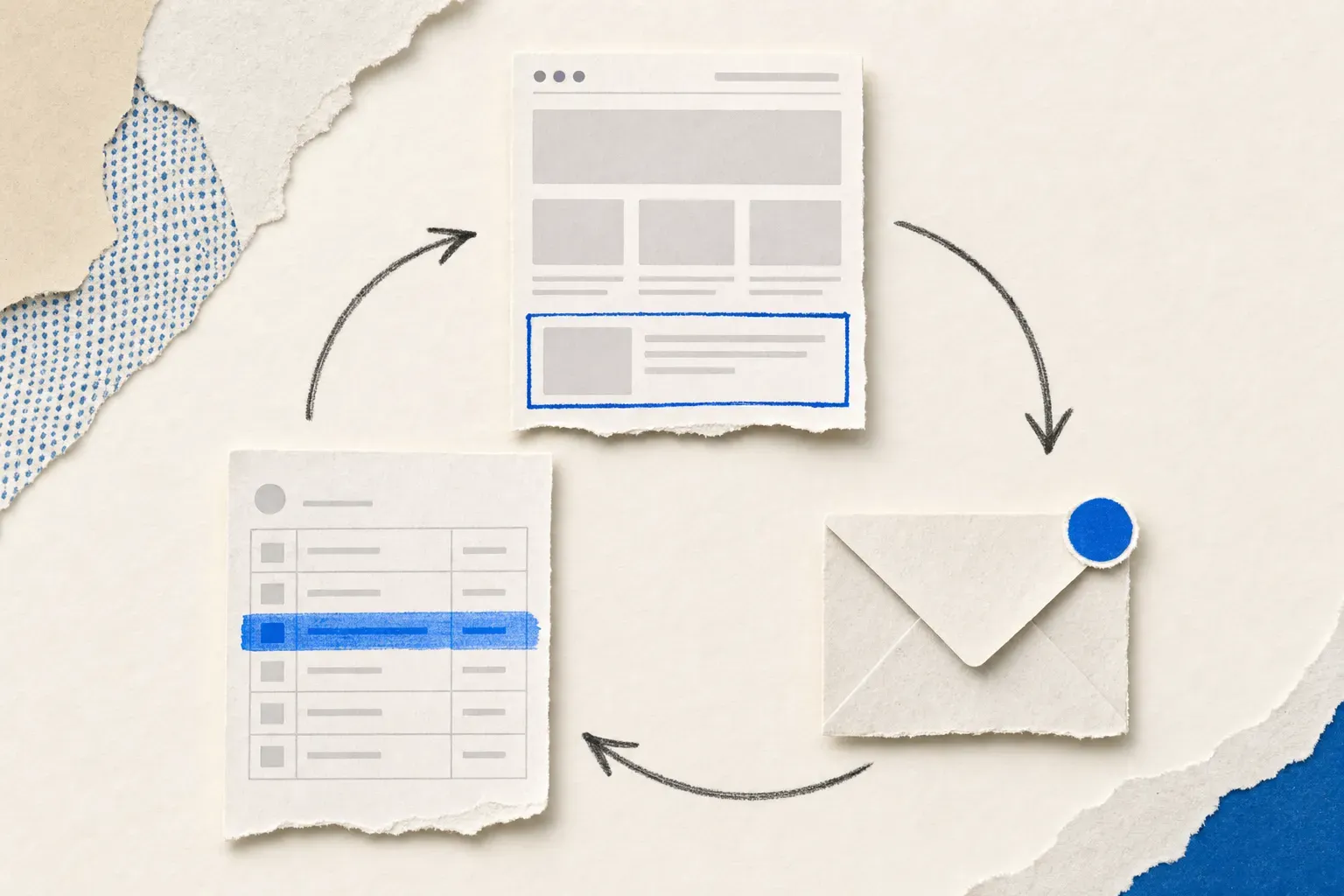
- Update the card, not your memory. When an alert lands: edit the affected row, bump its Last verified date, and add a line to the Update log. The whole loop is a two-minute edit instead of a twenty-page patrol.
Agent-drafted updates, human-approved
The two-minute edit can shrink further. Visualping's REST API and MCP server are available on every plan, including free, and there is no separate API quota: calls draw on the same checks your plan already includes. That makes the whole loop scriptable with an AI coding agent like Claude Code, or any assistant that speaks MCP:
- The agent pulls new change alerts through the API or MCP server, each carrying the before-and-after, the importance flag, and the plain-English summary.
- It drafts the edit against your battlecard doc: the affected row, a bumped Last verified date, a proposed Update log line.
- A human reviews the draft, corrects anything the agent misread, and initials the Verified by column.
The order is the point. The agent does the patrol and the typing; a person does the judgment, because a claim a rep repeats mid-call needs human initials behind it. An unreviewed auto-update is exactly the kind of silent change this template exists to catch. (It's also how this page maintains itself: an agent drafts the quarterly refresh, a human signs the log.) We wrote the full build as a Claude Code battlecard workflow, with the exact prompt and the human-approval step.
Ready to wire up your first card? Start monitoring a competitor's pricing page free, point the alert at your inbox, and the next pricing change updates your battlecard instead of surprising your rep. Setup takes about a minute per page.
Frequently asked questions
How do I create a sales battlecard?
Copy a one-page template, then fill eight sections per competitor: overview, three ways you win, a pricing snapshot, objection responses, questions you seed, landmines to avoid, dated proof points, and an update log. Source the "how we win" plays from real won-deal notes. Budget about an hour per competitor for the first pass, then keep each card current as competitor pages change.
What does a sales battlecard look like?
One page per competitor, built for a 30-second mid-call scan: a short overview block, three win plays, a pricing table, objection-and-response pairs, and a list of claims not to make. The strongest cards date every fact with a "last verified" column so reps know how fresh each claim is.
What is the purpose of a sales battlecard?
A battlecard gives a rep a specific, accurate response in the ten seconds after a prospect mentions a competitor. It concentrates competitive knowledge that otherwise lives in scattered Slack threads and veterans' heads into one page everyone can use, including the rep who joined last month.
What are competitive battle cards?
Competitive battle cards are internal sales documents, one per rival, summarizing how your product wins against that specific competitor: strengths, pricing differences, objection responses, and proof points. They're the practical output of competitive intelligence work, built for use during live deals rather than quarterly reviews.
How often should a battlecard be updated?
Update a battlecard whenever a source page changes, not on a calendar. Pricing and positioning pages move on the competitor's schedule, so calendar-based reviews either lag real changes or waste time confirming nothing moved. Page monitors flip the model: the card gets touched the day something actually changes, and the Last verified dates stay honest.
Want to monitor web changes that impact your business?
Sign up with Visualping to get alerted of important updates from anywhere online.
Eric Do Couto
Eric Do Couto is the Head of Marketing at Visualping. He leads content strategy, growth operations, and brand positioning for website change detection.
More articles by Eric Do Couto