12 Wayback Machine Alternatives Tested in 2026
Updated August 22, 2026

TL;DR: For automatic change tracking with a visual archive, Visualping checks any page on a schedule and stores timestamped screenshots you can compare side by side. For free snapshots on demand, Archive.today saves a permanent copy in seconds. Memento Time Travel searches many archives at once. Pagefreezer produces legally admissible records. ArchiveBox self-hosts everything.
Every tool below solves something the Wayback Machine was never built to do. To start building your own change record from today forward, set up website change alerts in Chrome.
The Internet Archive's Wayback Machine has been the default tool for viewing old versions of websites since 1996. But after a major cyberattack in late 2024 exposed 31 million user records and took the service offline for weeks, many users started looking for Wayback Machine alternatives that offer more reliability, more features, or both.
Most of the best Wayback Machine alternatives were built for problems the original tool never tried to solve. Crawl frequency is unpredictable (some pages go months without a snapshot). Dynamic content, JavaScript-heavy sites, and pages behind logins are often captured poorly or not at all. And there's no way to get alerts when a page changes, which is a significant gap given that 40% of monitored web pages detect at least one change in any given month (Visualping platform data, April 2026).
Whether the Wayback Machine is not working for you today or you need features it was never built for (scheduled captures, change detection, compliance-grade archives), these 12 Wayback Machine alternatives cover everything from free one-click snapshots to enterprise compliance archives. Over 31,000 journalists and researchers use Visualping as part of their monitoring workflow, and nearly 60% of all active web monitors on the platform are run by business teams rather than individual users (Visualping platform data, April 2026).

Why use a Wayback Machine alternative?
The Wayback Machine is good at what it does. The problem is what it doesn't do:
- Coverage gaps: Not every site is archived. Pages behind logins, with robots.txt blocks, or from low-traffic domains may have no snapshots at all. You only find out when you need one and it's missing.
- Unpredictable timing: Crawls happen on the Wayback Machine's schedule, not yours. A competitor can change their pricing page at 2 AM, and if the next crawl is three weeks out, that change goes unrecorded.
- No change alerts: The Wayback Machine stores the past but can't watch the present. 40% of monitored web pages change at least once a month (Visualping platform data). If you need to catch those changes as they happen, you need a monitoring tool.
- No private archives: Everything in the Wayback Machine is public. Legal teams and compliance officers need private archives with access controls, not a public database anyone can browse.
- No organization: Billions of pages in one giant pile. No folders, no tags, no project grouping. Good luck finding what you archived six months ago.
How to view old versions of a website
If you're trying to see what a page looked like before it changed, here's the fastest path:
- Start with the Wayback Machine. Go to web.archive.org and paste the URL. If the page has been archived, you'll see a calendar timeline of snapshots going back to the first crawl.
- If that doesn't work, search multiple archives. Memento Time Travel queries 20+ web archives in one search, including regional and institutional collections the Wayback Machine misses.
- If no archive exists, create one. Use Archive.today to capture the page right now. And if you want to catch the next change automatically, set up Visualping to monitor the page going forward.
Disclosure: Visualping is our product. We included it because it solves a problem the Wayback Machine was never built for: alerting you to changes as they happen. For viewing old versions of pages (the core Wayback use case), Archive.today is the closest free replacement. For searching across 20+ archives at once, Memento. For compliance-grade archiving, Pagefreezer. VP does none of those things. What it does is tell you the moment a page changes, with an AI summary and a before/after diff. Each tool is reviewed in the same format, including limitations.
Quick comparison: all 12 Wayback Machine alternatives
The 12 Wayback Machine alternatives below split into two categories: passive archivers that store snapshots, and active monitors that watch for changes. Most tools do one. Only one does both.
| Tool | Best For | Pricing | Archive Type | Change Alerts | Status |
|---|---|---|---|---|---|
| Visualping | Change monitoring & compliance | Free plan; from $10/mo billed annually | Visual snapshots | Yes | Active |
| Archive.today | Quick manual snapshots | Free | Static page copies | No | Active |
| Memento Time Travel | Searching multiple archives | Free | Aggregated archives | No | Active |
| Stillio | Scheduled screenshot capture | From $29/mo | Automated screenshots | No | Active |
| Pagefreezer | Legal & compliance archiving | From $99/mo | Evidentiary archives | No | Active |
| Perma.cc | Academic & legal citations | Free (10 links); $100/yr | Permanent links | No | Active |
| Conifer | Interactive page recording | Was free | Interactive replays | No | Discontinued June 2026 |
| Google Cache | Was free | Discontinued | No | Discontinued | |
| Ahrefs Page Inspect | SEO version comparison | From $129/mo (Ahrefs) | HTML snapshots | No | Active |
| WebCite | Scholarly citation archiving | Free | On-demand snapshots | No | Limited (not accepting new requests) |
| UK Web Archive | Government & cultural records | Free | National collections | No | Active |
| ArchiveBox | Self-hosted personal archive | Free (open source) | Multi-format (HTML, PDF, WARC) | No | Active |
Visualping: Best Wayback Machine Alternative for Automated Archiving and Change Alerts
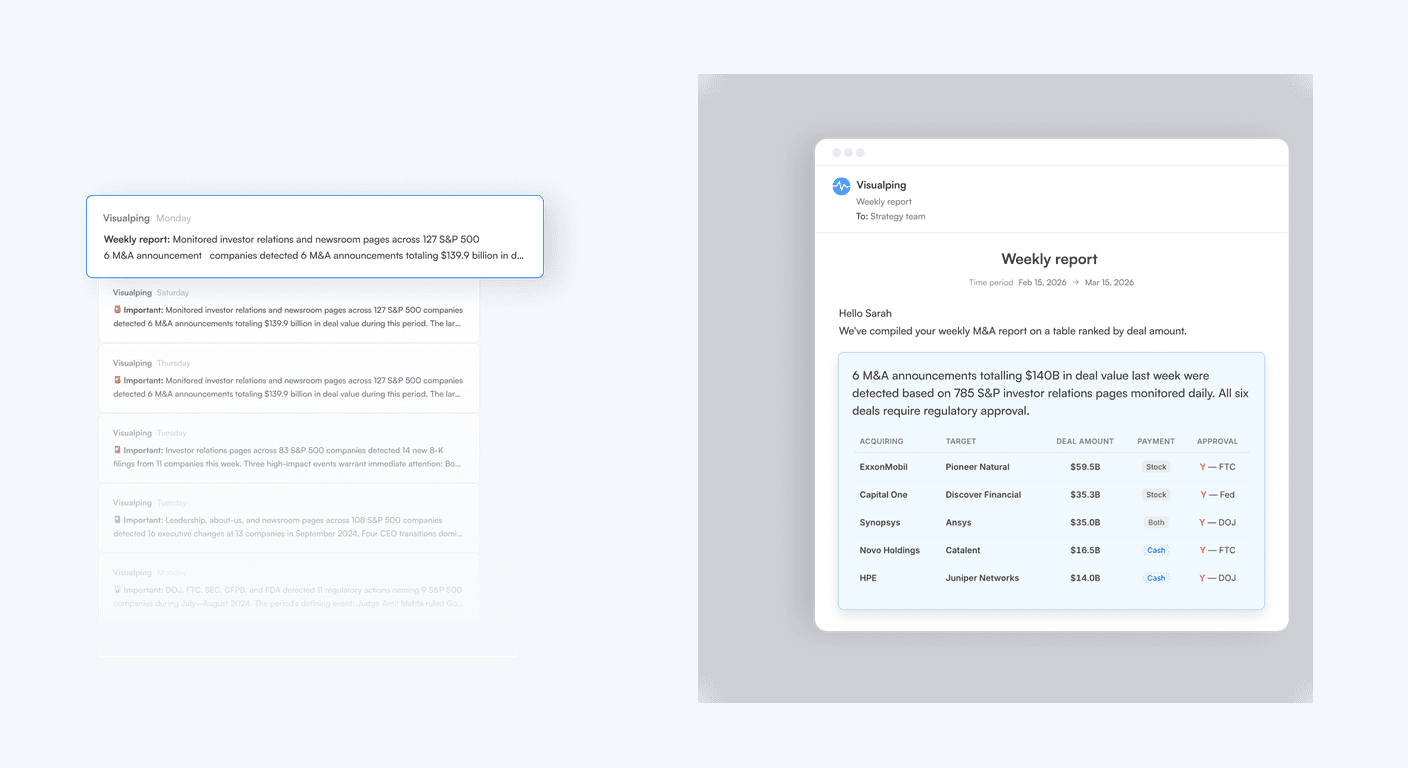
Visualping does something none of the other tools on this list do: it builds a visual archive of any webpage automatically and alerts you the moment something changes.
Visualping is used by more than 2 million people, including teams at 85% of the Fortune 500. On G2, it ranks #1 in the Website Change Monitoring, Website Screenshot and Regulatory Change Management categories, per Visualping's company facts page; G2 restates rankings each reporting period.
Every check creates a timestamped screenshot, so you get a browsable history of how a page looked over time, similar to the Wayback Machine but on your schedule. Enter a URL, pick how often to check (every 5 minutes to once a week), and choose what to watch: the full page, a specific section, or just the text. When Visualping spots a change, it sends a side-by-side visual comparison highlighting exactly what moved, along with an AI-generated summary explaining the change in plain language.
Key features:
- Visual change detection with pixel-level comparison and highlighted diffs
- Flexible check frequency from every 5 minutes to weekly
- Multiple alert channels: email, Slack, Teams, SMS, Google Sheets, webhooks
- Element-level monitoring: watch specific sections of a page rather than the whole thing
- AI-powered summaries that explain detected changes in plain language
- Built-in archive: every check creates a timestamped snapshot, building a visual history over time
Pricing: Free plan with 5 checks/day. API access is included on every plan, including Free. Beyond the ten free trial links, individuals buy a monthly link allowance or ad hoc batches; see Perma.cc's about page for current terms. Business and enterprise tiers add higher check volumes, team workspaces, and native integrations.
Best for: Teams tracking competitor pricing, regulatory updates, job postings, or product pages. If you care more about catching a change the day it happens than viewing a page from 2015, this is your tool.
Note on timestamps: Visualping does not overlay a visible date/time stamp on screenshots by default. Every check is timestamped in the app, and integrations (webhooks, API, Google Sheets, Slack, email alerts) all include the check timestamp. Stored screenshots carry metadata timestamps as well. If you need a visible timestamp burned into the screenshot itself (common for compliance archiving), you can add one using a Script pre-action that injects a date/time banner onto the page before capture.
Archive.today: Best Free Alternative to the Wayback Machine
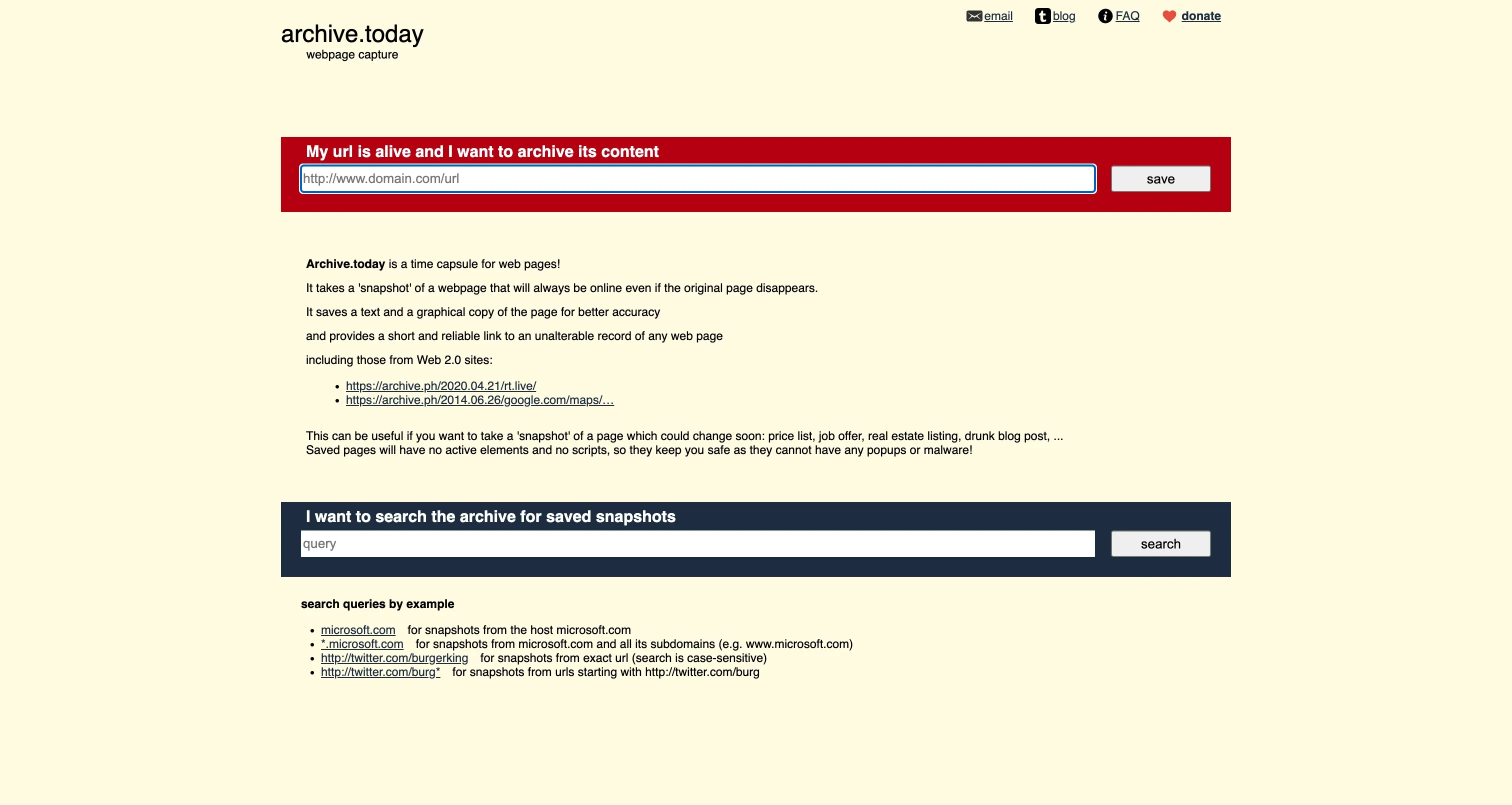
Archive.today (also accessible at archive.is, archive.ph, and archive.li) is the closest direct replacement for the Wayback Machine. Enter a URL, and it saves a complete snapshot of the page that stays available permanently, even if the original site goes down.
Unlike the Wayback Machine, Archive.today captures pages on demand rather than through automated crawls. This means you control exactly which pages get preserved and when.
Key features:
- Instant page capture: paste a URL and get a permanent archived copy in seconds
- Search by URL or keyword: find previously archived pages from any user
- Bypasses some paywalls: archived versions sometimes retain content behind soft paywalls
- No account required: completely anonymous, no sign-up needed
- Multiple domain mirrors: if one domain is blocked in your region, others still work
Pricing: Completely free.
Best for: Journalists tracking online sources, researchers, and anyone who needs to preserve a webpage exactly as it looks right now. Especially useful when you need to lock down evidence of online content before it gets edited or pulled.
"One thing that's important to us is links. A lot of these archive pages, there's a link that itself changes, not the actual content." (Financial data researcher using web archives for activist investor tracking)
Looking for an Archive.today, archive.is, or archive.ph alternative?
Archive.today, archive.is, archive.ph, and archive.li are the same service behind four domains. If one is blocked or slow, the others usually work. But people search for an archive.is alternative for reasons the mirrors do not solve:
The site is unreachable. Several networks and countries block the domains outright. Perma.cc and the national web archives stay reachable where Archive.today does not.
Captures are manual and one at a time. Archive.today only saves a page when someone asks it to. If you need a page captured on a schedule, Stillio takes screenshots on a timer and Visualping captures a fresh snapshot every time the page changes.
Snapshots are not admissible on their own. Archive.today does not produce a signed capture record. Perma.cc and Pagefreezer both issue tamper-evident archives built for legal and compliance use.
No alerts. Archive.today tells you what a page looked like. It never tells you the page changed. That is the gap Visualping fills.
Memento Time Travel: Search 20+ Web Archives at Once
Memento Time Travel is a search engine for archived web pages. Rather than maintaining its own archive, it queries dozens of web archives simultaneously and returns results from whichever one has a snapshot closest to your target date.
The tool pulls from the Wayback Machine, Archive.today, the Library of Congress, national archives from multiple countries, and university collections. One search covers more ground than checking each archive individually.
Key features:
- Aggregates 20+ archives in a single search, including Internet Archive, Archive.today, and national libraries
- Date-based search: enter a URL and a target date, and Memento finds the closest available snapshot
- Memento protocol: an open standard (RFC 7089, the IETF specification for time-based web navigation) that any archive can implement
- Browser extension for quick lookups directly from any webpage
- API access for developers building tools on top of archived data
Pricing: Completely free.
Best for: Researchers who need to find the most complete historical record of a URL across every available archive. If the Wayback Machine doesn't have a snapshot from the date you need, Memento might find one from another archive.
Stillio: Automated Screenshot Tool for Web Archiving
Stillio automates website screenshots on a schedule you define. Set it up once, and Stillio captures full-page screenshots at regular intervals (hourly, daily, weekly, or monthly) and stores them in a searchable visual timeline.
Where the Wayback Machine captures pages unpredictably, Stillio gives you consistent, scheduled captures of the exact pages you care about.
Key features:
- Scheduled captures at intervals from every hour to once a month
- Full-page screenshots including content below the fold
- Cloud storage with organized folders and tagging
- Export options: download images, share links, or sync to Dropbox and Google Drive
- Mobile rendering: capture how pages look on different screen sizes
- Team collaboration with shared workspaces
Pricing: Plans start at $29/month (Snap Shot, up to 5 tracked pages), scaling to $79/month (Hot Shot, up to 25 pages) and $199/month (Big Shot, up to 100 pages). Pricing is per tracked page, not per screenshot volume.
Best for: Marketing teams tracking competitor websites, compliance teams archiving regulated web content, and agencies documenting campaign landing pages over time.
Pagefreezer: Enterprise Web Archive for Legal and Compliance
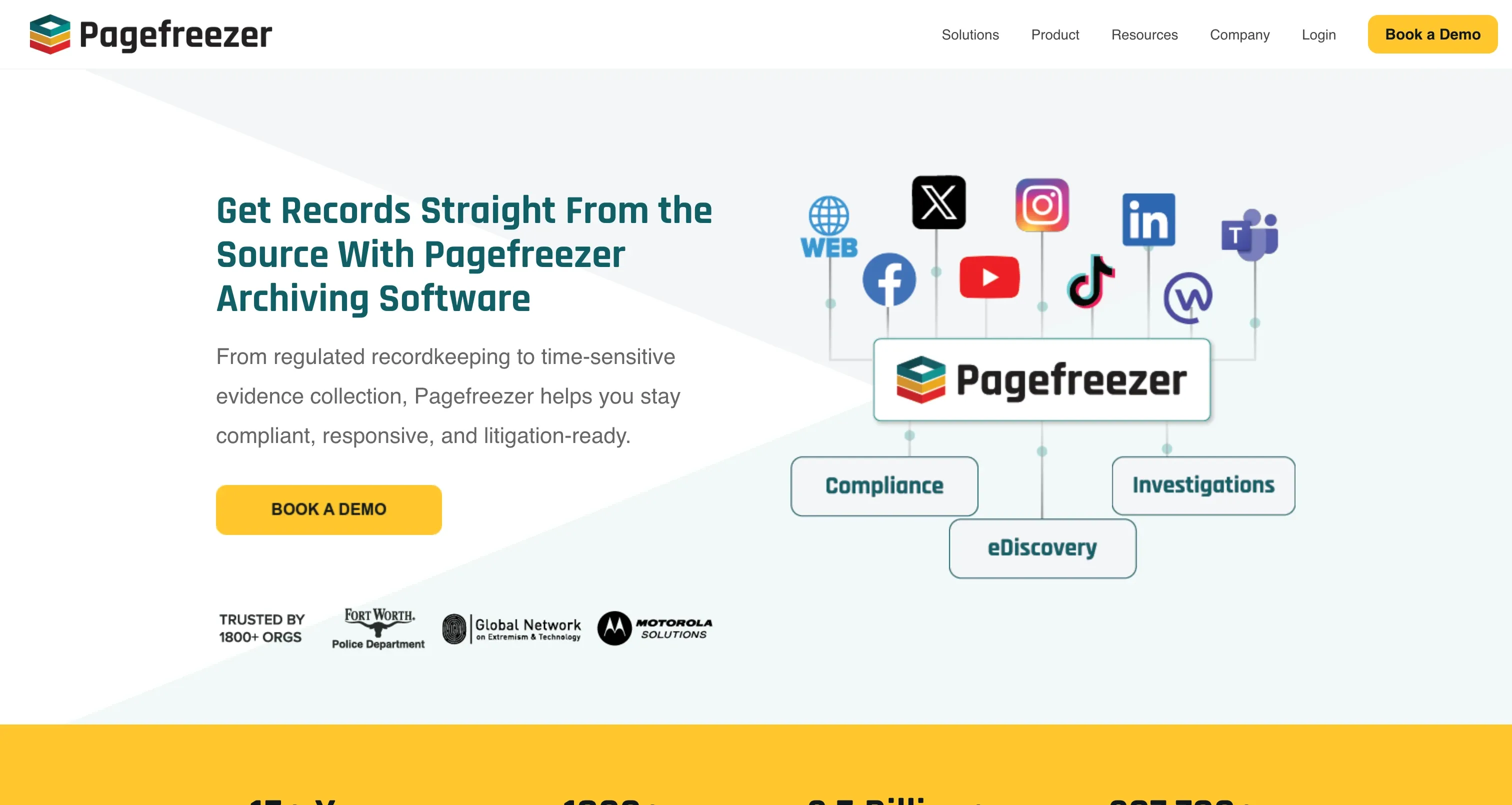
Pagefreezer is built for organizations that need archives that hold up in court. It captures websites, social media accounts, SMS messages, and other digital communications with full chain-of-custody documentation.
This is not a casual browsing archive. Every capture carries metadata, timestamps, and digital signatures proving the content hasn't been tampered with.
Key features:
- Evidentiary-quality archives with legal authentication and chain of custody
- Automated continuous archiving of websites, social media, and messaging platforms
- SOC 2 Type II (an independent security audit certification) and ISO 27001 certified storage
- eDiscovery (electronic discovery used in legal proceedings) integration for legal review workflows
- Social media archiving: captures Facebook, Twitter/X, Instagram, LinkedIn, and YouTube
- Compliance reporting for SEC, FINRA, FCA, and other regulatory compliance requirements
Pricing: Pagefreezer does not publish pricing publicly. Contact them directly for a quote; pricing varies by organization size and archiving scope.
Best for: Financial institutions, healthcare organizations, government agencies, and legal teams that need tamper-proof digital records for compliance monitoring or litigation.
Perma.cc: Permanent Link Archive for Academic and Legal Citations
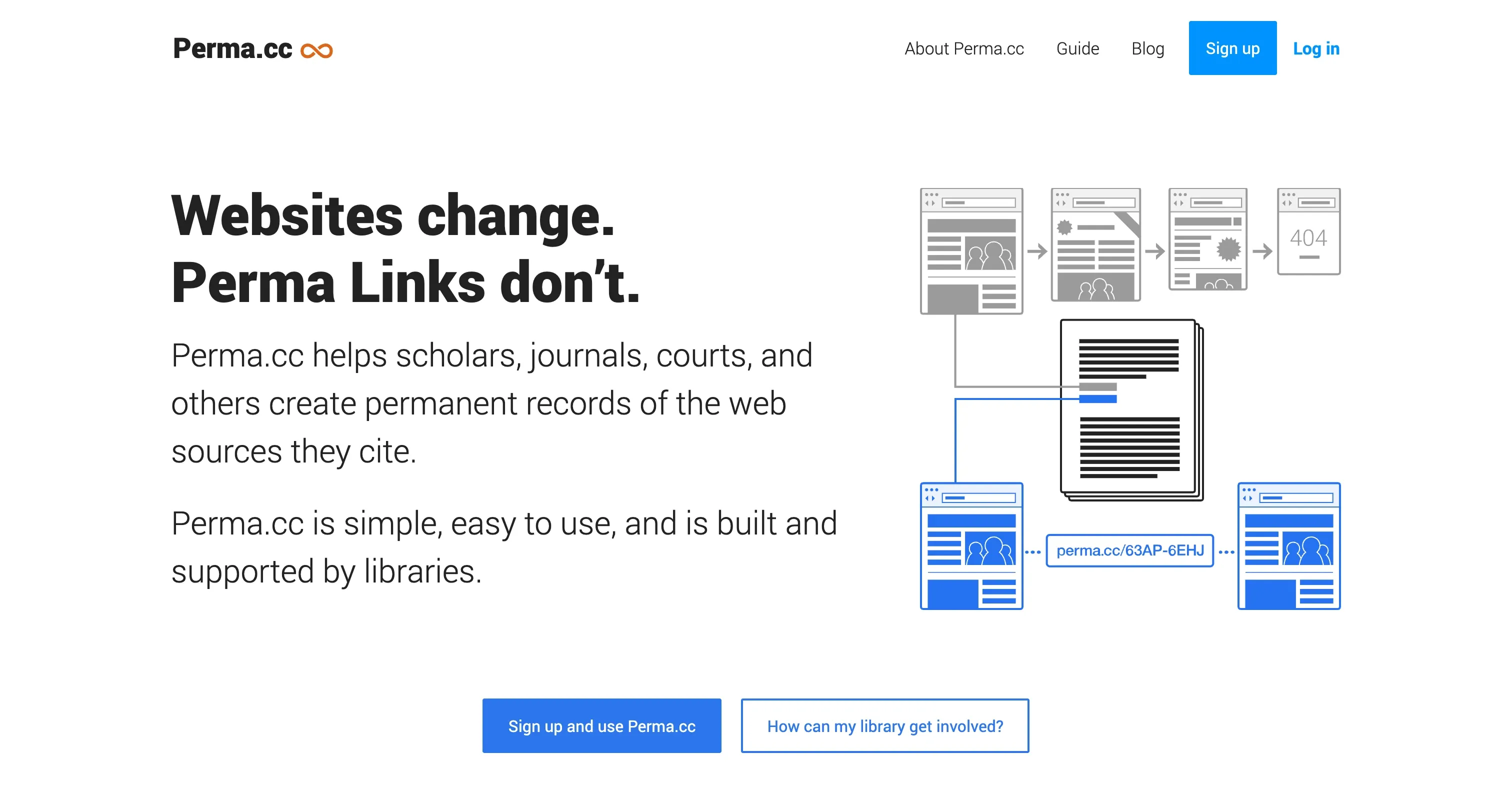
Perma.cc was built by the Harvard Law School Library Innovation Lab to solve a specific problem: link rot in legal citations and academic papers. When you cite a webpage in a journal article or court filing, Perma.cc creates a permanent archived version with a unique URL that will never break.
Key features:
- Permanent citation links with guaranteed long-term preservation
- Institutional backing: hosted by Harvard Law School Library with over 150 partner libraries
- Simple workflow: paste a URL, get a perma.cc link to use in citations
- Organizational accounts for journals, courts, and universities
- WARC file format storage for archival completeness
Pricing: Registration comes with 10 trial links. Perma.cc does not publish public pricing. Academic institutions, courts and libraries can register as free registrars and give their users free accounts. Everyone else needs a paid subscription: organizations pay a monthly flat group rate based on user count and link volume, and unaffiliated individuals buy either a monthly link allowance or ad hoc batches. New users get ten free trial links. Organizational accounts are available through Perma.cc's registrar program. Academic institutions can apply for partner status.
Best for: Academics writing papers, lawyers filing briefs, journalists citing sources, and anyone who needs a URL reference that won't break in five years. Education accounts for 5.2% of Visualping's user base, making it the fifth-largest category after price tracking, government monitoring, clothing/restock alerts, and ticket tracking. Universities, libraries, and research institutions consistently rank among the heaviest users of web archiving and change-detection tools (Visualping platform data, April 2026).
Conifer (Formerly Webrecorder): Interactive Web Archive (Discontinued June 2026)
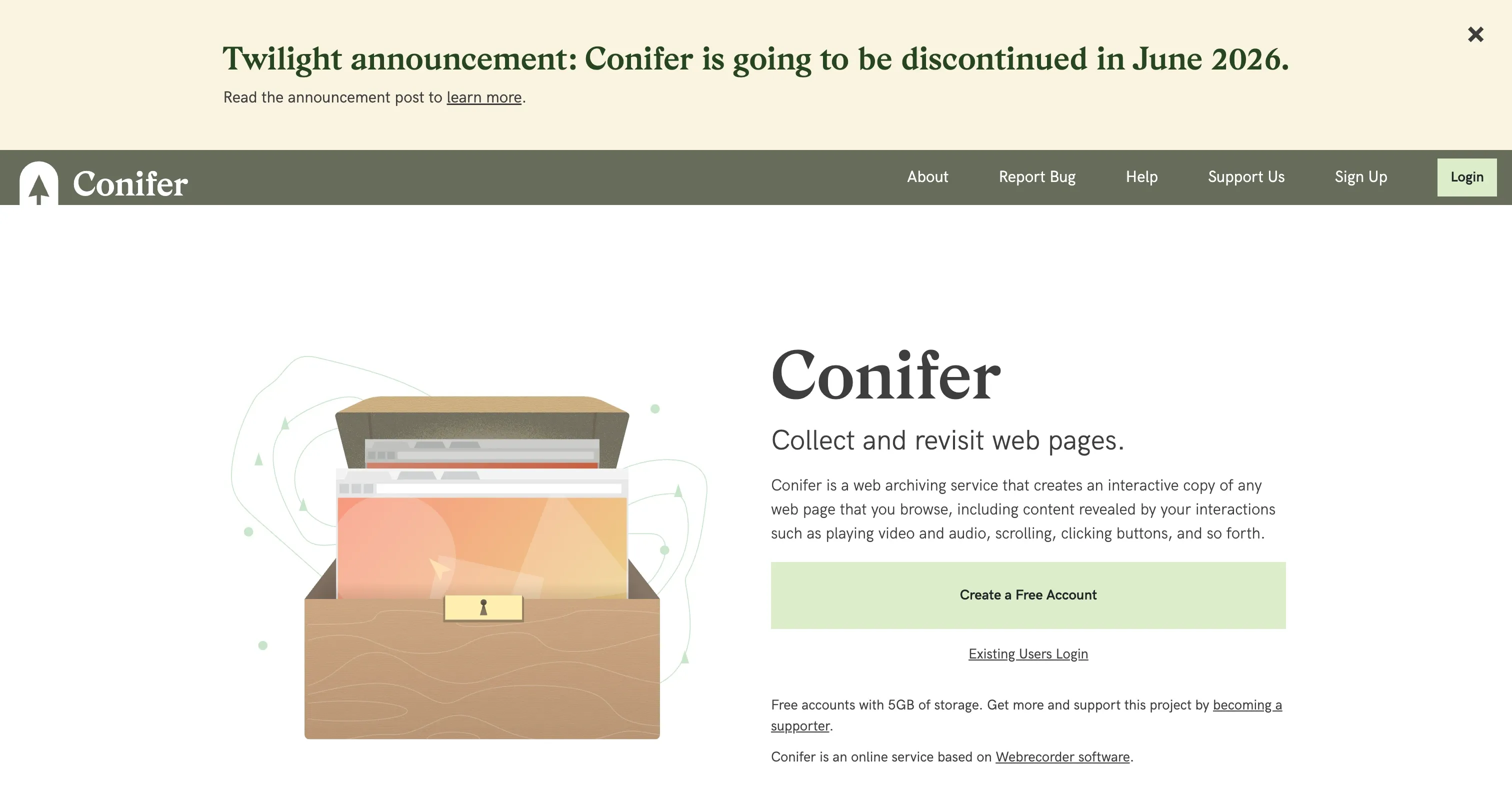
Note: Conifer was discontinued in June 2026. Existing collections remain viewable, but you can no longer create or modify them. Existing accounts remain accessible until then, but no new signups are available. Users should transition to Browsertrix, the open-source successor actively maintained by Webrecorder. If you are evaluating this tool today, go directly to Browsertrix.
Conifer records your exact browsing session and lets you replay it later. Where other tools capture a flat snapshot, Conifer preserves the interactive layer: dropdown menus, video players, infinite scroll, and JavaScript-driven content that static archivers miss entirely.
Built by Rhizome (a digital art preservation organization), Conifer treats the modern web the way it actually works: pages aren't documents anymore, they're applications.
Key features:
- High-fidelity capture of dynamic, JavaScript-heavy websites
- Session recording: navigate a site naturally while Conifer records everything
- Interactive replay: archived pages retain their original functionality
- WARC format (the standard file format used by professional web archives) exports for compatibility with other archival tools
- Public or private collections for sharing or personal use
- Embeddable archives for displaying preserved content on other websites
Pricing: No longer available. Conifer was discontinued in June 2026. Existing accounts had free 5GB storage tiers. See Browsertrix for current options.
Best for: Digital archivists, artists, and researchers who need to preserve interactive web content (web apps, data visualizations, social media feeds) that traditional archivers can't capture properly. New users should evaluate Browsertrix instead.
Google Cache (Removed February 2024): What to Use Instead
Google Cache used to be the quickest Wayback Machine alternative for viewing a recent version of any indexed page. Google removed Cache entirely in February 2024, discontinuing both the "Cached" link in search results and the cache: URL operator.
If you relied on Google Cache, here are the best replacements among the Wayback Machine alternatives on this list:
- For quick snapshots of recent pages: Archive.today captures pages on demand in seconds.
- For checking what a page looked like recently: Ahrefs Page Inspect stores historical HTML from its continuous crawl.
- For getting alerted when a page changes going forward: Visualping monitors the page and notifies you the moment it updates, so you never need to check a cached version after the fact.
Google has suggested using the Wayback Machine itself as the replacement. The irony: many users searching for Wayback Machine alternatives originally found their way to Google Cache as a faster option. With Cache gone, tools like Archive.today and Visualping fill the gap more reliably than the Wayback Machine does for most use cases.
Ahrefs Page Inspect: SEO Version History and Web Archive Tool

Ahrefs is primarily an SEO toolset, but its Page Inspect feature stores historical HTML snapshots of pages it crawls. This lets you compare how a page looked at different points in time, see what content changed, and track SEO elements like title tags, meta descriptions, and heading structures.
Key features:
- Side-by-side HTML comparison between different crawl dates
- SEO element tracking: titles, metas, headings, canonical tags, structured data
- Historical data from Ahrefs' continuous web crawl (billions of pages)
- Backlink context: see how link profiles changed alongside content updates
- Batch analysis for monitoring changes across many pages at once
Pricing: Requires an Ahrefs subscription (Lite from $129/month, Standard from $249/month). Page Inspect is included.
Best for: SEO professionals tracking how competitor pages evolve, recovering lost content that impacted rankings, and auditing historical on-page changes.
Go deeper: Track SEO Changes on a Website | Best AI Tools for Competitor Analysis
WebCite: Scholarly Web Archive for Academic Citations
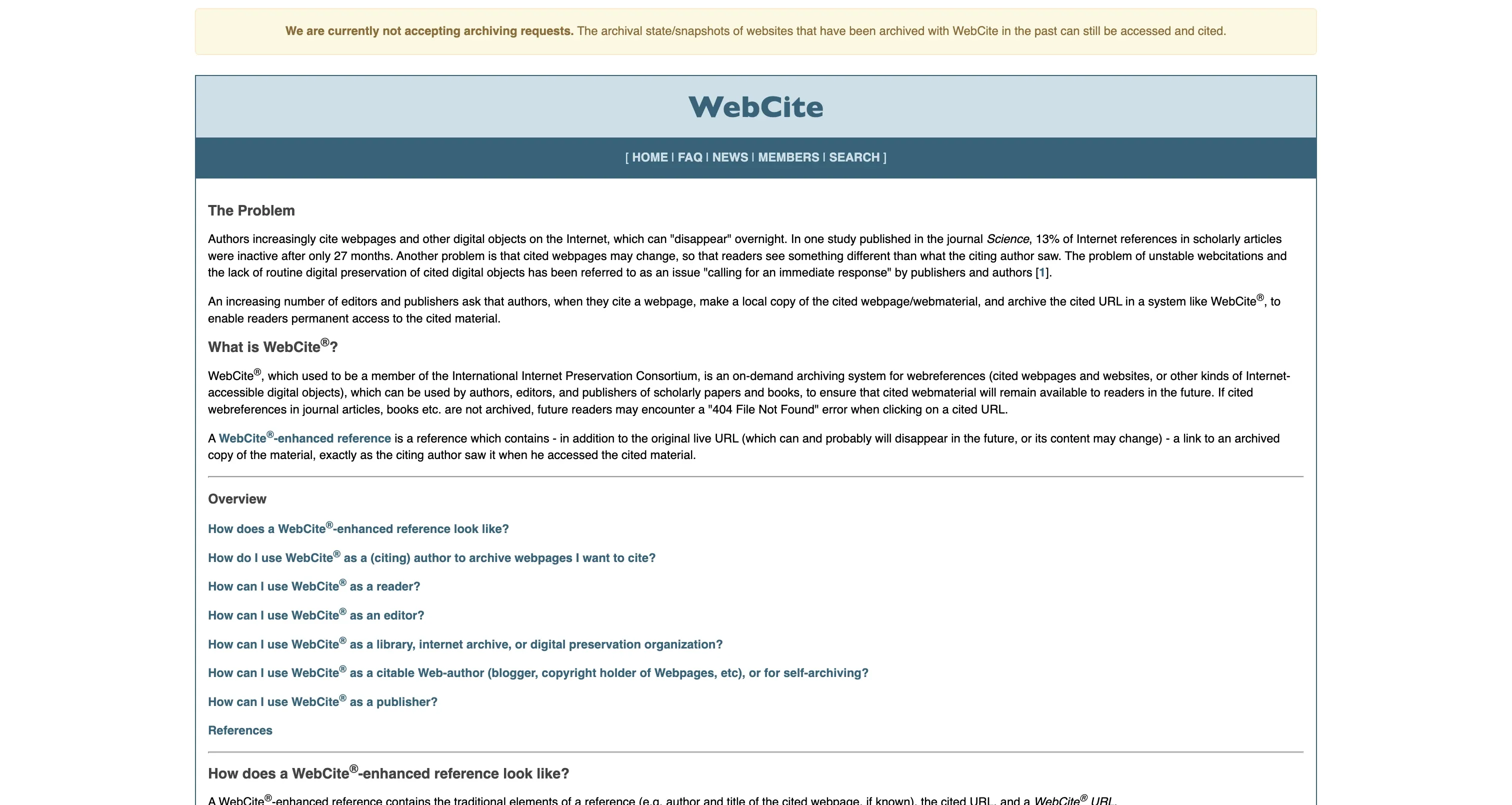
Note: WebCite is currently not accepting new archiving requests. Previously archived content remains accessible, but you cannot archive new URLs. For a reliable alternative, see Perma.cc.
WebCite is a free archiving service designed for academic publishers, scholars, and researchers. When you cite a web source in a paper, you can submit the URL to WebCite, which creates a permanent, citable archived copy.
Key features:
- On-demand archiving via URL submission
- Permanent citation URLs for academic papers and manuscripts
- Integration with academic publishing workflows
- Free and open access to all archived content
- DOI-like persistent identifiers for archived pages
Limitations: WebCite has faced intermittent availability issues and slow response times in recent years. Its long-term sustainability is uncertain, so think twice before relying on it for anything mission-critical.
Pricing: Free.
Best for: Academics who need a simple, free way to archive web citations. Consider Perma.cc as a more reliable alternative for mission-critical citations.
National Web Archives: Government and Cultural Web Archiving
Several national libraries maintain large-scale web archives of their country's internet presence. These are government-funded, long-term preservation efforts that aren't going anywhere.
Notable national archives:
- UK Web Archive (British Library): over 1 billion web resources from the .uk domain since 2013
- Library of Congress Web Archives: selective archiving of US government and cultural websites since 2000
- Bibliothque nationale de France: legal deposit of French web content
- Web Archive Singapore: preserves Singaporean websites
- Croatian Web Archive: national collection of Croatian web content
Pricing: Free to access.
Best for: Researchers studying a specific country's web history, historians tracking government communications, and anyone following how a nation's online presence evolves over time.
ArchiveBox: Self-Hosted Personal Wayback Machine
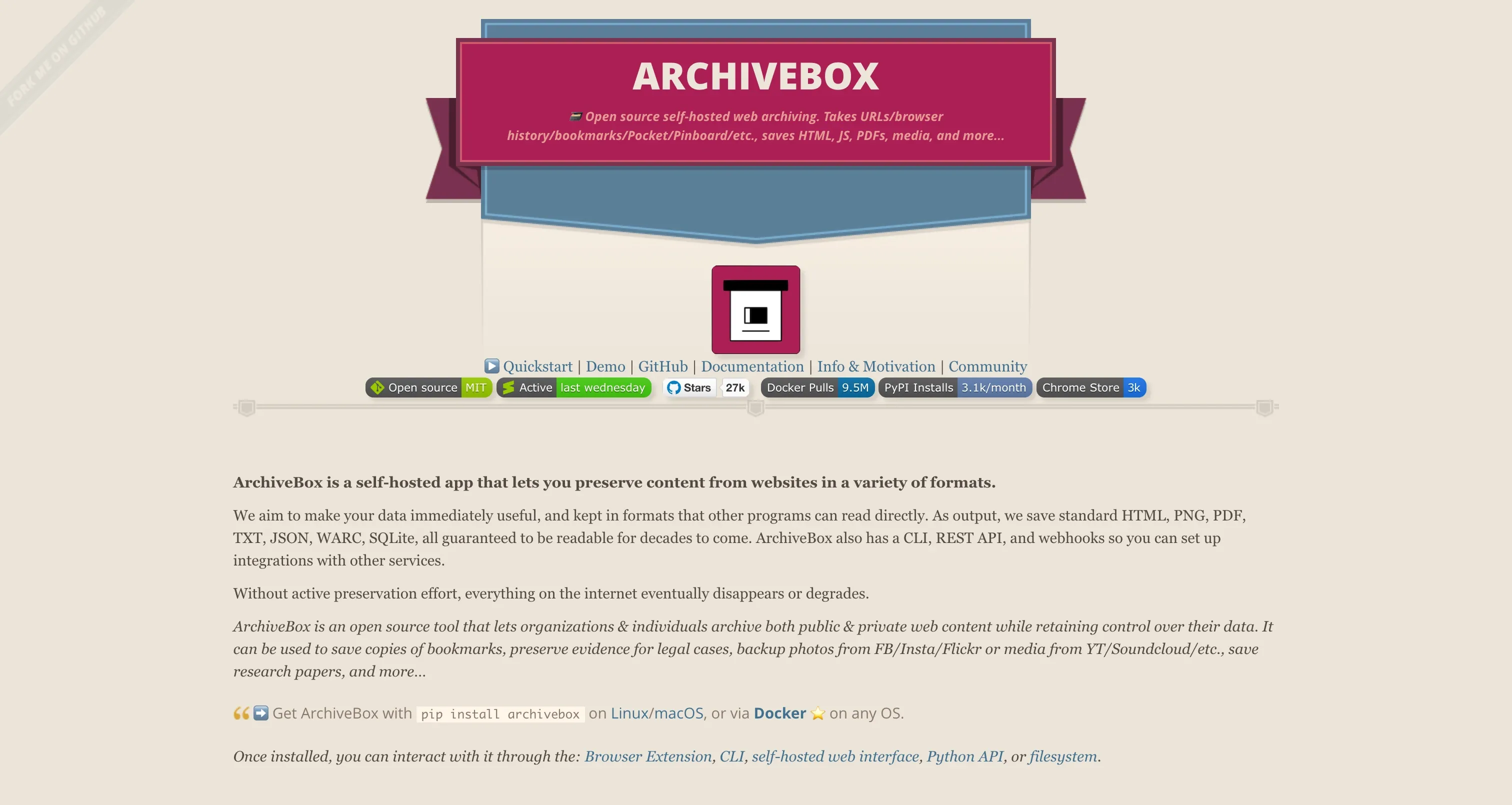
ArchiveBox is an open-source tool that lets you run your own personal Wayback Machine. Feed it URLs (individually, from bookmarks, from RSS feeds, or from browser history) and it saves each page in multiple formats: HTML, PDF, screenshot, WARC, and plain text. You host it yourself on your own server or NAS, which means full control over your data with no third-party dependencies.
With over 28,000 stars on GitHub, ArchiveBox has an active community and regular releases. It runs in Docker, supports scheduled imports, and includes a web-based admin interface for browsing your archive.
Key features:
- Multiple archive formats per page: HTML, PDF, screenshot, WARC, plain text, media files
- Flexible input sources: bookmarks, RSS feeds, browser history, plain URL lists, Pocket exports
- Full-text search across all archived content
- Web-based admin UI for browsing, searching, and managing your archive
- Docker deployment with one-command setup
- Scheduled imports via cron for automated archiving
Limitations: Requires technical setup (Docker, command line). You manage your own hosting and storage. No built-in change detection or alerting. Community support only (no commercial support tier).
Pricing: Free and open source.
Best for: Technical users who want complete control over their web archive, researchers building personal reference libraries, and organizations that need private, self-hosted archiving without relying on third-party services.
How to choose the right Wayback Machine alternative
The right Wayback Machine alternative depends on what problem you're solving. People use these tools very differently: one professional in news media and government reporting described the core need clearly: "thinking about cases where the state puts information up on a website and that page might change." A compliance analyst put it differently: "there are more companies doing website archiving, but it's not their main feature." Both are right. Monitoring problems need monitoring tools; evidentiary archiving needs purpose-built archives. No single Wayback Machine alternative handles both equally well.
Nearly 60% of all active web monitors on the Visualping platform are run by business teams rather than individual users, and nearly 30% of those monitors check pages more frequently than once an hour (Visualping platform data, April 2026). Government and regulatory pages are among the most volatile: 62% of monitored government pages detected at least one change in the last month (Visualping platform data, April 2026), which is why compliance teams increasingly use active monitoring rather than passive archives. The right Wayback Machine alternative depends on how fast your target content moves.
"I need to see what a page looked like in the past" Start with Memento Time Travel to search across all archives at once. For pages captured on demand by other users, try Archive.today. For SEO-focused version history, Ahrefs Page Inspect shows what changed and when.
"I need to archive a page right now for future reference" Use Archive.today for a quick free snapshot, or Perma.cc if you need a permanent citation link for academic or legal work.
"I need to know when a page changes" Visualping is the only Wayback Machine alternative on this list built for real-time change detection. Set up monitoring on any URL and get alerts with visual comparisons the moment something shifts. Traditional archiving tools store snapshots; Visualping watches for drift.
"I need compliance-grade archives that hold up in court" Pagefreezer provides evidentiary-quality captures with chain-of-custody documentation. For budget-conscious teams, Stillio offers scheduled captures with organized storage.
"I need to preserve interactive web content" Conifer records browsing sessions with full interactivity intact, capturing JavaScript-driven content that traditional archivers miss. Note that Conifer stopped accepting new accounts in December 2025; its successor Browsertrix is the actively maintained option.
"I need SEO historical analysis" Ahrefs Page Inspect tracks content changes alongside backlink and ranking data, giving you the SEO context that general archivers don't provide.
Match your archiving need to the right tool type
Go deeper: How to Monitor Website Changes | What Is Competitive Intelligence?
Frequently asked questions
Is there an alternative to the Wayback Machine that's free?
Yes, several free Wayback Machine alternatives exist. Archive.today, Memento Time Travel, WebCite, and Perma.cc (free for academic institutions, courts and libraries) are all free. (Google Cache was also free, but Google removed it in February 2024.) Visualping also has a free plan with 5 daily checks. For the widest free coverage, Memento Time Travel searches 20+ archives in one query.
Why is the Wayback Machine not working?
The Wayback Machine has experienced several outages since the October 2024 cyberattack on the Internet Archive. Service was restored, but performance can still be inconsistent. If the Wayback Machine is down or loading slowly, Archive.today and Memento Time Travel are the quickest free Wayback Machine alternatives to check.
Can these alternatives archive pages behind paywalls?
Most archiving tools can only capture publicly accessible content. Conifer is the exception: because it records your actual browsing session, it can archive content you're logged into (though sharing those archives may raise copyright concerns). Archive.today can sometimes access soft-paywalled content through cached versions.
Which Wayback Machine alternative is best for legal evidence?
Pagefreezer is the go-to for legal and compliance archiving, with SOC 2 Type II certification and chain-of-custody documentation. For academic legal citations, Perma.cc is backed by Harvard Law School Library and used by courts and law journals across the US.
Can I get alerts when a website changes?
Among the Wayback Machine alternatives in this guide, only Visualping offers automated change detection with alerts. Traditional web archives like the Wayback Machine and Archive.today only store snapshots; they don't monitor for changes. If you need to know the moment a competitor updates pricing, a regulation changes, or a job posting appears, Visualping is the only tool on this list designed for that.
How do I archive an entire website, not just one page?
Pagefreezer and Stillio can archive entire websites on a schedule. The Wayback Machine's own "Save Page Now" only captures one URL at a time. For an interactive option, Conifer lets you navigate through a site while it records every page you visit (note: Conifer was discontinued in June 2026; see Browsertrix instead).
Related reading
- How to Archive a Website: Simple Steps for Digital Preservation
- Screenshots as Evidence: Automate Website Captures for Legal D...
- Website Defacement Monitoring in 2026: What You Need to Know
- Domain Monitoring: The Complete Guide for 2026
- Website Monitoring for Journalists: Why the Audit Trail Matter...
- Cost of Website Defacement: Key Factors and Financial Impact
- What is Magecart? How E-Commerce Web Skimming Attacks Work | V...
Monitor any website for changes
Visualping watches web pages and sends you alerts with visual comparisons when something changes.
Eric Do Couto
Eric Do Couto is the Head of Marketing at Visualping. He leads content strategy, growth operations, and brand positioning for website change detection.
More articles by Eric Do Couto