Clay Data Enrichment: Add Website Change Signals to Your Workflow
Updated April 10, 2026
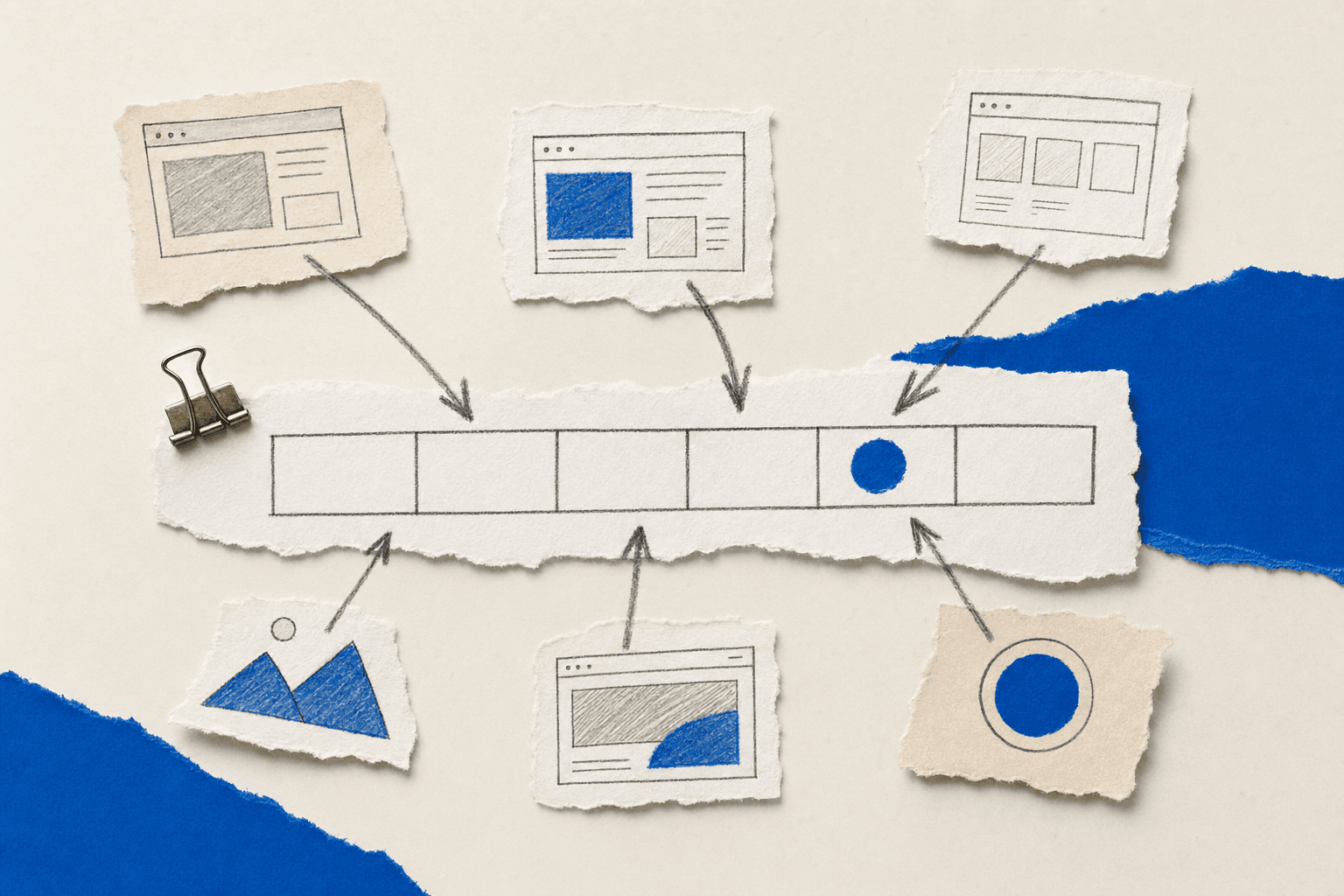
Most Clay data enrichment workflows start with a static list. You import a CSV, sync your CRM, or paste a list of domains. Clay enriches each row with firmographics, contacts, and technographics. Then the data sits there until you manually refresh it.
That workflow misses a category of signal that never shows up in a static list: what your target accounts are doing on their own websites right now.
When a prospect updates their pricing page, that's a pricing review underway. When they expand their careers section, budget just got unlocked. When they add a new product page, they're expanding into a new market. These are intent data signals, what Forrester calls intent data, and what sales intelligence platforms classify as high-confidence buying signals because they represent deliberate strategic decisions, not passive browsing. They tell you more about buying readiness than any firmographic field in your Clay table.
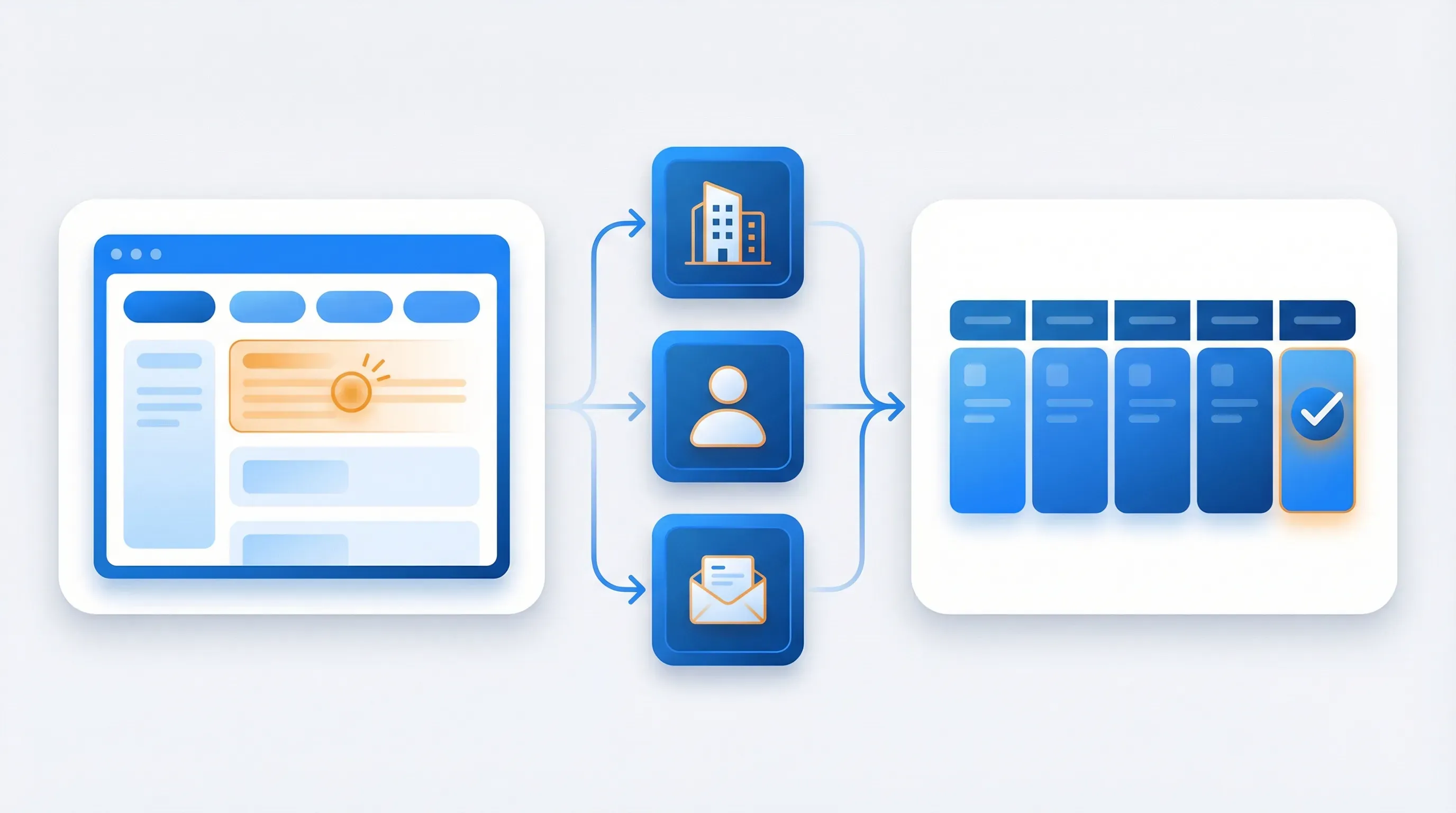
This tutorial connects those signals to Clay. You'll set up a direct webhook from Visualping to Clay so that every website change on a target account becomes a new row, automatically enriched with company data, the right contact, and a personalized outreach draft. No Zapier. No middleware. One webhook URL.
What Website Change Signals Look Like in Clay
When Visualping detects a change on a monitored page, it fires a webhook with structured fields. Not all of them matter for Clay enrichment. Here's what does:
| Visualping Webhook Field | Clay Column Name | What It Tells You |
|---|---|---|
url | Monitored URL | The page that changed. Extract the domain to run company enrichment. |
added_text | New Content | Text that was added to the page. Use this for outreach personalization. |
removed_text | Removed Content | Text that was removed. Useful for tracking what competitors discontinued. |
summarizer | AI Change Summary | Visualping's AI-generated plain-English summary of what changed. The most outreach-ready field. |
change | Change Percentage | How much of the page changed (e.g., "10 %"). Filter out minor cosmetic updates. |
description | Job Name | The monitoring job name you set in Visualping (e.g., "Acme Corp Pricing Page"). |
datetime | Alert Timestamp | When the change was detected. |
view_changes | Changes URL | Direct link to the visual diff in Visualping. Attach to outreach or Slack alerts. |
The summarizer field is the most valuable for Clay workflows. Instead of parsing raw HTML diffs, you get a sentence like "Added Enterprise tier at $299/month with SSO and custom integrations." That sentence alone turns a generic outreach email into a specific one.
The remaining fields (original, current, preview, html_previous, html_current, labels, etc.) are available in Clay but are more useful for competitive intelligence dashboards than for Clay data enrichment workflows.
Set Up the Visualping to Clay Connection
The integration uses a direct webhook. Visualping sends a JSON payload to a Clay webhook URL every time a monitored page changes. No third-party automation tool sits between them.
Step 1: Create a Clay Webhook Source
In Clay, open the table where you want website change alerts to land. Click Add source and select Webhook. Clay generates a unique webhook URL. Copy it. Clay's webhook source guide covers additional configuration options.
You'll also see an optional authentication token. If you're monitoring sensitive accounts and want to verify that incoming data is actually from Visualping (not a spoofed request), include this token. For most workflows, the default URL without auth is fine.
Step 2: Add the Webhook URL to Visualping
Open the Visualping job for the page you want to monitor. Go to Job settings, then Notifications, then Webhook. Paste the Clay webhook URL.
Click Test to send a sample payload. Switch back to Clay and confirm a new row appeared with the webhook fields mapped to columns. If the row shows up with the expected data, the connection is live.
Two setup options:
- Per-job webhook: Add the Clay webhook URL to individual monitoring jobs. Use this when different page types should flow into different Clay tables (e.g., pricing changes to one table, careers changes to another).
- Workspace-level webhook: Apply the webhook to an entire Visualping workspace so all monitoring jobs in that workspace send alerts to the same Clay table. Use this when you want a single enrichment pipeline for all target account signals.
Step 3: Map Columns and Set Up Filters
Clay auto-creates columns from the JSON keys in the webhook payload. The default column names match the Visualping field names (url, added_text, change, etc.). Rename them for clarity: url becomes "Monitored URL," added_text becomes "New Content," summarizer becomes "AI Change Summary."
Add a filter to skip noise. Not every website change is a buying signal. A footer copyright update or a cookie banner change isn't worth enriching. Filter rows where the change value is below your threshold. For most workflows, filtering out changes under 5% removes cosmetic updates while keeping meaningful content changes.
Build the Enrichment Waterfall
Once website change alerts flow into Clay as rows, you build the Clay data enrichment columns that transform a raw alert into an outreach-ready lead.
Company Enrichment from the URL
The url field contains the full page URL (e.g., https://www.acme.com/pricing). Use Clay's Extract domain formula to pull the root domain, then pass it to an Enrich Company from Domain column.
This returns:
- Company name
- Industry
- Employee count
- Revenue range
- HQ location
- LinkedIn URL
Now every website change alert has the full company profile attached. A row that started as "pricing page changed at acme.com" now includes "Acme Corp, SaaS, 250 employees, $15M ARR, San Francisco."
Find the Right Contact
Add a Find People at Company enrichment column to locate the decision-maker you should reach out to. Match the contact persona to the type of page that changed.
| Page Type That Changed | Target Persona | Why |
|---|---|---|
| Pricing page | VP Finance, CFO, Head of Procurement | Pricing reviews involve budget holders |
| Careers / hiring page | VP People, HR Director, Hiring Manager | Headcount expansion means new tool decisions |
| Product / feature page | CTO, VP Product, VP Engineering | Product expansion signals tech stack needs |
| Leadership / about page | New executive (from the change itself) | New leaders re-evaluate vendor relationships |
| Integrations / tech stack page | VP Operations, CTO, RevOps lead | Vendor evaluation is underway |
The scale of these signals is real. Across a sample of Visualping users, over 9,400 pricing pages and 25,600 career pages are actively monitored. More than three-quarters of pricing page monitors are run by business teams, not individuals. This is an organizational workflow, not a side project.
You can set this up manually by creating different Clay tables per page type, or use a Clay formula to detect keywords in the url field (e.g., if URL contains "pricing" then search for "VP Finance"; if URL contains "careers" then search for "VP People").
Clay's waterfall enrichment runs through multiple data providers (Apollo, Clearbit, LinkedIn, etc.) to find the contact. The result: a name, title, email, and LinkedIn URL for the person most likely to care about the change you detected.
Draft Personalized Outreach
Instead of a generic "I noticed your company is growing" email, you reference exactly what changed.
Add a Clay AI message writer column. Use the summarizer or added_text field as context in the prompt template:
Example prompt:
Write a 3-sentence email to {first_name} at {company_name}. Reference that their {page_type} page was recently updated. The specific change: {AI Change Summary}. Keep the tone helpful, not salesy. Suggest a brief call to discuss how [your product] can help with their current initiative.
Example output:
Hi Sarah, I noticed Acme Corp just added an Enterprise tier to your pricing page with SSO and custom integrations. That kind of expansion usually comes with a wave of inbound questions about security and onboarding. We help teams like yours [handle that specific challenge]. Would a 15-minute call next week make sense?
That email works because it references something real. The prospect sees you're paying attention, not working off a purchased list.
Three Workflows You Can Build Today
The webhook-to-enrichment pipeline above is the foundation. Here are three workflows built on top of it.
Competitor Pricing Monitor to Sales Alert
What it does: Monitors 10-20 competitor pricing pages. When a competitor changes their pricing, Clay enriches the alert and sends a Slack notification to your sales team with the competitor name, what changed, and talking points.
Setup:
- In Visualping: Create a workspace called "Competitor Pricing." Add monitoring jobs for each competitor's pricing page. Set frequency to daily.
- Connect the workspace webhook to a Clay table called "Competitor Pricing Alerts."
- In Clay: Add "Enrich Company" to identify the competitor. Add an AI column to generate sales talking points from the
summarizerfield (e.g., "Competitor X just raised their base tier by 20%. Here's how to position our pricing in your next call."). - Add a Slack integration column to post each enriched row to your #competitive-intel channel.
Why it works: Your sales team gets same-day competitive intelligence with ready-to-use talking points. Clay data enrichment handles the company lookup automatically. No manual SERP checking or screenshot comparing.
Target Account Trigger to Personalized Outbound
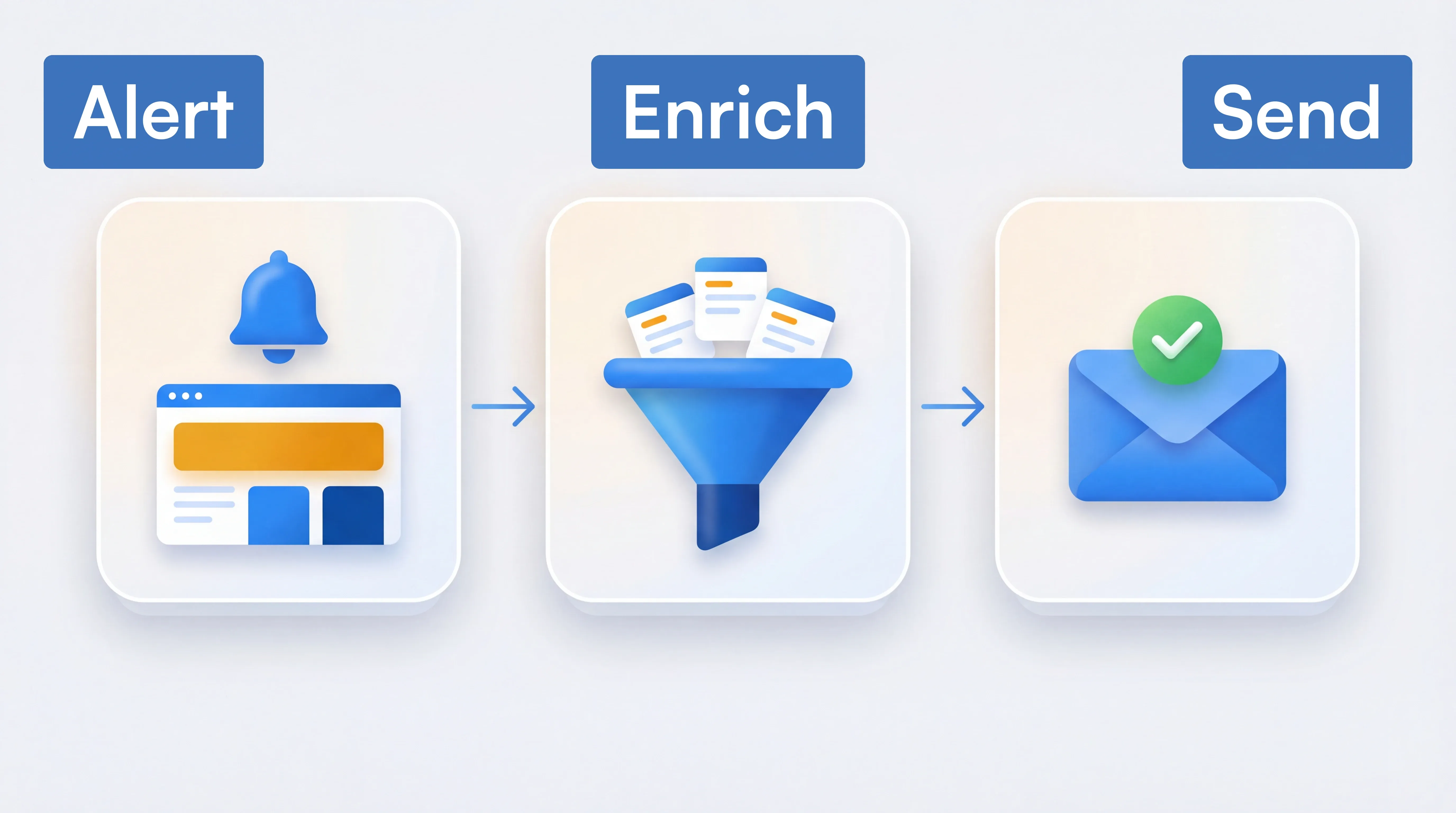
What it does: Monitors 50-100 target account pages (pricing, careers, product). When any target account makes a meaningful change, Clay enriches the company, finds the right contact, drafts a personalized email, and pushes it to your outreach tool.
Setup:
- In Visualping: Create workspaces organized by account tier (Tier 1, Tier 2). Add 2-3 pages per account (pricing, careers, product/features). Set frequency based on tier: daily for Tier 1, weekly for Tier 2.
- Connect workspace webhooks to a Clay table called "Account Signals."
- In Clay: Build the full enrichment waterfall (company from domain, find contact by page type, draft personalized email using the AI change summary).
- Add an integration column to push enriched rows to Outreach, Salesloft, or Apollo as new sequences.
Why it works: Instead of enriching a static account list once and hoping the data stays relevant, you enrich events as they happen. Every outreach message references something the prospect actually did this week.
Industry News Watchlist to Thought Leadership Outreach
What it does: Monitors industry association pages, regulatory bodies, or market leaders. When an industry-level change happens, Clay enriches the alert and helps your team reach out with relevant commentary.
Setup:
- In Visualping: Create a workspace called "Industry Watchlist." Add pages like trade association announcement pages, regulatory body updates, or industry leader newsrooms. Set frequency to daily or twice-daily.
- Connect the workspace webhook to a Clay table called "Industry Signals."
- In Clay: Use the AI column to summarize the industry change and draft a thought leadership outreach angle (e.g., "The new SEC reporting requirement announced today affects mid-market SaaS companies. Here's how we're helping teams like yours prepare.").
- Push to your SDR team's outreach queue or post to a Slack channel for manual review.
Why it works: Your team becomes the first to reference industry changes in outreach. Instead of waiting for a newsletter to report the news, you're already in the prospect's inbox with a relevant take.
Tips for Getting Clean Data
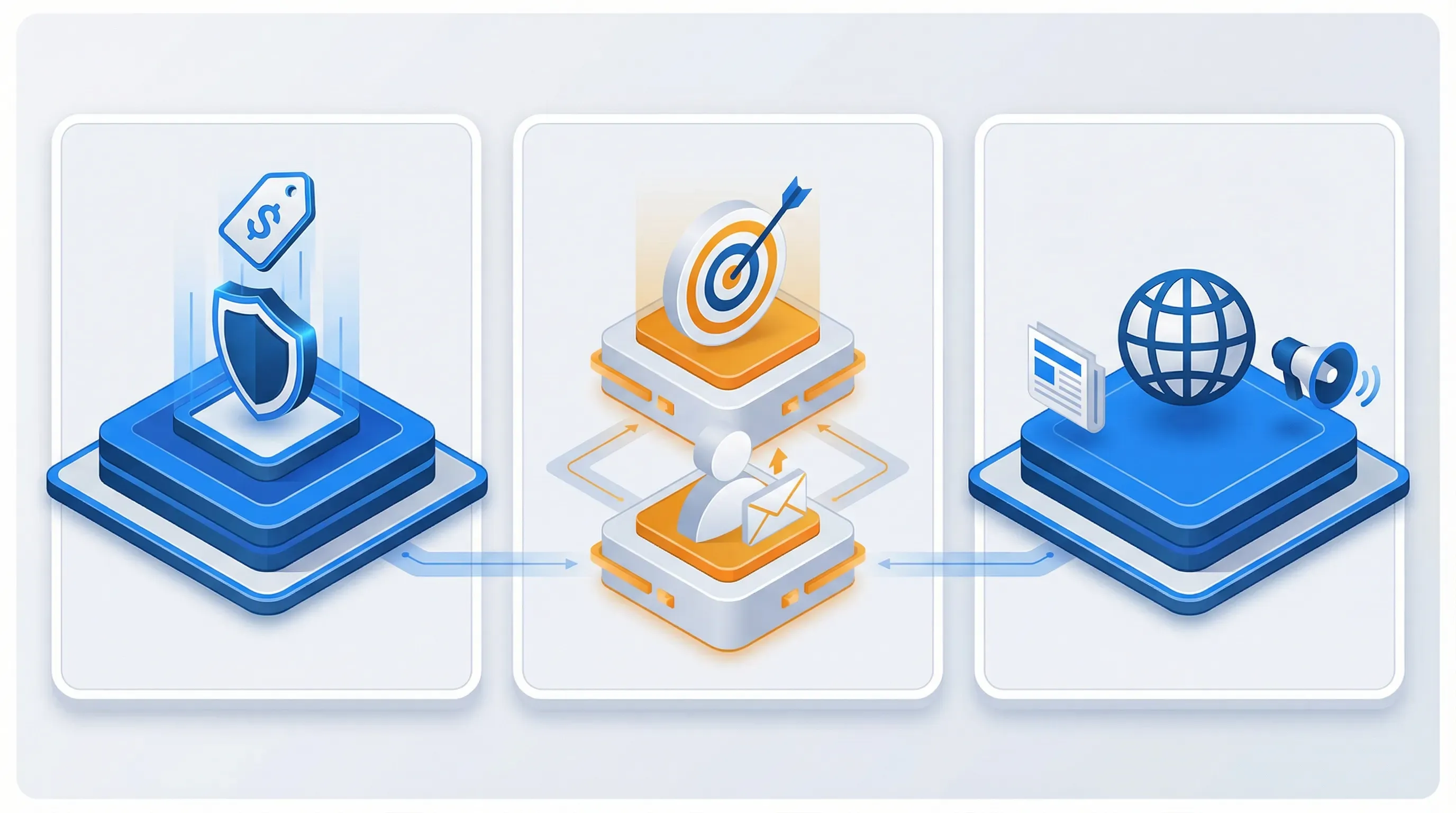
Clay data enrichment is only useful if the signal-to-noise ratio is high. These practices keep your Clay table clean:
Match monitoring frequency to the page's actual update cadence. Pricing pages change monthly or quarterly. Check them daily. Career pages change weekly. Check them twice a week. Checking a quarterly-update page every 5 minutes just wastes monitoring credits.
Use Visualping's AI change summary. AI summaries are enabled on every monitoring job by default. The summarizer field gives Clay a readable sentence like "Added new Enterprise plan at $499/month" instead of raw HTML diffs. This field is what makes the AI outreach draft actually useful.
Filter out low-relevance alerts. Set the change percentage threshold above 5% in your Clay table filter. Footer updates, cookie banners, and copyright year changes typically register under 5%. Meaningful content changes (new pricing tiers, added job listings, product launches) register higher.
Label Visualping jobs by account tier. Use labels like "Tier 1," "Tier 2," or "Competitor" in Visualping. The labels field flows into Clay via the webhook, so you can route high-value alerts to a fast-track enrichment table and lower-priority signals to a weekly review queue.
Organize Visualping workspaces by workflow type. One workspace per Clay table keeps the data clean. "Competitor Pricing" workspace feeds the competitor alert table. "Target Accounts" workspace feeds the outbound enrichment table. Don't mix signal types in the same pipeline.
Go deeper: Competitive Monitoring | Competitive Pricing Analysis
FAQ
Does this integration require Zapier or any middleware?
No. The connection is a direct webhook from Visualping to Clay. Visualping sends a JSON payload to Clay's webhook URL every time a change is detected. No Zapier, Make, or n8n in the middle. This reduces latency and eliminates a point of failure (and a monthly subscription). If you prefer Zapier for other reasons, it works too: use the Visualping trigger with Clay's "Create Record" action.
What Clay plan do I need?
Clay's Free plan lets you experiment with tables, enrichments, and AI columns. Webhook source automation and HTTP API access require the Growth plan or higher. The Clay data enrichment columns (Enrich Company, Find People, AI message writer) consume credits, so a paid plan is practical for production workflows.
What Visualping plan do I need?
Webhooks are available on every Visualping plan, including Free. The free plan lets you test monitoring and email alerts, but webhook delivery requires Business. If you're evaluating the integration, start with email alerts to validate which pages produce useful signals, then upgrade to Business when you're ready to connect to Clay.
How many alerts will I get?
It depends on how many pages you monitor and how often they change. A typical 50-account watchlist monitoring 2-3 pages per account generates roughly 5-20 alerts per week. Over 15,000 Visualping users in a sample of the user base cite competitor monitoring as their primary use case, so the alert volume is well-tested at scale. Competitor pricing pages change less frequently (1-2 per month per competitor). Careers pages change more often. Set your monitoring frequency and change threshold to control volume.
Can I use this with HubSpot instead of Clay?
Yes. The Visualping webhook works with any endpoint that accepts JSON, including HubSpot workflows. The webhook payload is the same. The main difference is that Clay gives you the enrichment waterfall (company lookup, contact find, AI message draft) in the same table, while HubSpot requires separate workflow steps for each enrichment action.
What if I want to monitor hundreds of pages?
Visualping's Business and Enterprise plans support high-volume monitoring. For large-scale Clay data enrichment watchlists (500+ pages), use workspace-level webhooks to batch alerts into a single table, then use Clay filters and formulas to route signals by account tier or page type. Visualping's API also supports programmatic job creation if you want to auto-generate monitoring jobs from a CRM export.
Start Building Event-Driven Enrichment
Static lists get stale the moment you import them. A Clay table enriched from a CSV tells you what a company looked like when you pulled the data. It tells you nothing about what happened since.
Website change signals keep your Clay data enrichment current. Every alert is a new event, enriched in real time, with context that makes outreach specific. "I see you're a 200-person SaaS company" becomes "I noticed you just added an Enterprise tier to your pricing page this week."
If you're building Clay workflows and want a new trigger source that nobody else in your prospect's inbox is using, website change signals are it. Most intent data providers focus on what companies research. This captures what they do.
Want to monitor web changes that impact your business?
Sign up with Visualping to get alerted of important updates from anywhere online.
Eric Do Couto
Eric Do Couto is the Head of Marketing at Visualping. He leads content strategy, growth operations, and brand positioning for website change detection.
More articles by Eric Do Couto