10 Best AI Tools for Product Managers in 2026
Updated July 15, 2026

Product managers in 2026 spend less time typing and more time deciding. The PM stack has shifted from Jira + Notion + a stack of tabs to a mesh of AI copilots that draft PRDs, cluster customer interviews, auto-schedule deep work, generate prototypes from a sentence, and watch the market so you don't have to. A 2024 survey of 500+ product professionals by Test Double found 65% had already integrated AI into their workflows, and nearly half said it gave them a measurable competitive edge.
At Visualping, we can see this shift in our own usage data. In a sample of about 213 users who self-identify as product managers through our HubSpot-enriched contact records (a subset of our total PM population, not a full census), each active PM runs about 50% more monitors than the typical user and checks them twice as often. The sample is small, but the direction is consistent: PMs in the sample use live web monitoring more aggressively than the median user, and the tools on this list reflect that pattern.
This guide covers the 10 AI tools for product managers we see winning in 2026, across four categories: competitive and market intelligence, documentation and strategy, user research and analytics, and productivity. Nine of these tools help you build better internally. One of them, Visualping, tells you what to build before your competitors ship it.
TL;DR: the 10 best AI tools for product managers in 2026
The best AI tools for product managers in 2026 are Visualping (AI competitor and regulatory monitoring), ChatPRD (PRD generation), Dovetail (user research synthesis), Amplitude AI (product analytics), Notion AI (team docs and summaries), Lovable (no-code prototyping), Perplexity AI (market research), Fathom (meeting notes), Gamma (AI presentations), and Motion (scheduling). Visualping is the only tool on this list built for external market intelligence. The other nine handle the internal product workflow.
Top pick by use case:
- Competitive intelligence and regulatory monitoring: Visualping
- PRD writing: ChatPRD
- User research synthesis: Dovetail
- Product analytics: Amplitude AI
- Team docs and summaries: Notion AI
- No-code prototyping: Lovable
- Market and technical research: Perplexity AI
- Meeting notes and action items: Fathom
- AI-generated presentations: Gamma
- Auto-scheduling and focus time: Motion
Most PMs run 4 to 6 of these tools in parallel across the product lifecycle. Start with the one that solves the problem that ate the most of your week last week, then add the rest as the workflow proves itself.
How we picked these 10 tools
We shortlisted tools that showed up across multiple 2026 PM listicles, including Builder.io's top 10, ProductSchool's top 21, Figma's 13 top tools, and Aakash Gupta's $28K test of "every AI tool for product managers". We cross-referenced them against the Google AI Overview that appears for this keyword, and added one category every other list ignores: external market intelligence, or competitive intelligence as it is known inside the discipline. Then we filtered for tools we have used inside Visualping or seen customers use in real workflows.
Our selection criteria:
- Actually shipping in 2026. Real product, not a demo or waitlist. Every tool on this list has a public pricing page and an active user base.
- Low friction for a PM. You should be able to get value inside a single afternoon, without an engineering ticket.
- Integrates with the PM stack. Jira, Linear, Notion, Slack, Figma, or common data warehouses.
- Category coverage. The ten tools together span research, docs, prototyping, analytics, scheduling, and market intelligence, so one stack covers the whole PM lifecycle.
- A Visualping angle, where relevant. We are biased toward tools that play well with live web monitoring, which is how most PMs we talk to want their competitive intel delivered.
We dropped a few tools that made last year's list but no longer fit the 2026 canonical set, including BuildBetter, Productboard (still a strong platform but not really an "AI tool" category in 2026), and airfocus.
Disclosure: Visualping is our product. We put it first because no other tool on this list covers competitive and regulatory monitoring, a category every other PM tools listicle ignores. For PRD writing specifically, ChatPRD is the stronger pick. For user research synthesis, Dovetail. For product analytics, Amplitude AI. VP fills the external-awareness gap: what competitors ship, what regulators publish, how pricing moves. Each tool below includes a Limitations section where we name where it falls short, including ours.
Quick comparison table of the 10 AI tools for product managers
| Tool | Best for | Free plan | Starting price | Standout feature |
|---|---|---|---|---|
| Visualping | Competitor and regulatory monitoring | Yes (free tier: 150 checks/mo, 5 pages) | $10/mo | AI change summaries with IMPORTANT flagging |
| ChatPRD | PRD generation | Free trial | $5/mo | Turns meeting transcripts into structured specs |
| Dovetail | User research synthesis | Free (limited) | $29/user/mo | Auto-tags and clusters interview transcripts |
| Amplitude AI | Product analytics | Yes (starter) | Custom | Natural language queries over behavioral data |
| Notion AI | Docs and summaries | Included w/ Notion | $10/mo add-on | In-context Q&A over your workspace |
| Lovable | No-code prototyping | Free tier | $20/mo | Text-to-working-app in minutes |
| Perplexity AI | Market research | Yes | $20/mo Pro | Cited answers with live web data |
| Fathom | Meeting notes | Yes (unlimited) | $24/user/mo | Real-time transcription + action items |
| Gamma | Presentations | Yes (limited) | $10/mo | AI-generated slide decks from a prompt |
| Motion | Scheduling | 7-day trial | $19/mo | Auto-schedules tasks around meetings |
Pricing is a floor and changes often, so treat these as a starting point and verify on each tool's site before a purchase decision.
Visualping: AI competitor and regulatory monitoring
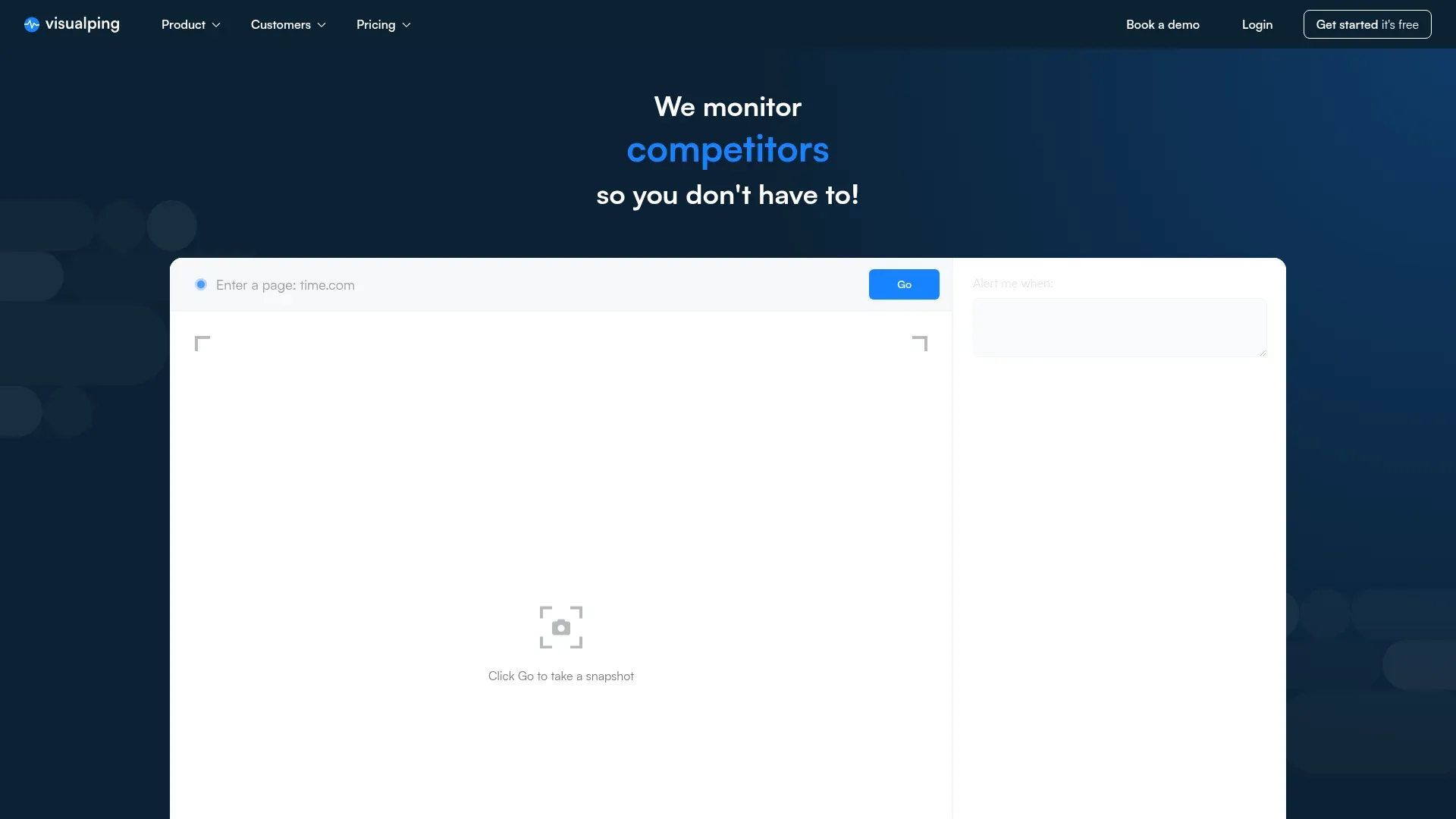
Every other tool on this list helps you build faster. Visualping is the only one that tells you what to build before your competitors ship it.
Visualping is an AI-powered page monitoring agent (also known as a website monitoring tool) trusted by teams at 85% of Fortune 500 companies (see the customer logos on our homepage). It watches any web page, pricing page, product launch, regulatory filing, job board, or help center, and tells you the moment something meaningful changes, with an AI-generated summary of what shifted and a binary IMPORTANT flag so you know what needs your attention.
For product managers, that turns manual tab-switching and weekly competitive reviews into a Slack message. When a rival publishes new pricing, adds a feature to their help center, or posts a "We're hiring 20 machine learning engineers" req, you get alerted with a before/after screenshot and a plain-English summary.
Best for
Product managers who need competitive intelligence, market research, and regulatory tracking without hiring an analyst. Especially useful when you ship into a category with fast-moving rivals or regulated markets.
Key features
- AI change detection with summaries. Every detected change is analyzed by an LLM and converted into a plain-English summary. A binary IMPORTANT flag tells you whether the change is something you should act on or something you can file away. In a 3-month sample window (December 2025 to March 2026), the AI layer processed roughly 4.5 million page analyses across active customer monitors, filtering routine edits so you only get alerts that matter. (See our post on how Visualping AI filters noise and flags what matters for the logic behind it.)
- Works on any public web page. No API required, no engineering involvement. Paste a URL, pick a check frequency, done.
- Check intervals from 5 minutes to daily. PMs on the platform run 50% more monitors than the average user and check them twice as often (53% sub-hourly vs. 27% platform-wide, based on our April 2026 usage snapshot).
- Screenshot diff with OCR. You see exactly what changed visually, with the modified text highlighted on the page.
- Scales to enterprise. Our customer data from 12,000 tracking jobs shows teams monitor anywhere from 5 to 5,000 competitor URLs at a time.
- Integrates with Slack, Teams, Zapier, and native webhooks. Pipes alerts wherever your PM team already lives.
- Custom AI prompts per monitor. Write a prompt per page to flag only the changes you care about, so a pricing page alert is different from a careers page alert.
- Team features. Shared workspaces, comments on changes, and role-based access so product marketing, compliance, and product teams all stay in the loop.
What PM users actually set up on Visualping
The most useful answer we can give a PM asking "what should I even be monitoring?" comes from the monitors other PM-adjacent users have already built. We pulled a sample of 15,441 Visualping users who declared "competitor monitoring" as their primary use case at signup, then ran AI inference over the pages those users had set up to bucket them by content type.
Here is the breakdown from that sample:
- Pricing pages: 4,938 monitors (the #1 category by a wide margin)
- News and press mentions: 2,711 monitors
- Government, legal, and compliance filings: 1,246 monitors
- Jobs and hiring pages: 793 monitors
- Finance and investor relations: 579 monitors
- Real estate listings: 322 monitors
- Software changelogs and API docs: 196 monitors
These numbers come from one sample of self-identified competitor trackers, so read them as a directional signal rather than a population-wide census. The shape is consistent across every cut we have looked at: pricing is always #1, news is always in the top three, and the long tail is dominated by regulated-industry and talent-market signals. If you are a PM setting up your first five monitors, a reasonable starting stack is pricing pages for your top two competitors, one competitor news source, your most relevant regulatory or standards page, and the highest-value feature or product page you would regret missing.
Inside the same sample, PMs check their monitors about twice as often as the typical Visualping user (53% of their checks run at sub-hourly intervals compared with 27% across the rest of the platform). That mirrors how fast modern product categories move and why the "every 2-3 weeks" competitive review rhythm is breaking.
For the full methodology, see our guide to tracking competitors in real time. For concrete tactics beyond monitoring, we also wrote up 6 smart tactics for gathering competitive intelligence.
One retail PM told our sales team, "Because I'm the product manager for dedicated servers, I can say that for us we are comparing ourselves mostly to a company called OVH, and Visualping is how we track them." At the enterprise end, we've seen a single compliance customer describe 25 product managers monitoring "a range of products" through a shared Visualping workspace.
Pricing
Free tier includes 150 page checks per month across 5 monitored pages. Paid plans start at $10/month billed annually (Starter: 1,000 checks/month across 10 pages, 15-minute minimum interval) and scale up to enterprise Solutions tiers from $3,000/year. See pricing here.
Limitations
Visualping watches public web pages, so anything gated behind a login (a private beta, a closed competitor dashboard, a competitor's internal LMS) is outside its scope. For those, you need a human walking through the flow. And like any AI summarizer, the IMPORTANT flag still benefits from a PM quickly glancing at the diff for high-stakes pages. If you want to compare Visualping to adjacent tools, we wrote a full breakdown of the 7 best AI page monitoring agents in 2026.
Read our full guide to AI-powered competitor analysis tools, browse 27 competitive intelligence sources worth monitoring, review the 15 best free competitor analysis tools if budget is tight, or see how a PM at Berkley Insurance built her entire competitive review process around Visualping in this customer story.
ChatPRD: Automated PRD generation
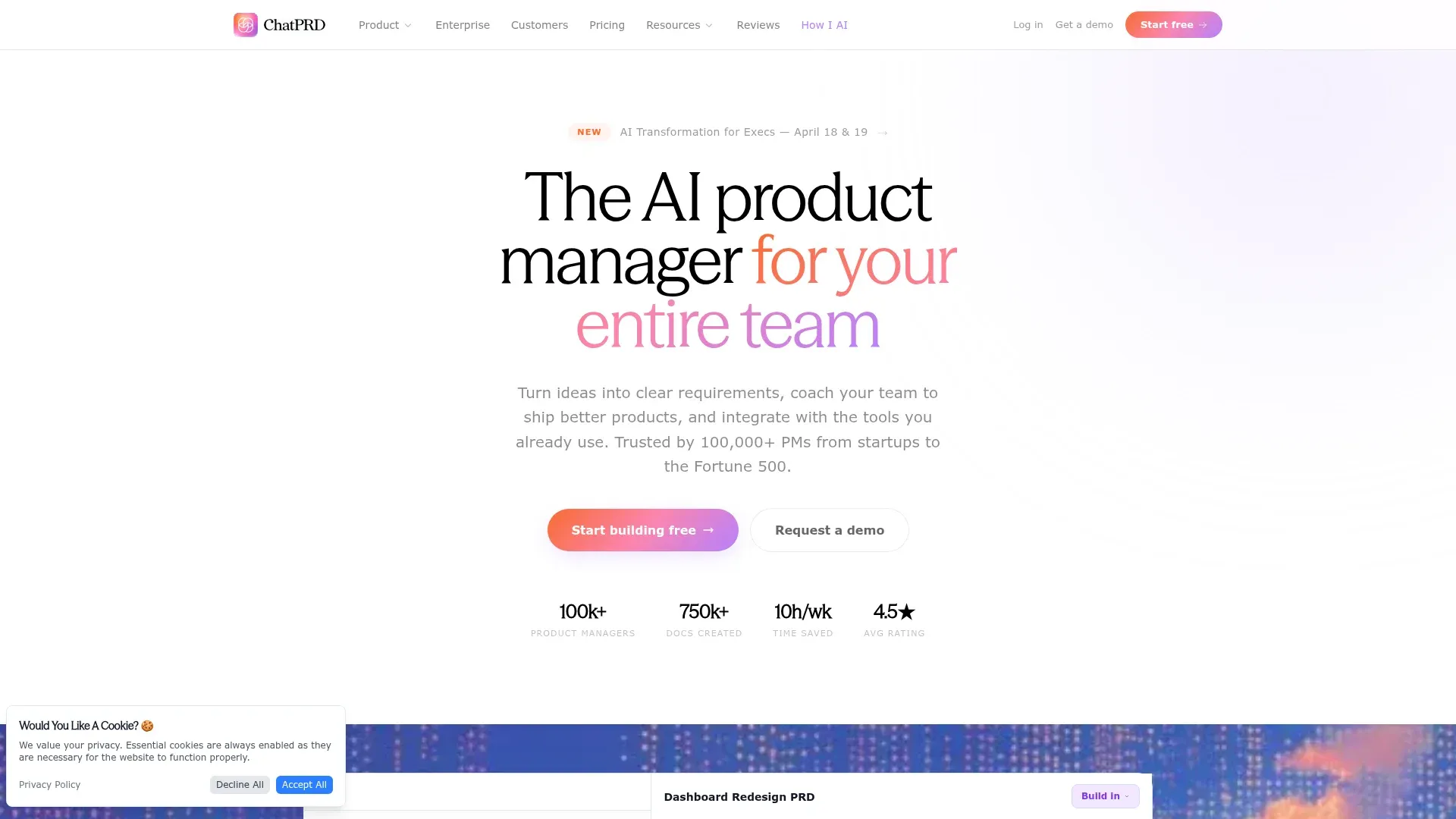
Writing a PRD from a blank page is one of the few PM tasks that still feels like a slog in 2026. ChatPRD is an AI assistant purpose-built to remove that slog. You feed it a feature idea, meeting notes, user stories, or even a raw conversation, and it produces a structured PRD covering problem statement, goals, user needs, functional scope, and success metrics.
ChatPRD shows up on nearly every 2026 PM tools listicle (Builder.io, ProductSchool, Figma, Lenny's Newsletter) because it leans all the way into the PRD workflow rather than being a general-purpose writing tool with a product spin.
Best for
PMs who write a lot of PRDs and want a faster first draft. Especially useful for teams where multiple PMs need the same house PRD format.
Key features
- Dynamic PRD drafting. Pass a feature brief or a transcript, get a first draft with sections for goals, user stories, functional specs, and metrics.
- Transcript integration. Feed a meeting recording or email thread, and ChatPRD pulls the decisions and requirements into the doc automatically.
- House style learning. You can upload past PRDs as examples so new drafts match your team's format.
- Integrates with Slack, Linear, and Notion. Fits into the PM stack most teams already use.
Pricing
ChatPRD has a free trial. Paid plans start around $5/month for individuals and scale for teams. Verify on the ChatPRD pricing page before buying.
Limitations
Like any AI writing tool, the output needs a human pass. Expect to rewrite roughly 30% of what ChatPRD produces, especially the metrics section and anything tied to unique business context. Treat the first draft as a jump-start that still needs your product judgment layered on top.
Dovetail: User research synthesis
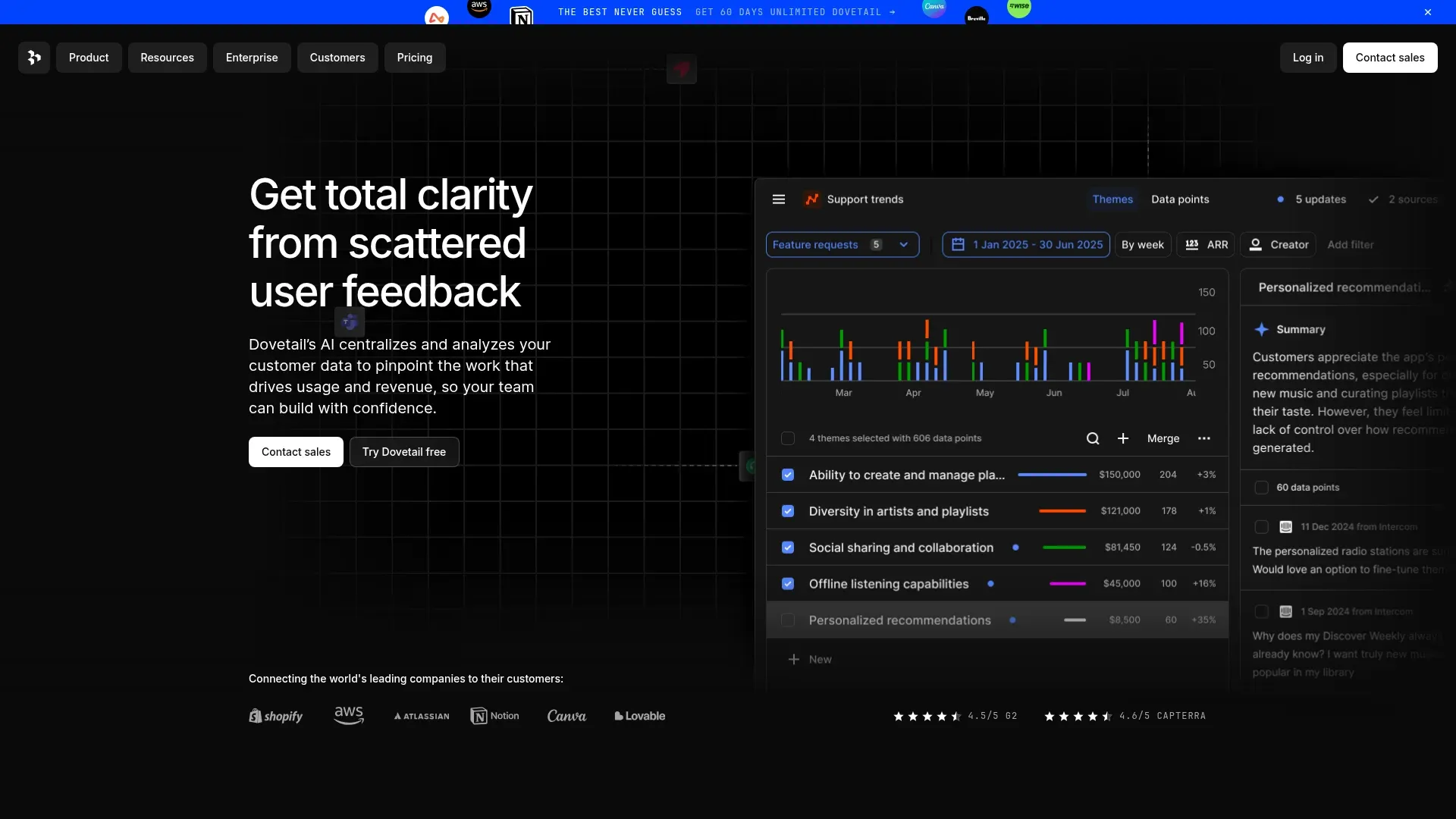
Dovetail replaced BuildBetter on this year's list because the 2026 SERP and the AI Overview both name it as the canonical user research synthesis tool. Dovetail ingests interview transcripts, survey responses, support tickets, and call recordings, then uses AI to tag, cluster, and summarize what users are actually telling you.
For PMs drowning in qualitative feedback from multiple channels, Dovetail is the difference between a 2-day research synthesis and a 2-hour one.
Best for
PMs at teams running continuous user research, especially when interviews and feedback arrive from multiple sources (Zoom, Gong, Intercom, Zendesk, CSV exports).
Key features
- Auto-transcription and tagging. Upload a recording, get a searchable transcript with AI-suggested tags that you can accept, edit, or reject.
- Theme clustering. Dovetail's AI groups related quotes across projects into themes, so you can see how often a pain point surfaces across interviews.
- Canvas synthesis. A visual workspace to drag quotes onto a board, build affinity diagrams, and turn research into a narrative you can share with engineering, design, and your exec sponsor.
- Integrations. Slack, Notion, Jira, Miro, and a solid API.
Pricing
Free plan with limited projects and minutes. Paid plans start at $29/user/month for individuals and scale for teams. Check Dovetail's pricing page for current tiers.
Limitations
The AI tagging quality is only as good as your transcripts, so cleaning audio is still on you. And Dovetail is a synthesis tool, not a recruitment tool, so you still need a separate path (User Interviews, Respondent, or a waitlist) to find people to talk to.
Amplitude AI: Product analytics with AI insights
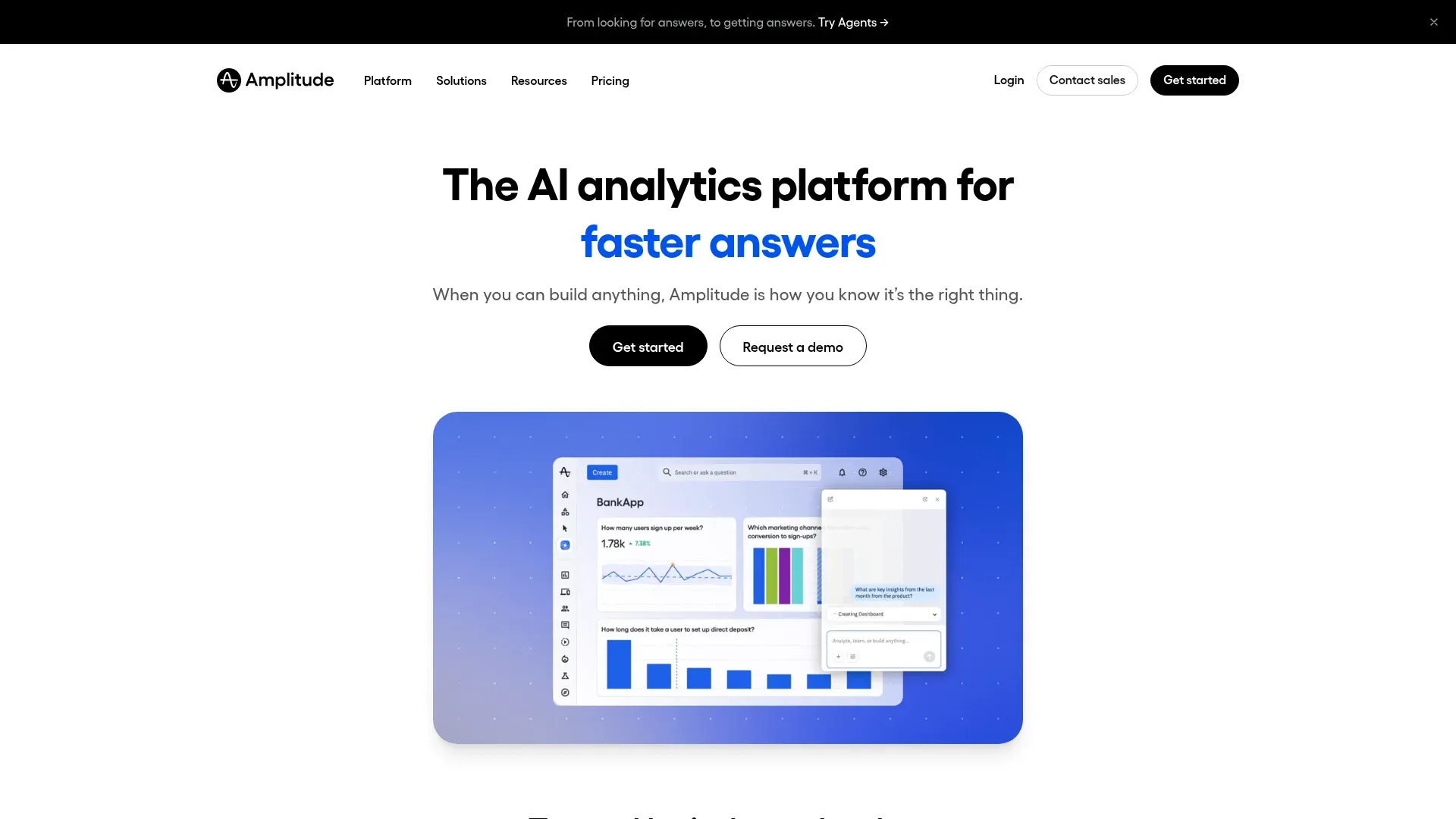
Amplitude has been the behavioral analytics platform of choice for PMs for years. The 2026 upgrade is Amplitude AI, a natural-language interface that lets you query your behavioral data by asking questions, rather than building funnels and cohorts from scratch.
Amplitude AI shows up in 4 of the 6 top-ranking 2026 listicles for this keyword, which matches what we hear from PMs we talk to: it is the fastest way to turn "why did retention drop last week" into a real answer without pulling an analyst off another project.
Best for
PMs at teams already running Amplitude or similar event-based analytics, who want to move faster from question to answer.
Key features
- Ask Amplitude. Natural language queries like "show me churn for Pro users who signed up in March" and get a chart back.
- AI-generated insights. Amplitude surfaces unusual patterns on its own, without you building a dashboard for them first.
- Experiment recommendations. Suggests which metrics to track for a new A/B test based on the feature's user flow.
- Solid integrations. Pulls from Segment, Rudderstack, native SDKs, and pipes to Slack, Jira, and Notion.
Pricing
Amplitude has a generous starter tier (free up to 10M actions/month). Paid plans are custom quote, which is corporate-speak for "it depends on your event volume." Expect sticker shock if you are at scale.
Limitations
Amplitude AI is only as useful as your event tracking. If your event taxonomy is a mess (and at most startups it is), the AI will confidently give you wrong answers. Audit your tracking plan before you lean on it.
Notion AI: Knowledge management and docs
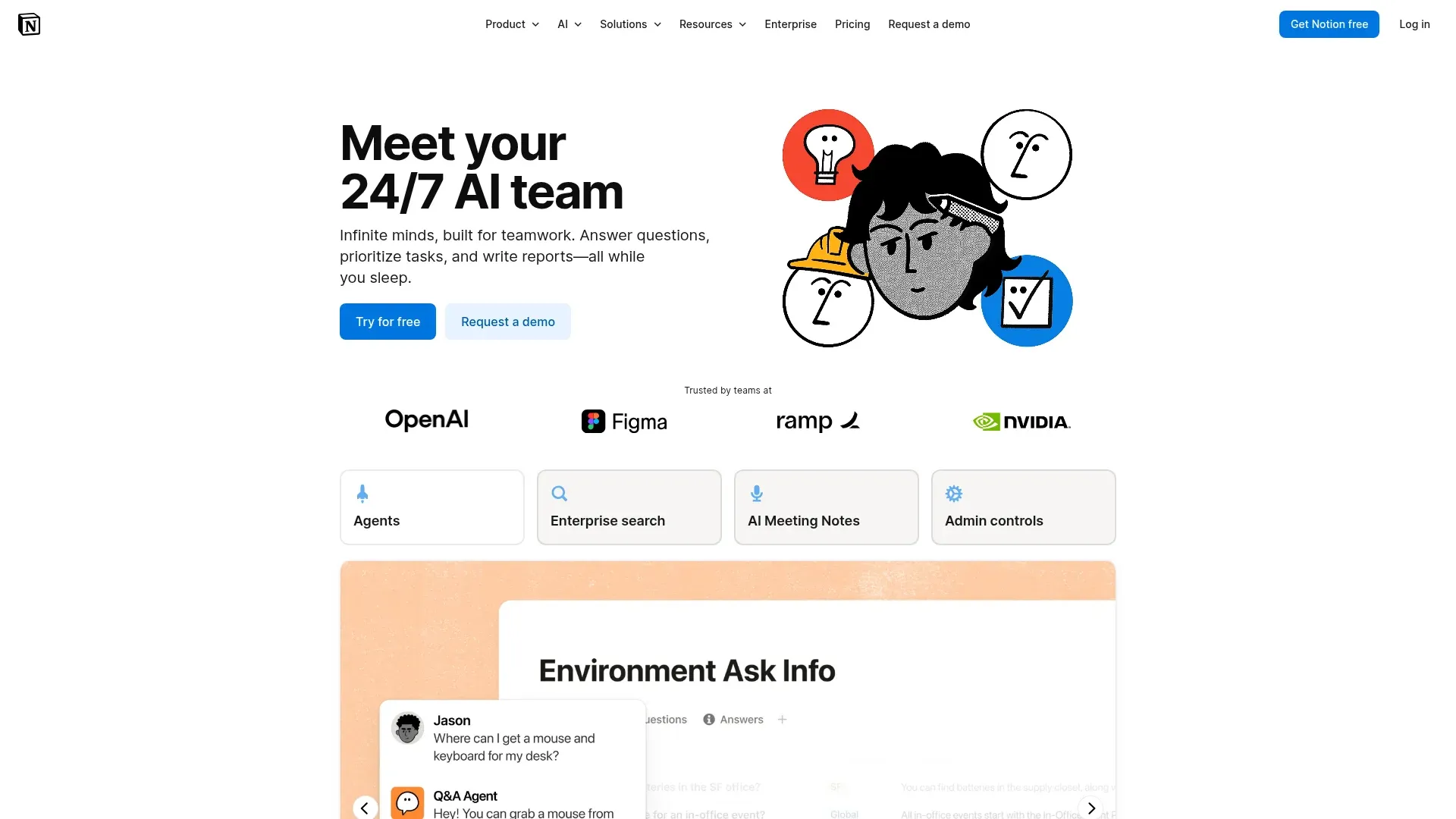
If your PM team already lives in Notion, Notion AI is the lowest-friction upgrade on this list. It is a $10/month add-on that injects AI into every block: summarize a long research report, draft a product brief, brainstorm feature angles, and answer questions using your workspace as context.
Best for
Teams already using Notion as their wiki and PRD home. Notion AI has no real setup cost because the knowledge base is already there.
Key features
- In-context Q&A. Ask questions over your team's Notion workspace and get answers cited to specific pages. Great for "what did we decide about the payment flow in Q4?"
- Doc drafting. Generate first drafts for product briefs, release notes, OKRs, or meeting agendas from a prompt.
- Summarization. Paste a long research doc and get a bulleted takeaways list.
- Brainstorming. Ask for 10 feature angles, 5 user personas, or 20 edge cases for a spec.
Pricing
$10/user/month on top of a standard Notion workspace plan. The lowest-friction upgrade in this whole list if you are already on Notion.
Limitations
Notion AI is useful across the PM workflow, but a stronger tool exists for every specific job. ChatPRD writes better PRDs, Dovetail clusters feedback better, and Perplexity does deeper research. The trade-off is depth: specialized tools out-perform Notion AI on their home turf, while Notion AI wins on convenience because the knowledge base is already in your workspace.
Lovable: AI prototyping assistant
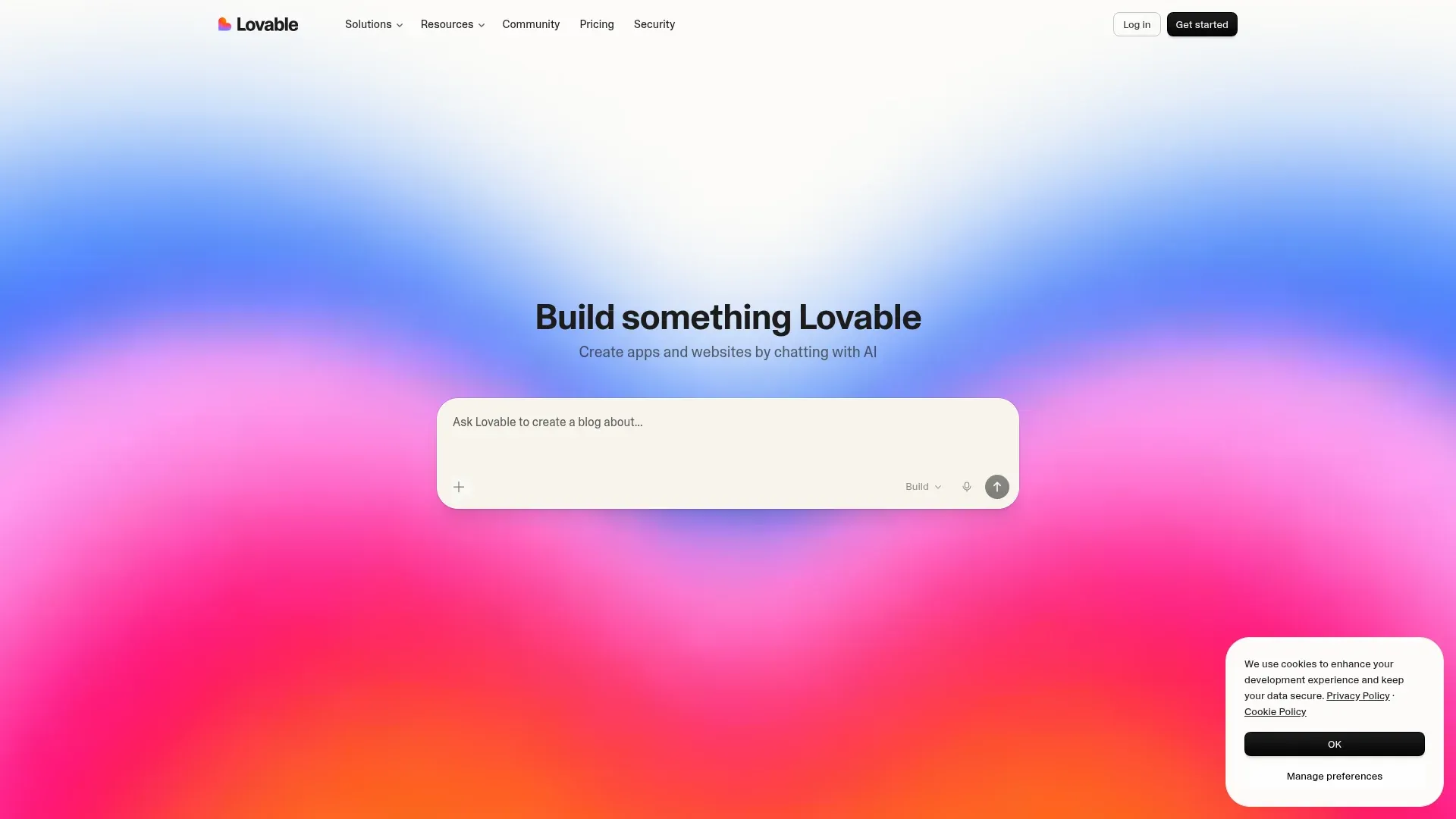
Lovable (lovable.dev) is the tool to use when you want a working prototype without pulling engineering off the critical path. You describe the app in plain language and Lovable generates a full-stack prototype, frontend, backend, database, deployed and clickable in minutes.
Lovable shows up on the ProductSchool, Figma, and Lenny's Newsletter 2026 lists, alongside Bolt and v0 as the canonical "text-to-app" trio.
Best for
PMs who want to validate an idea with a working prototype before writing a single line of a PRD. Also useful for internal tools and demos for executive buy-in.
Key features
- Text-to-prototype. Describe the app in a sentence or two, get a working prototype in minutes.
- No coding required. Lovable handles the frontend, backend, database, and deployment for you.
- Rapid iteration. Tweak the description, regenerate, compare variants side by side.
- Shareable demos. Send a live URL to execs, designers, or partner teams for feedback, no install required.
Pricing
Free tier for hobby projects. Paid plans start around $20/month and scale with usage. Verify on lovable.dev.
Limitations
Lovable prototypes are production-shaped, but they are not production-ready. Anything you ship to real customers will still need engineering hardening: accessibility, performance, security, proper auth, error handling. Treat Lovable output as a prototype that happens to run. Shipping to real users is a separate lift with its own timeline.
Perplexity AI: Market and technical research
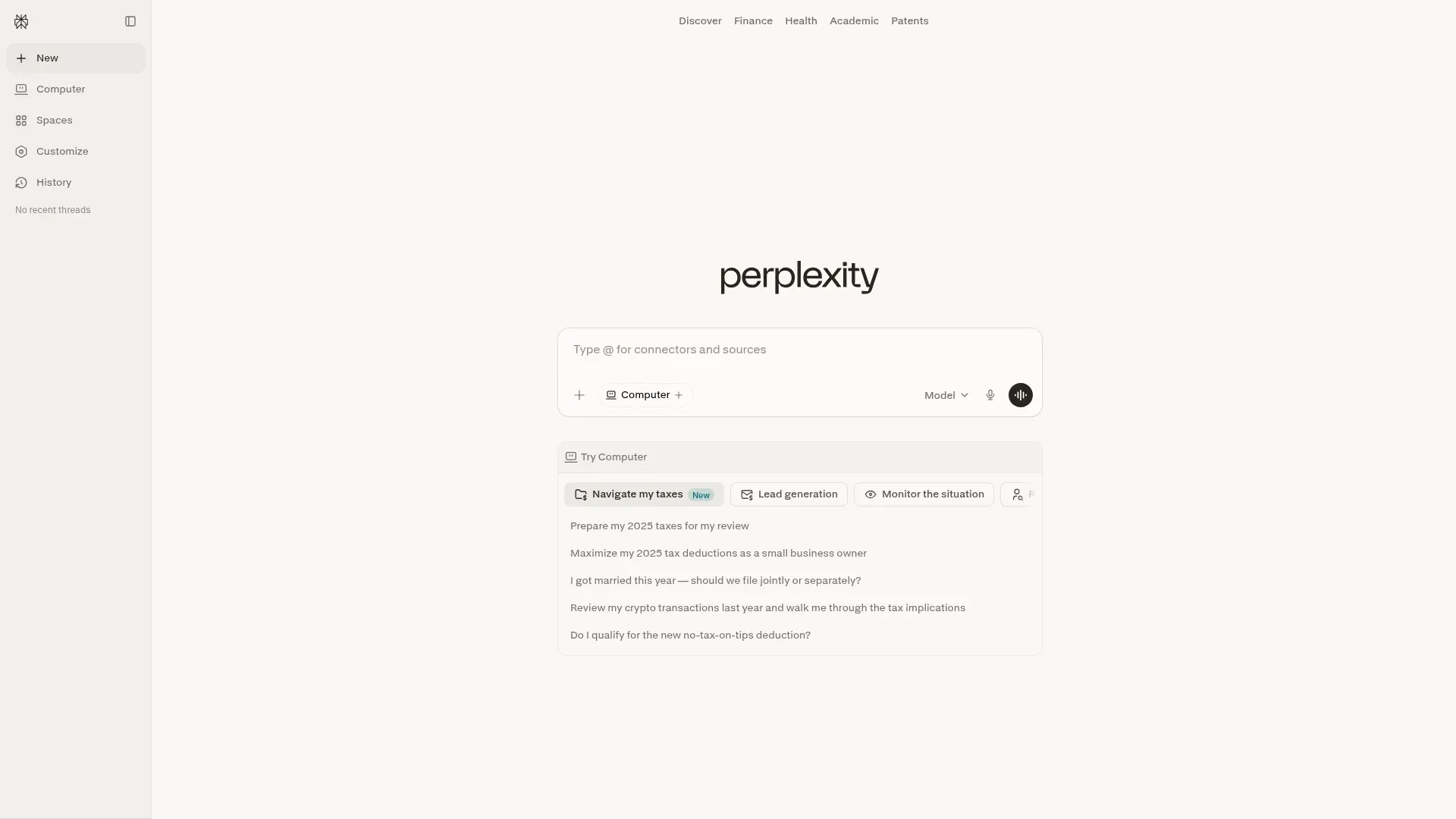
Perplexity is a research-focused AI search engine that answers questions with cited sources. For PMs who need to get up to speed on a new market, a new competitor, or a new technical concept without burning three hours on Google, it is the single best time investment on this list.
Best for
Research-heavy PM tasks: market sizing, competitor maps, persona research, technical concept briefings, trend analysis.
Key features
- Cited answers. Every response lists its sources inline, numbered, right next to the claim they support, so you can click straight through to verify or read further.
- Live web data. Pulls from recent articles, reports, and databases, not a 2023 training cutoff.
- Focus modes. Restrict the answer to academic papers, forums, or specific domains for more targeted research.
- Collections. Save threads by project so your research from last month's roadmap work is still there.
Pricing
Free tier with daily query limits. Perplexity Pro is $20/month for unlimited queries and access to frontier models.
Limitations
Perplexity answers are only as good as the sources it finds. For paywalled research (Gartner, Forrester, most analyst reports), it will cite blog recaps rather than the original. And it still hallucinates occasionally on niche technical questions, so verify before citing in a spec.
Fathom: AI meeting notes and action items
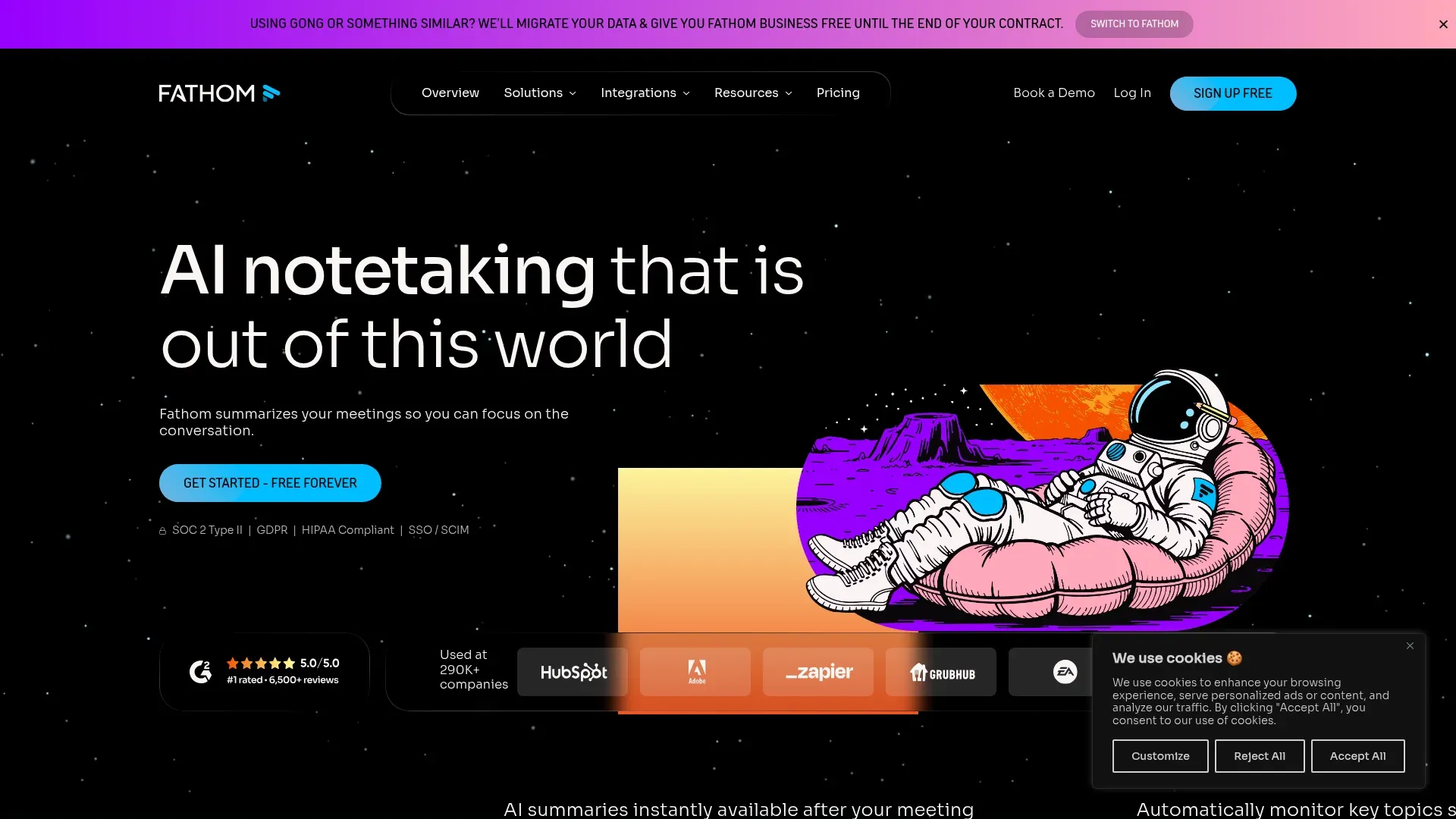
PMs live in meetings. Fathom is the AI meeting assistant that joins your Zoom, Google Meet, or Microsoft Teams call, transcribes it, summarizes what was discussed, and pulls out action items automatically. Fathom shows up on every 2026 PM tools listicle we audited for one reason: the free tier is useful on its own, with unlimited recording for individuals rather than a demo cap.
Best for
PMs in customer discovery interviews, cross-functional reviews, and sprint planning where manual note-taking is a tax on the conversation.
Key features
- Live transcription in 20+ languages. See the current supported-languages list on Fathom's site; English, Spanish, French, German, Portuguese, Japanese, and Mandarin all supported on the free tier.
- AI summaries. After each call, Fathom posts a summary with key decisions, follow-ups, and a highlight reel.
- Action item extraction. Tasks mentioned in the meeting ("Alice will create wireframes") are pulled into a list you can send to Jira or Notion.
- Shareable transcripts. Send a summary to anyone who missed the meeting so they stay in the loop.
Pricing
Free tier includes unlimited recording and transcription for individuals, which is rare. Team plans start around $24/user/month.
Limitations
Fathom needs permission to join the call, which is fine for internal meetings and most customer interviews but can be a hard no in regulated industries or with highly sensitive customers. For those cases, a fully offline note-taker or a human is still the answer.
Gamma: AI-generated presentations
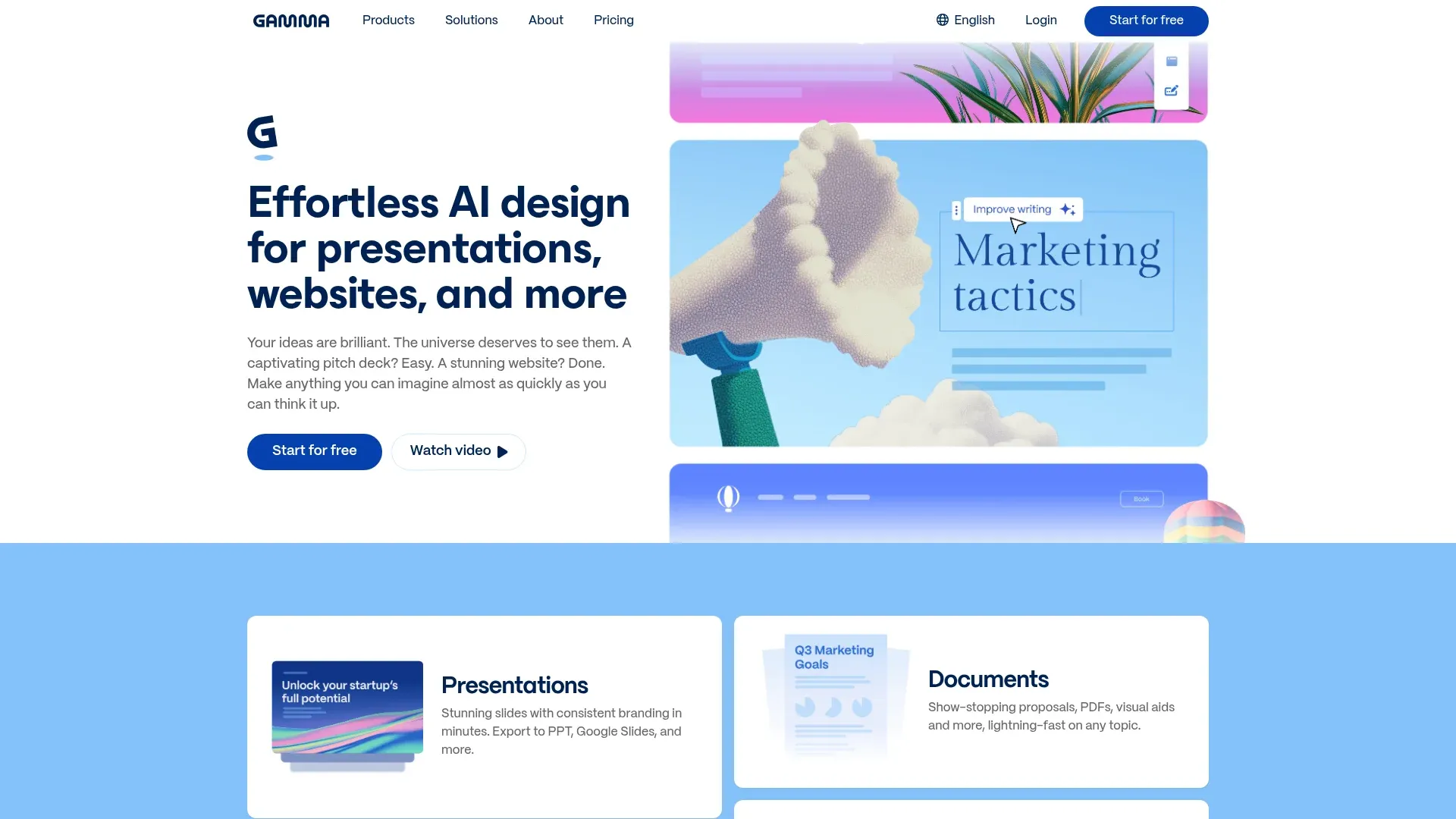
Slide decks are a tax PMs pay every week, for roadmap reviews, customer calls, board updates, and executive reviews. Gamma generates a fully-formatted slide deck from a prompt in about 30 seconds, then lets you refine it in a simple block editor. It replaces PowerPoint and Google Slides for most internal PM use cases.
Best for
PMs who need to turn a doc into a deck (or a deck into a doc) quickly, without a designer.
Key features
- Prompt-to-deck. Describe the topic and audience, get a formatted deck with headings, bullets, and AI-generated images.
- Flexible editor. Drag blocks, rearrange sections, or rewrite with AI commands.
- Interactive elements. Embed charts, videos, and live content without leaving the deck.
- Export. Download as PDF, PowerPoint, or share a live web link.
Pricing
Free plan with limited decks and a Gamma watermark. Paid plans start at $10/month to remove the watermark and unlock more AI generations.
Limitations
Gamma decks look generic if you do not customize the theme. They are great for internal updates but less great for high-stakes external decks where brand polish matters. For an investor pitch, you still want a designer.
Motion: AI-powered scheduling
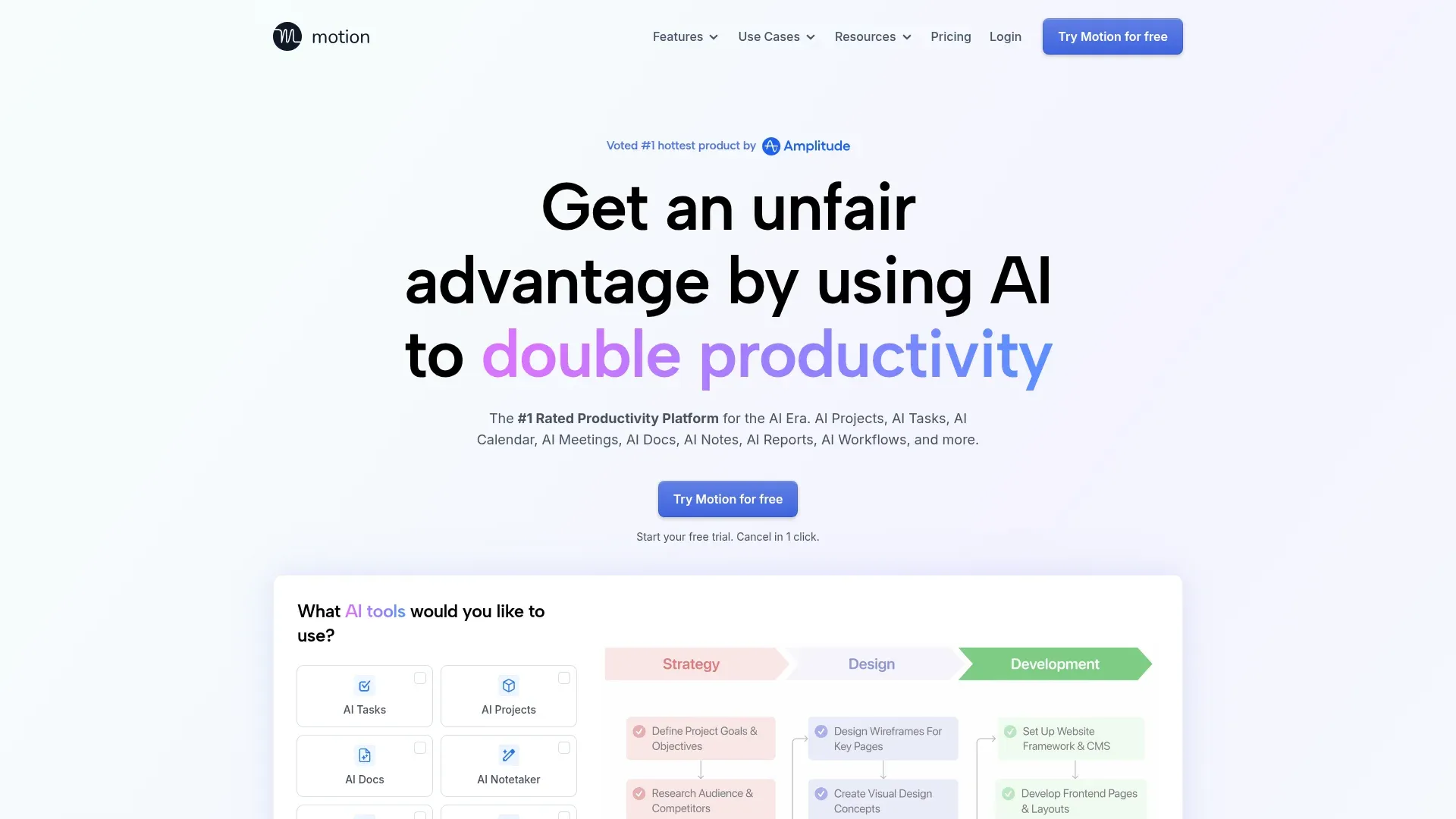
Motion is a scheduling app that uses AI to auto-arrange your tasks around your meetings. You drop in tasks with estimates and deadlines, and Motion finds the time to do them on your calendar. It shuffles automatically as meetings get added, moved, or canceled.
For PMs whose weeks are 50% meetings, Motion is the one tool on this list that directly gives you time back.
Best for
PMs with packed calendars who keep ending the week surprised that they never got to their most important work.
Key features
- Auto-scheduling. Tasks with deadlines get placed on your calendar automatically, with urgency priority.
- Dynamic re-prioritization. New meetings get added, Motion reshuffles the plan without you doing anything.
- Focus time protection. Carves out dedicated deep work blocks and defends them against meeting creep.
- Integrations. Google Calendar, Outlook, Jira, Asana, and Slack.
Pricing
7-day free trial, then $19/month for individuals or $12/user/month for teams.
Limitations
Motion wants you to model every task with time estimates and priorities, which is a heavy habit to build. If you do not trust the plan, you will ignore it. And for teams that collaborate on overlapping tasks, Motion's individual-first model can feel clunky compared to Jira or Linear.
How to combine these tools: a 2026 PM AI stack
None of these tools replace the others. The PMs on Visualping we talk to most often run 4 to 6 of them in parallel across the product lifecycle:
- Discover phase. Perplexity AI for market research + Visualping for competitor and regulatory monitoring. You map the competitive set once and then watch the 10 to 30 URLs that define the category on autopilot. (Our competitive intelligence industry guide walks through how leading teams structure their monitoring.)
- Define phase. Dovetail for user research synthesis + ChatPRD for writing the spec. You pipe interview clusters from Dovetail into a ChatPRD conversation and let the AI draft the first version of the problem statement.
- Build phase. Lovable for working prototypes + Notion AI for docs. Before you commit engineering time, you validate the flow in a clickable prototype and write the engineering handoff in Notion.
- Measure phase. Amplitude AI for behavioral analytics. Ask questions in natural language, get answers, skip the funnel builder.
- Operate phase. Fathom for meeting notes + Motion for scheduling + Gamma for internal decks. You keep your own week intact and keep execs and partner teams updated without becoming a note-taking service for the org.
The one category missing from every other 2026 PM listicle is external awareness: what competitors ship, what regulators publish, how pricing moves, what hiring tells you. That is the gap Visualping fills, and it is why we put it first on this list. If you want a deeper cut on what to watch, we have dedicated guides on competitor website analysis tools, monitoring competitor Facebook and Instagram ad libraries, and tracking competitor sites in 2026.
5 tips from teams using these tools
- Start with one pain point. Adopt one tool that solves one problem you feel every week. For competitive tracking, that is Visualping. For PRDs, ChatPRD. For interviews, Dovetail. A platform migration is the wrong first move here: it is slow, political, and the payoff is abstract. A single quick win builds team buy-in.
- Train the tools with your history. Every AI tool here improves with context. Upload your past PRDs to ChatPRD, feed Dovetail your existing interview archive, show Notion AI your house style docs. The first week is tuning. Production quality arrives after the tool has learned your team's patterns.
- Pipe AI output into channels people actually read. Visualping alerts to Slack, ChatPRD drafts to Notion, Fathom summaries to Jira tickets. An AI insight that sits in a dashboard no one opens is worth zero.
- Pre-commit to a review cadence. AI summaries and suggestions rot if no one checks them. Put a 15-minute weekly slot on the calendar to review Visualping IMPORTANT alerts, Dovetail theme clusters, and Amplitude anomalies. Without the cadence, the tools become noise.
- Keep a "when not to use it" note per tool. Every tool on this list has a failure mode (see each tool's limitations section above). Write them down so your team knows when to fall back to a human.
Frequently asked questions
What are the best AI tools for product managers in 2026?
The best AI tools for product managers in 2026 are Visualping (AI competitor and regulatory monitoring), ChatPRD (PRD generation), Dovetail (user research synthesis), Amplitude AI (product analytics), Notion AI (team docs and summaries), Lovable (no-code prototyping), Perplexity AI (market research), Fathom (meeting notes), Gamma (AI presentations), and Motion (scheduling). Most PMs run 4 to 6 of these AI tools for product managers in parallel across the product lifecycle, starting with the tool that solves their biggest weekly pain point first.
Are there free AI tools for product managers?
Yes. Visualping, Notion (basic), Fathom, Gamma, Perplexity, and Lovable all offer real free tiers, the kind you can use as your daily driver for months. Visualping's free plan includes 150 page checks per month across 5 monitored pages, Fathom offers unlimited recording for individuals, and Perplexity gives you daily searches with no credit card. Start there and upgrade only when you hit a real limit.
Which AI tool is best for competitive intelligence for product managers?
Visualping is the only tool on most 2026 PM listicles built for competitive intelligence. It watches competitor websites (pricing, product pages, help centers, careers pages, regulatory filings) and sends AI-generated summaries with a binary IMPORTANT flag when something meaningful changes. For deeper strategic analysis beyond monitoring, see our guide to the 10 best AI tools for competitor analysis and our deep-dive on how to monitor competitor websites.
Can AI replace product managers?
No. These tools remove the manual tax (writing first drafts, clustering interviews, tracking competitors) so PMs can spend more time on the parts of the job AI cannot do: judgment calls, cross-functional alignment, customer conversations, strategic tradeoffs. The PMs we talk to who use these tools well treat them like interns, fast, literal, helpful for first drafts, wrong often enough that you always review the output.
What AI tool should a new PM start with?
Of the 10 AI tools for product managers on this list, a new PM should start with Fathom for meeting notes (free, zero friction) and Visualping for competitive monitoring (free, 15 minutes of setup for a quarterly-long payoff). Both cost nothing and give you back time in your first week. Add ChatPRD or Notion AI once you have a PRD-writing workflow worth automating.
How much do AI tools for product managers cost?
Most AI tools for product managers have a free tier and paid plans starting between $5 and $29 per month per user. A typical PM AI stack (Visualping + ChatPRD + Dovetail + Amplitude + Fathom + Motion) runs $80 to $200 per month per PM depending on usage and seat count. Still cheap compared to an hour of PM time, and every tool on the list has a free way to test-drive it before you commit.
How do AI tools for product managers integrate with Jira, Notion, and Slack?
Every AI tool for product managers on this list integrates with at least two of Jira, Notion, and Slack. Visualping sends change alerts to Slack and Teams. ChatPRD writes directly into Notion or Linear. Dovetail, Amplitude, Fathom, and Motion all have native Slack and Jira integrations. The practical test: set up one tool and confirm that the output lands in a channel or tool your team already checks daily. If it requires a new habit, adoption stalls.
What is generative AI for product managers?
Generative AI for product managers is a category of AI tools that produce new content, documents, code, or prototypes from a plain-language prompt. For PMs in 2026, generative AI powers PRD drafting (ChatPRD), user research synthesis (Dovetail), natural-language product analytics queries (Amplitude AI), no-code prototyping (Lovable), AI-generated slide decks (Gamma), and plain-English summaries of competitor website changes (Visualping). The common pattern: you describe what you need, and the tool produces a first draft you then refine with your product judgment.
What is AI competitor monitoring and how do product managers use it?
AI competitor monitoring is the practice of using AI to watch competitor websites, pricing pages, product launches, help centers, and regulatory filings, then flagging and summarizing meaningful changes in real time. Visualping is the tool most PMs on this list use for AI competitor monitoring: it checks pages as often as every 5 minutes, runs every detected change through an LLM to produce a plain-English summary, and applies a binary IMPORTANT flag so a product manager knows which changes need action. Among 15,441 Visualping users who declared competitor monitoring as their primary use case at signup, pricing pages are the top monitored content type, followed by news and regulatory filings.
Can AI write PRDs for product managers?
Yes, but the output needs a human review pass. AI tools like ChatPRD and Notion AI can draft PRDs from a feature idea, meeting transcript, or set of user stories in about 2 minutes, producing structured sections for goals, user needs, functional scope, and success metrics. Expect to rewrite roughly 30% of what the AI produces, especially the metrics section and anything tied to unique business context or internal strategy. Treat the AI output as a jump-start that saves 2 to 4 hours of writing time per spec.
Do product managers need to learn coding to use AI tools?
No. Every AI tool for product managers on this list is designed for non-engineers and works through a chat interface, a URL paste, or a no-code builder. Lovable generates a working prototype from a plain-language description. Visualping monitors a web page when you paste the URL. ChatPRD drafts specs from meeting notes. The one exception is Amplitude AI, which becomes more useful if you understand your event tracking taxonomy, but that is data literacy rather than coding.
Pick a tool and start this week
If you read this list and only remember one thing, make it this: start with the pain point. The stack assembles itself around whichever tool sticks first. Do not adopt 10 tools in 10 days. Pick the one problem that ate the most of your week last week, and pick the tool on this list that solves it.
For competitive and market intelligence, that tool is Visualping. Start monitoring a competitor page for free and you can have a working alert in under 15 minutes. The other 9 tools on this list are excellent, but no other list will put competitive intelligence at the top for you.
The 15 minutes you spend setting up your first Visualping monitor today is the only setup work you will do this week. Watch one competitor page, see what changes in the next 72 hours, and let the rest of your PM AI stack grow from there.
See what competitors ship, as they ship it
Visualping alerts you with an AI summary the moment a competitor changes pricing, launches a feature, or files with regulators. Free tier: 150 page checks per month across 5 pages, no credit card required.
Eric Do Couto
Eric Do Couto is the Head of Marketing at Visualping. He leads content strategy, growth operations, and brand positioning for website change detection.
More articles by Eric Do Couto